Oxygen Analyzer
3–10 4900002239 rev. G 7-11-17
Analog Output Settings (Analogues) Menu
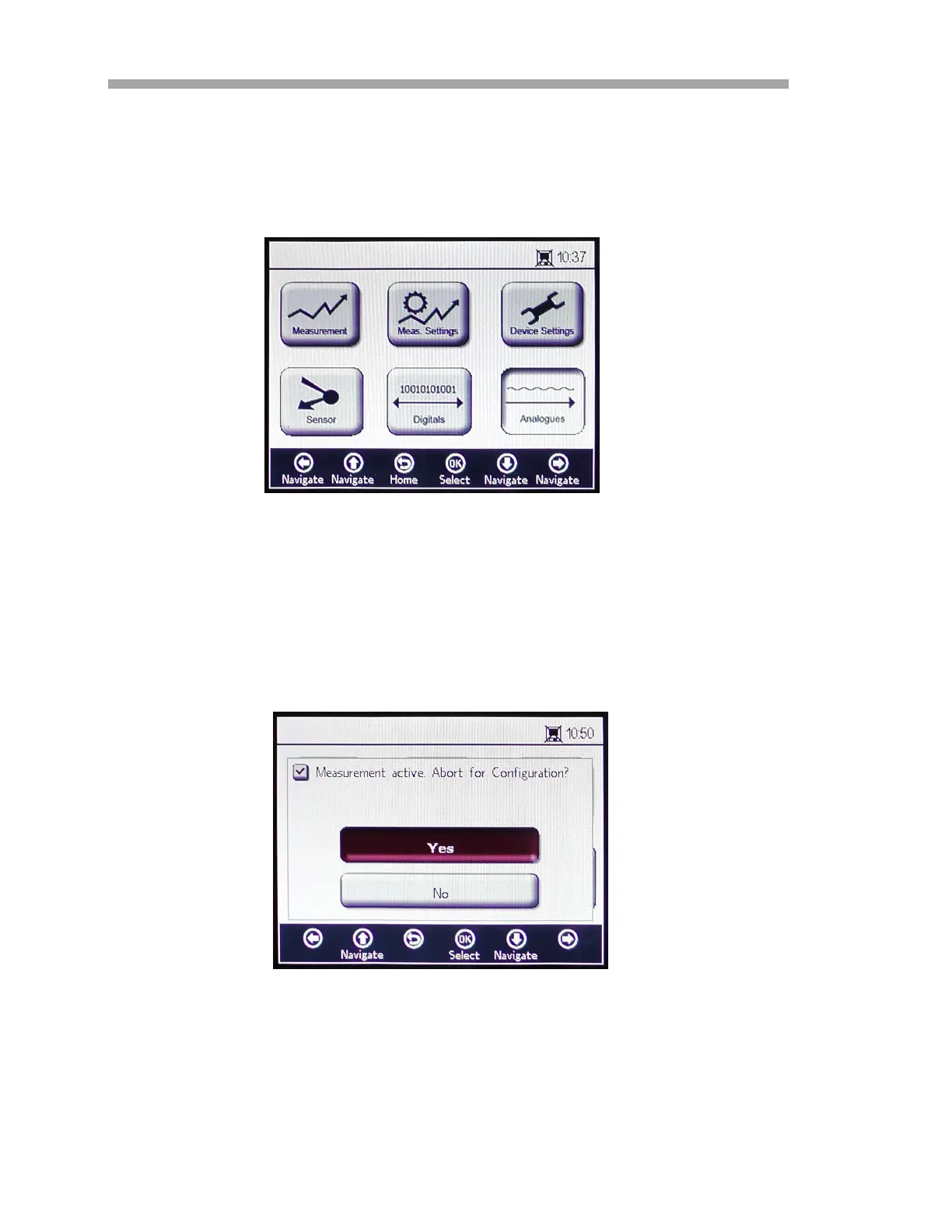
From the MAIN MENU, select Analogues to change the analog output settings.
Refer to Figure 3–13.
Before displaying the ANALOGUES screen, a message window displays
requesting confirmation to abort the currently running operation. Refer to
Figure 3–14.
Select Yes and stop the measurement to proceed with the Analog Output
settings.
Figure 3–13 Main menu screen - Analogues
selected
Figure 3–14 Message window - Stop
measurements during configuration


 To Next Page
 Loading...