Operation
OXY5500 Operator’s Manual 3
–39
• Press to return to Details view.
• Press to return to Simple view.
• Press to return to the MAIN MENU screen.
Device Settings Options
Press the Device Settings button on the MAIN MENU to access the DEVICE
SETTINGS menu, the SENSOR DETAILS screen and the ABOUT screen.
Device settings screen
This screen is used to change the general settings of the OXY5500. Refer to
Figure 3–43. Date, Time and LED Intensity will be saved with every
measurement in the respective measurement file.
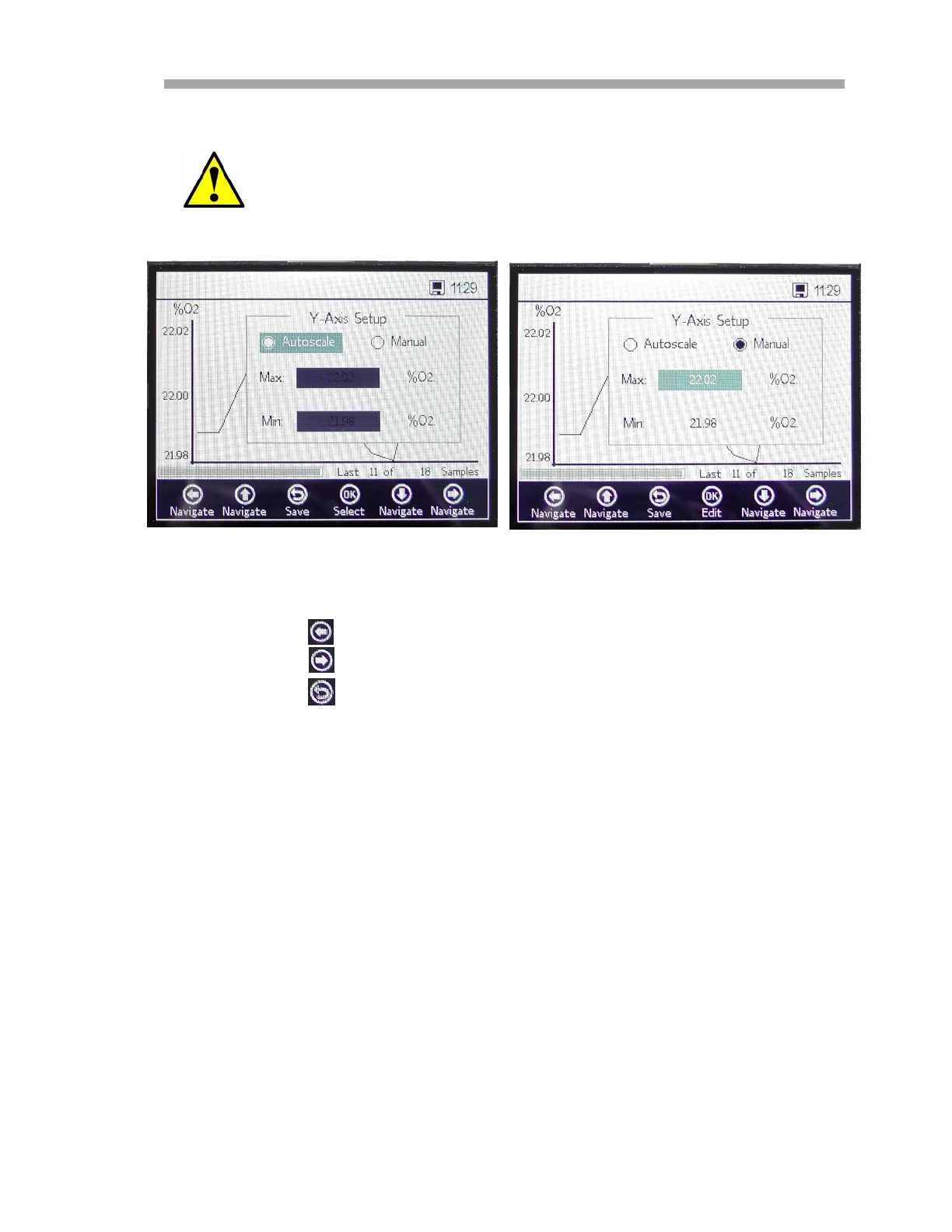
Measurement values outside the set display range will be shown
as maximum or minimum values.
Figure 3–42 Y-Axis setup: Autoscale,
...and Manual setting


 To Next Page
 Loading...