Oxygen Analyzer
3–12 4900002239 rev. G 7-11-17
The display switches to the main measurement screen automatically. Refer to
Figure 3–1.
To achieve a highest accuracy, the OXY5500 should be warmed up for
approximately five minutes before taking a measurement.
After the warm-up, complete a field calibration to achieve accurate
measurements. Two standards are required; an Ultra High Purity Nitrogen
bottle and a 80-100 ppm oxygen in Nitrogen balance bottle. Refer to “Manual
calibration” on page 3-16.
Sensor Menu Options
The option to change parameters, sensor type or to calibrate the analyzer are
accessed via the Sensor button on the MAIN MENU.
Change Parameters
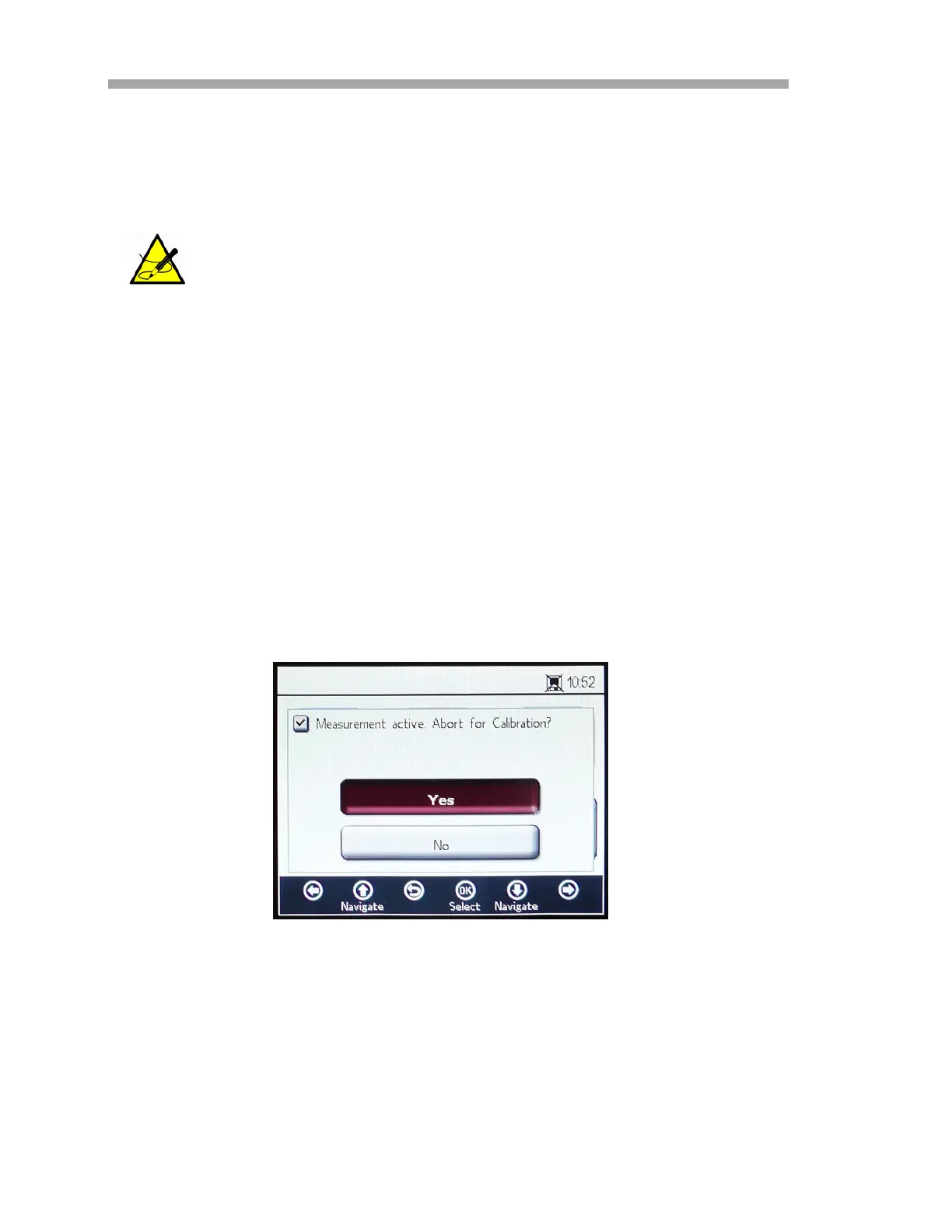
Clicking the Change Parameters button in the SENSOR menu causes a
message window to display with the question to abort the currently running
measurement. Refer to Figure 3–16.
Warm-up time may be extended up to 15 minutes if the optode
has been exposed to high concentrations of oxygen.
Figure 3–16 Message window - Stop
measurements during configurations


 To Next Page
 Loading...