Operation
OXY5500 Operator’s Manual 3
–23
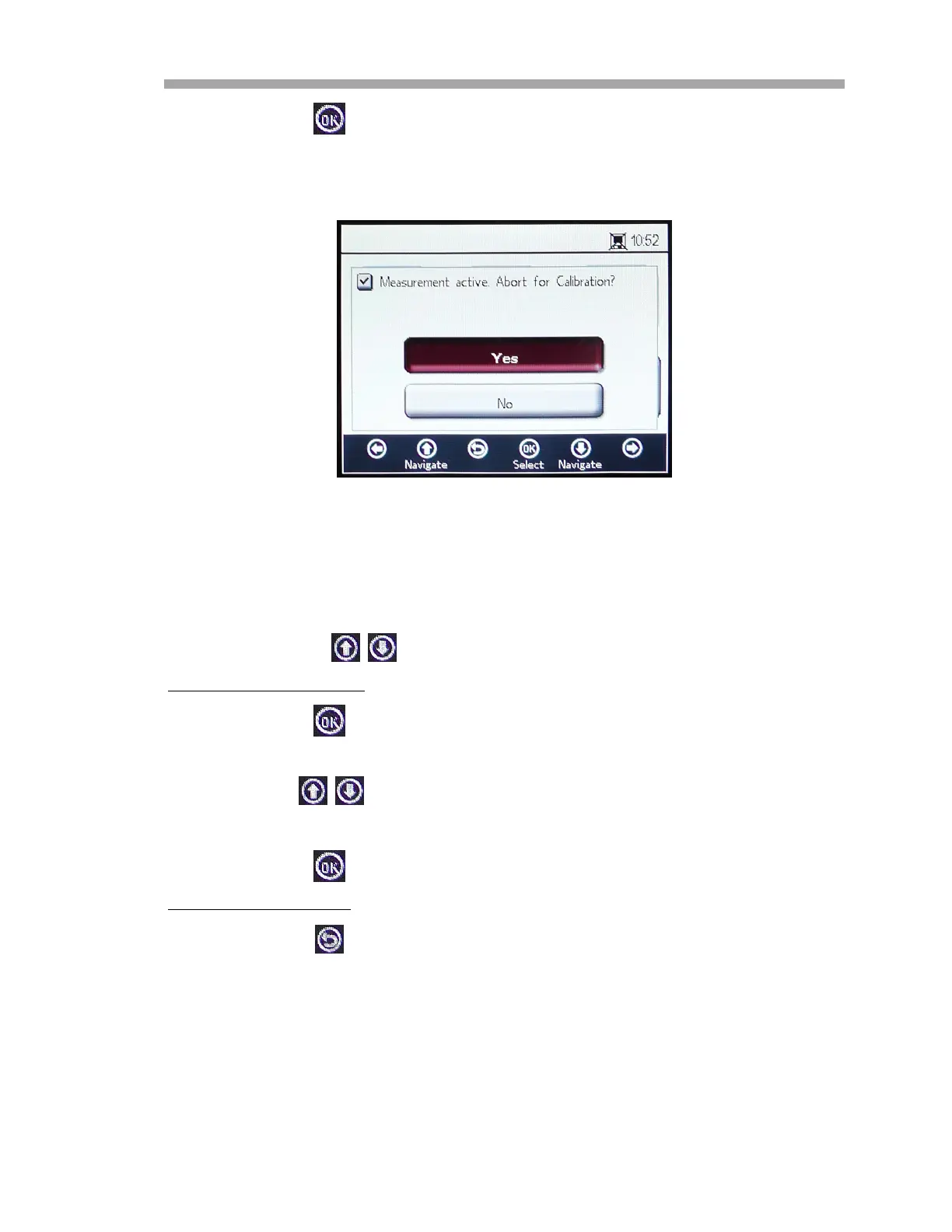
2. Press to perform a Relative Accuracy Test Audit (RATA). This
will open a message window with the question, “Measurement
Active. Abort for calibration?” Refer to Figure 3–28.
3. Select Yes and stop the measurement to move to the CALIBRATION
screen.
4. Use the buttons to navigate between input fields.
To enter editing mode:
1. Press .
a. Change the setting or value (one digit at a time) by pressing the
buttons.
b. Make the desired change to an input field.
2. Press again to save the changes.
To exit editing mode:
1. Press to cancel and exit.
Figure 3–28 Message window - Stop
measurements for calibration


 To Next Page
 Loading...