Oxygen Analyzer
3–38 4900002239 rev. G 7-11-17
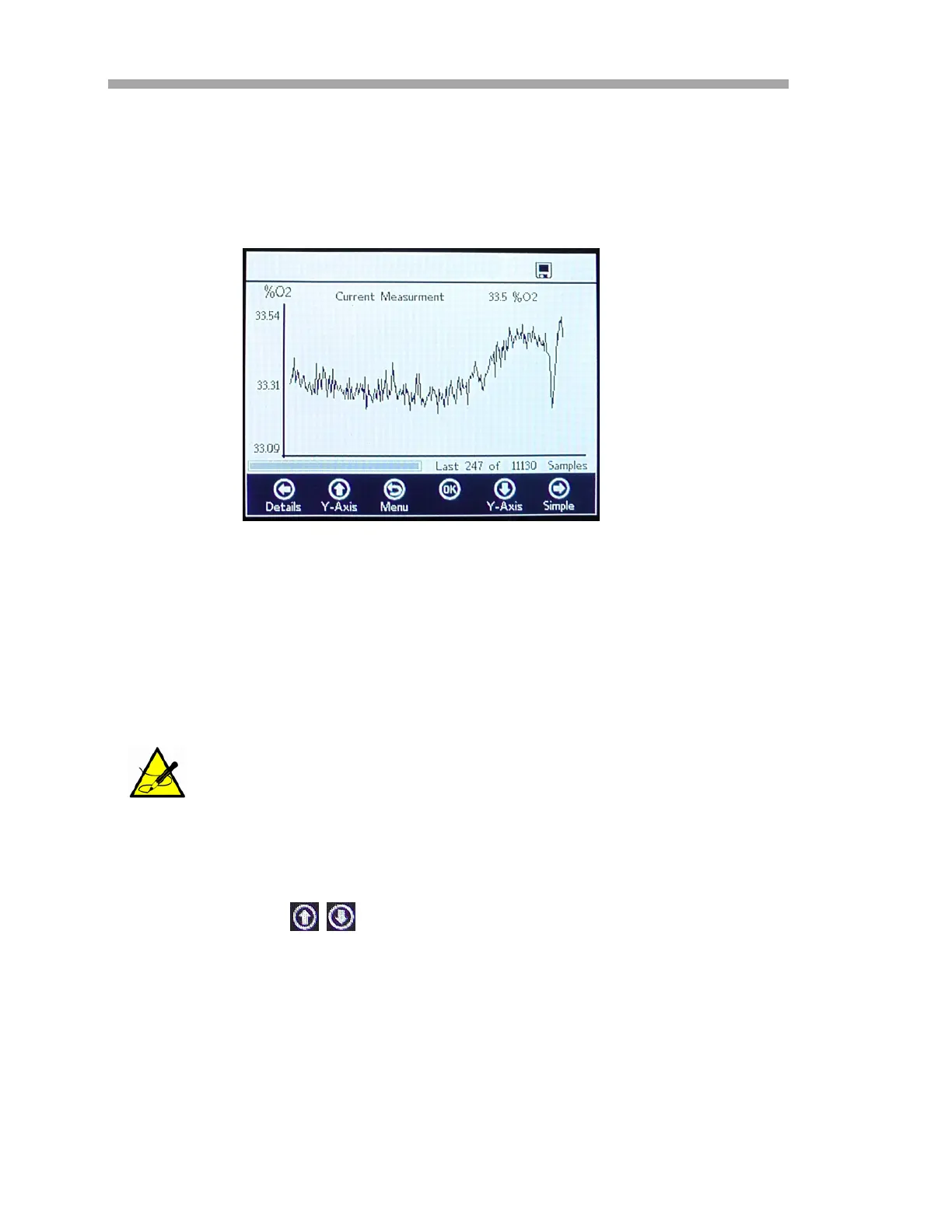
Graph screen
The oxygen values of the current measurement session are displayed in a
graph; the last measurement value of the Current Measurement is shown at
the top of the screen. Refer to Figure 3–41.
In the lower right area of the screen, the number of measurement points of the
total number of measurement points are displayed in the graph. In the lower
left of the screen, a progress bar shows the progress of the data being
analyzed.
When logging is not activated, only the currently measured oxygen values are
displayed, starting at the time the GRAPH screen is opened.
1. Press the buttons to open the Y-Axis Setup window where
the minimum and maximum values for the Y-Axis are set.
2. Select Autoscale or Manual setting of the maximum or minimum
values displayed on the Y-Axis. Refer to Figure 3–42. Autoscale will
automatically set the maximum and minimum values according to
the preset measurement values.
When large measurement files are being opened, a pop-up
window will display stating, “You are about to open a very large
file.” and requesting confirmation before proceeding. Select No to
return to the currently selected measurement graph or Yes to
show the last 248 measurement points of the currently selected
measurement file.
Figure 3–41 Graph screen


 To Next Page
 Loading...