Oxygen Analyzer
3–14 4900002239 rev. G 7-11-17
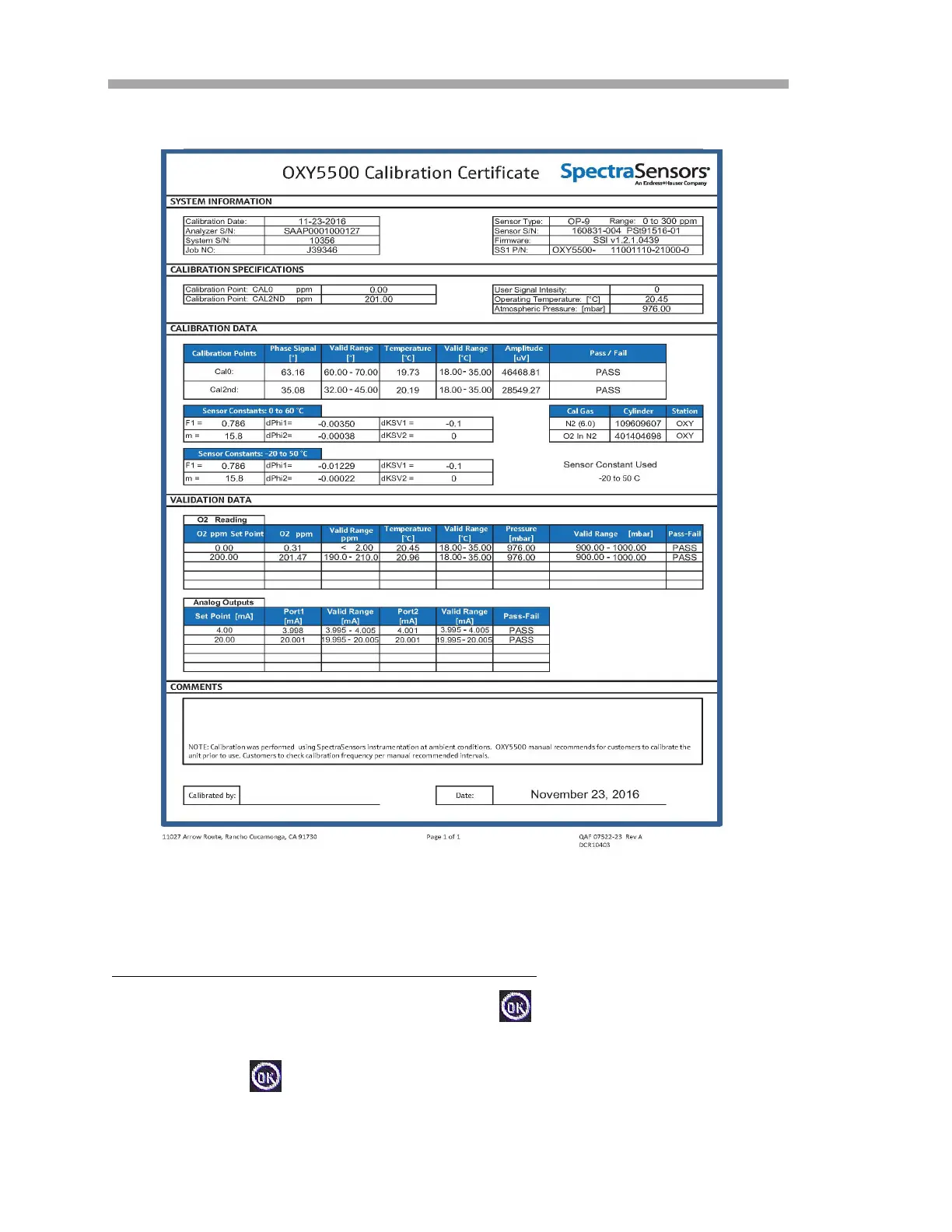
To manually change the sensor constants values:
1. Select the desired field and press .
2. Press the Next button in the upper right corner of the screen, then
click .
Figure 3–18 Example calibration certificate: Calibration
data and sensor constants


 To Next Page
 Loading...