Operation
OXY5500 Operator’s Manual 3
–11
The ANALOGUES menu is divided into four screens: 4-20mA Interface Settings,
4-20mA Values, Concentration Alarm Relay (LS2) and 4-20mA Calibration.
Refer to “Analog Output Settings (Analogues) Options” on page 3-44.
• Press the buttons to navigate between input fields.
To enter editing mode:
1. Press to enter editing mode.
a. Change the setting or value (one digit at a time) using the
buttons.
2. Press the again to save editing changes.
To exit editing mode:
1. Press to cancel and exit editing mode.
Starting Up the Analyzer
Before powering up the OXY5500, refer to the system drawings in Appendix A
to confirm the proper power connections to the power supply, temperature
sensor and oxygen sensor.
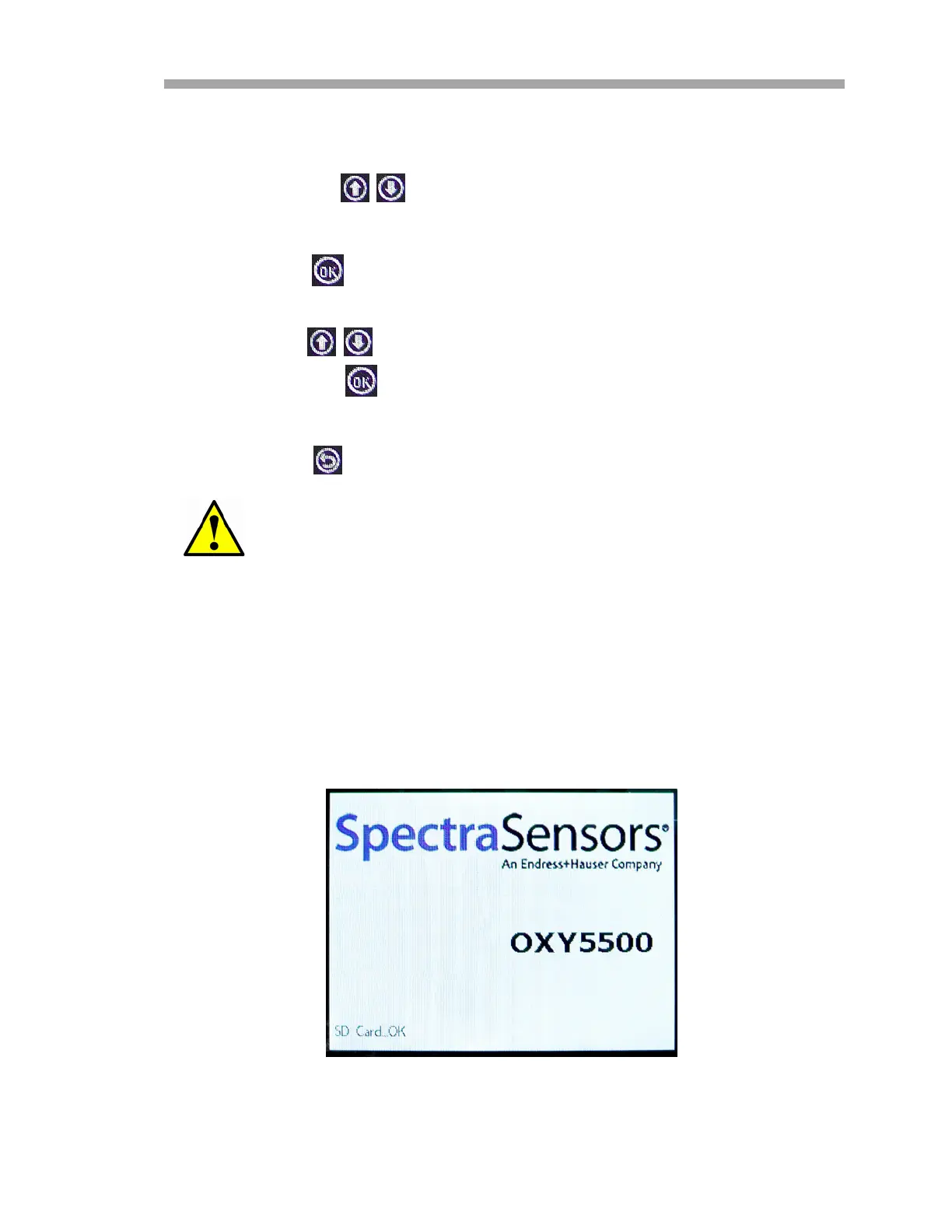
As soon as the OXY5500 is connected to the power supply, the analyzer begins
running a short self-test sequence. Refer to Figure 3–15.
All changes will be applied after the next measurement period.
Figure 3–15 Initial screen - Self-check


 To Next Page
 Loading...