Operation
OXY5500 Operator’s Manual 3
–19
To enter editing mode:
1. Press .
a. Change the setting or value (one digit at a time) by pressing the
buttons.
b. Make the desired change to an input field.
2. Press again to save the changes.
To exit editing mode:
1. Press to cancel and exit.
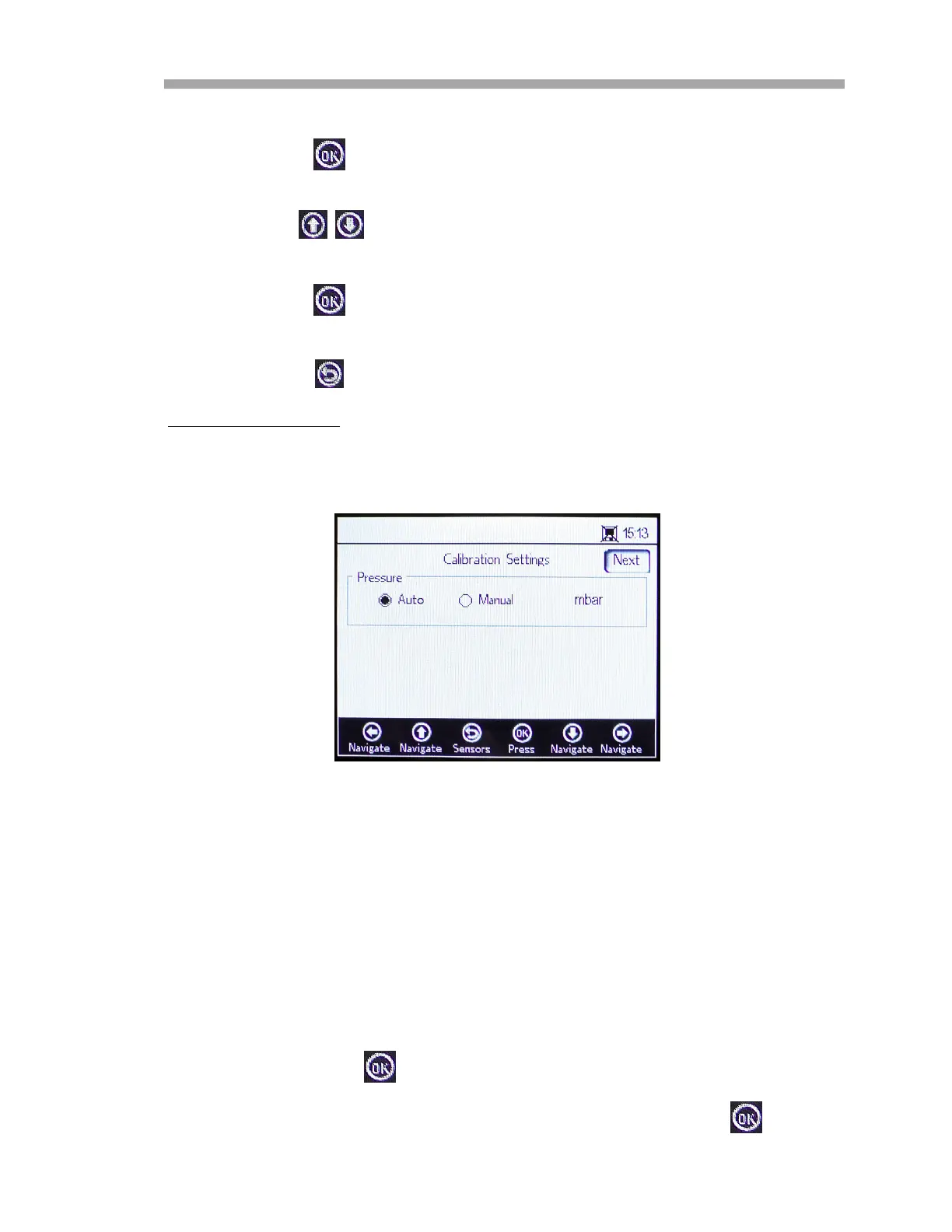
Calibration Pressure
Refer to Figure 3–24 for a view of the CALIBRATION SETTINGS screen. The
following instructions provide setting information.
• Pressure:
– Select Auto to measure the atmospheric pressure via the
4-20mA input.
– Select Manual if there is no pressure sensor connected to the
analyzer.
– Type in the current atmospheric pressure value and the
respective unit (hPa, mbar, PSI, atm or torr).
Press to save your changes.
Press the Next button at the top right of the screen followed by .
Figure 3–24 Calibration settings screen


 To Next Page
 Loading...