Oxygen Analyzer
3–18 4900002239 rev. G 7-11-17
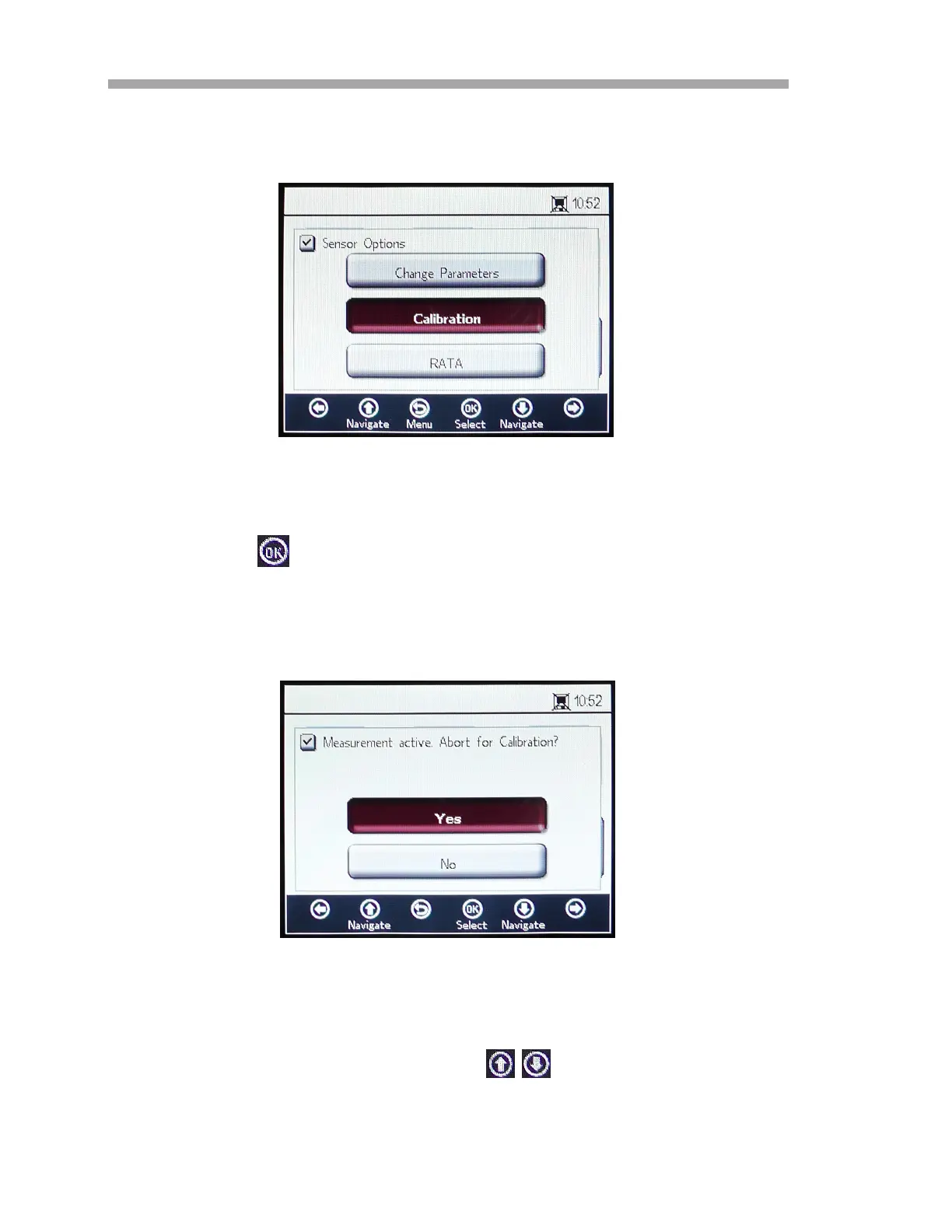
1. Select Calibration from the SENSOR OPTIONS window. Refer to
Figure 3–22.
2. Press .
A message window will display requesting a response to the
following question, “Measurement active. Abort for Configuration?”
Refer to Figure 3–23.
3. Select Yes to stop the measurement in order to move to the
CALIBRATION windows. Use the buttons to navigate
between input fields.
Figure 3–22 Calibration button in the Sensor
Options window
Figure 3–23 Message window - Stop
measurements during configuration


 To Next Page
 Loading...