Operation
OXY5500 Operator’s Manual 3
–5
Measurement Settings Menu
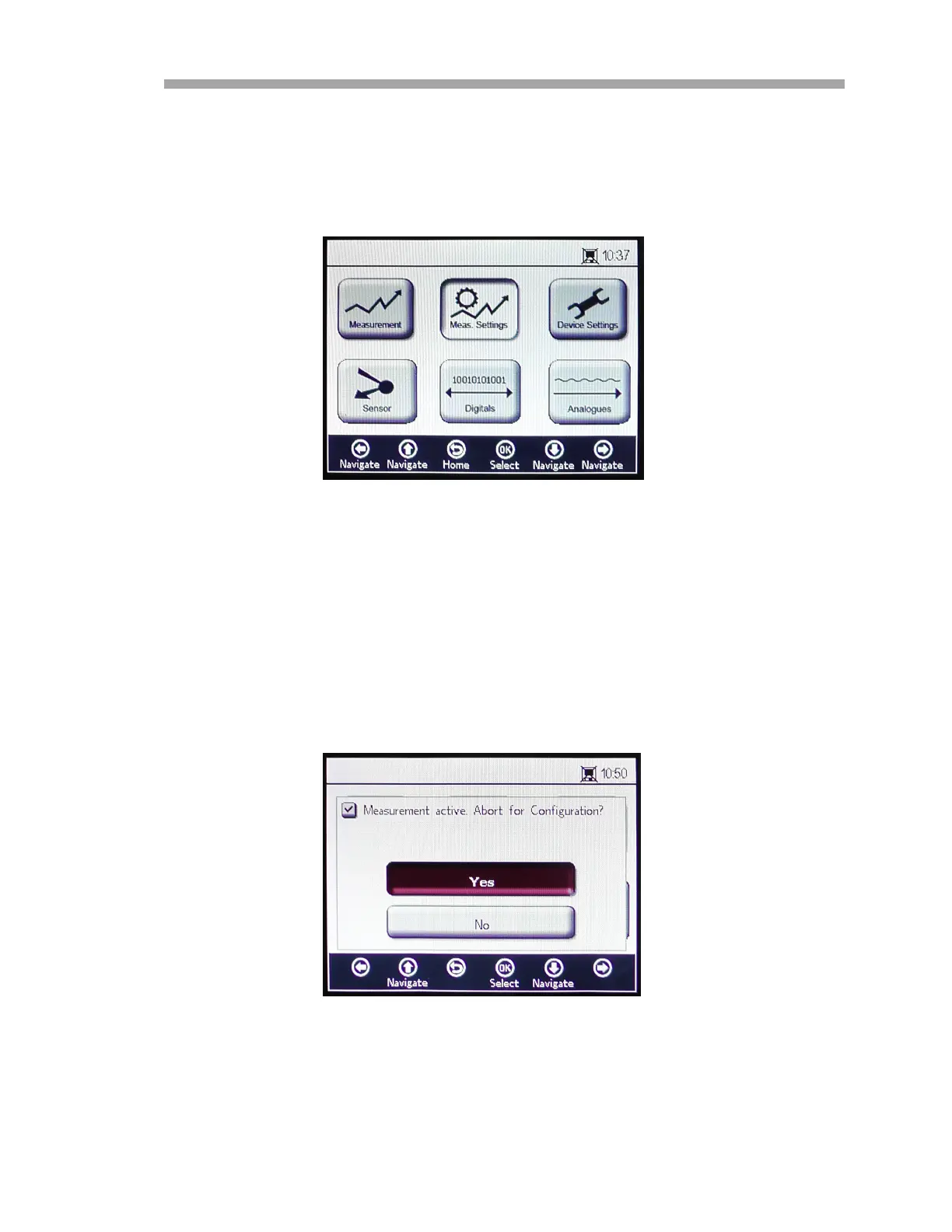
The MEASUREMENT SETTINGS (Meas. Settings) window is selected from the
MAIN MENU screen. Refer to Figure 3–6.
General setting changes for measurements are performed in the
MEASUREMENT SETTINGS menu. If the measurement settings are not
changed, the settings from the last measurement will be applied.
1. Select Meas. Settings from the MAIN MENU screen. A message
window displays requiring confirmation to abort the currently
running measurement. Refer to Figure 3–7.
Figure 3–6 Main menu screen - Measurement
Settings selected
Figure 3–7 Message window - Stop measurements
during configuration


 To Next Page
 Loading...