Oxygen Analyzer
3–20 4900002239 rev. G 7-11-17
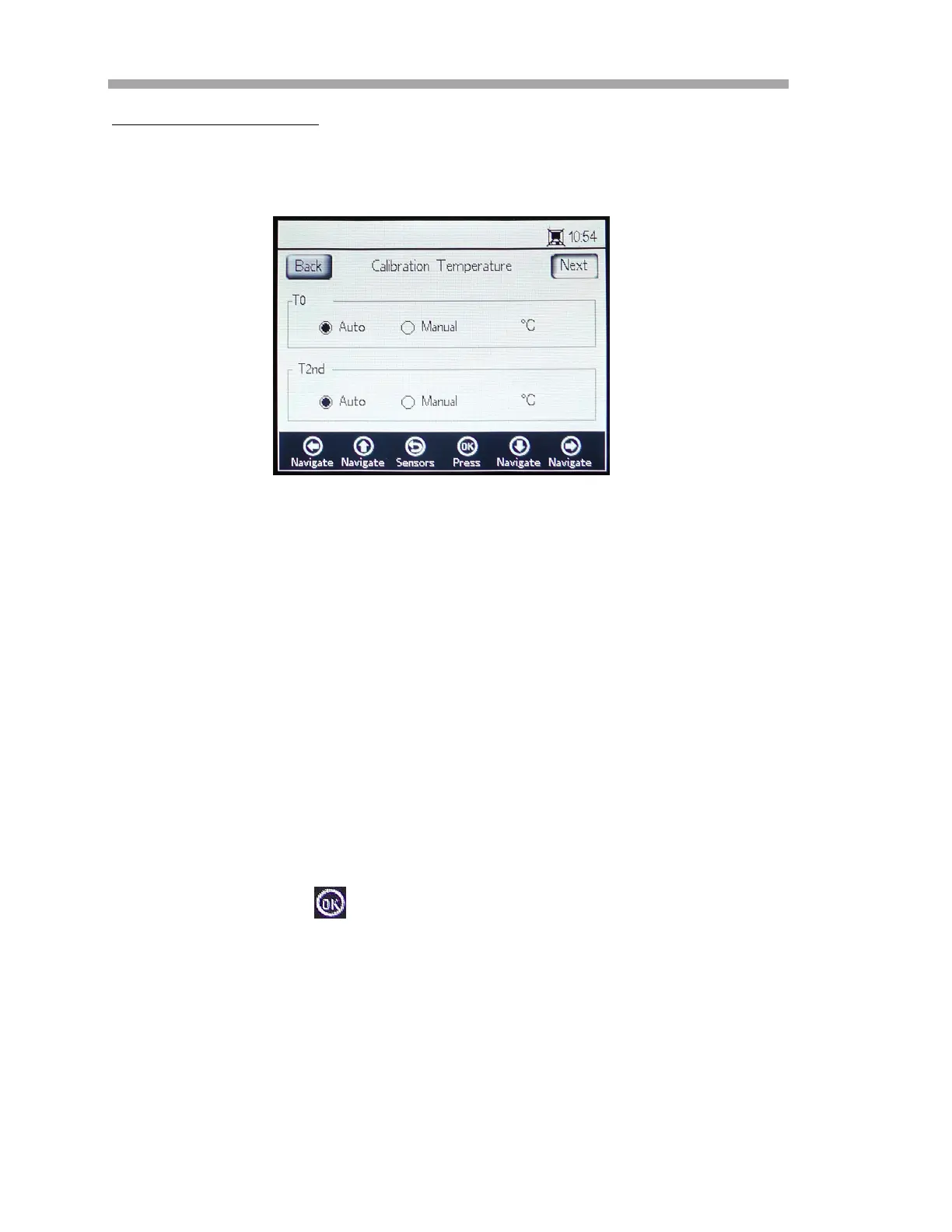
Calibration Temperature
Use the following instructions to program the analyzer for the correct
calibration temperature. Refer to Figure 3–25.
• T0: Temperature at the first calibration point.
– Select Auto to measure the temperature at the first calibration
point with the RTD probe (Pt100 temperature sensor).
– Select Manual if the first calibration point is known and remains
constant through the calibration process. Temperature values
can be input in
C, F or K. Switch to the desired temperature
unit and change the temperature value in the input field.
• T2nd: Temperature at the second calibration point.
– Select Auto at the first calibration point for automatic
temperature measurement.
– Select Manual to insert the changes to the calibration
temperature manually.
To proceed with the calibration, press the Next button at the top right of the
screen followed by the .
Figure 3–25 Calibration temperature screen


 To Next Page
 Loading...