Oxygen Analyzer
3–24 4900002239 rev. G 7-11-17
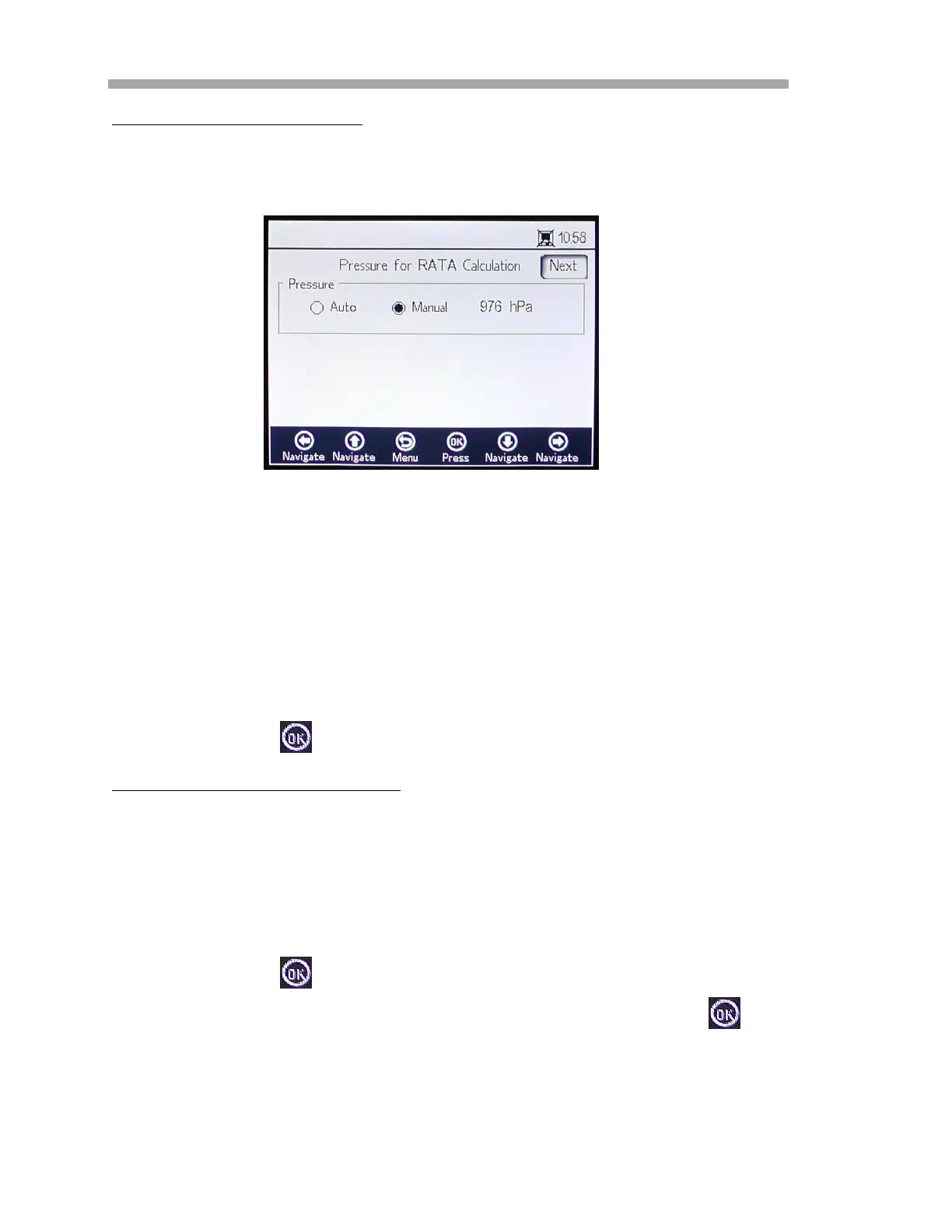
Pressure for RATA calculation
After stopping the currently running measurement, the PRESSURE FOR RATA
CALCULATION screen displays. Refer to Figure 3–29.
• Select Auto and the atmospheric pressure will be measured via the
4-20mA Input.
• Select Manual if there is no pressure sensor connected to the
analyzer.
– Type in the current atmospheric pressure value in the respective
unit (hPa, mbar, PSI, atm or torr).
– Press to save changes.
Temperature for RATA Calculation
• Select Auto to measure the temperature for RATA calculation with
the RTD probe (Pt100 temperature sensor).
• Select Manual if the temperature for RATA calculation is known.
Temperature values can be input in
C, F or K.
– Switch to the desired temperature unit and change the
temperature value in the input field.
– Press to save changes.
Press the Next button at the top right of the screen followed by the
button. The screens in Figure 3–30 will display.
Figure 3–29 Pressure for RATA Calculation


 To Next Page
 Loading...