Operation
OXY5500 Operator’s Manual 3
–49
4-20mA calibration
Use the 4-20mA CALIBRATION screen to calibrate the Output and Input. The
analyzer is delivered in the calibrated state, but can be calibrated to other
devices in your measurement system.
Output calibration
Use the following procedure to calibrate the work flow for either Output 1 or
Output 2. Refer to Figure 3–55.
1. Connect a current measurement device to the respective output.
This will serve as the reference device.
2. Set the 1st Point value to any low value; e.g., 4.00mA. The value
will be applied immediately.
a. Press the Apply button or enter another value.
3. Read the current value shown on the reference device; e.g., 3.90mA.
a. Use the +/- symbols in the Adjust column next to the 1st
Point value to adjust the values accordingly.
Factory calibration will be lost if the analyzer is re-calibrated.
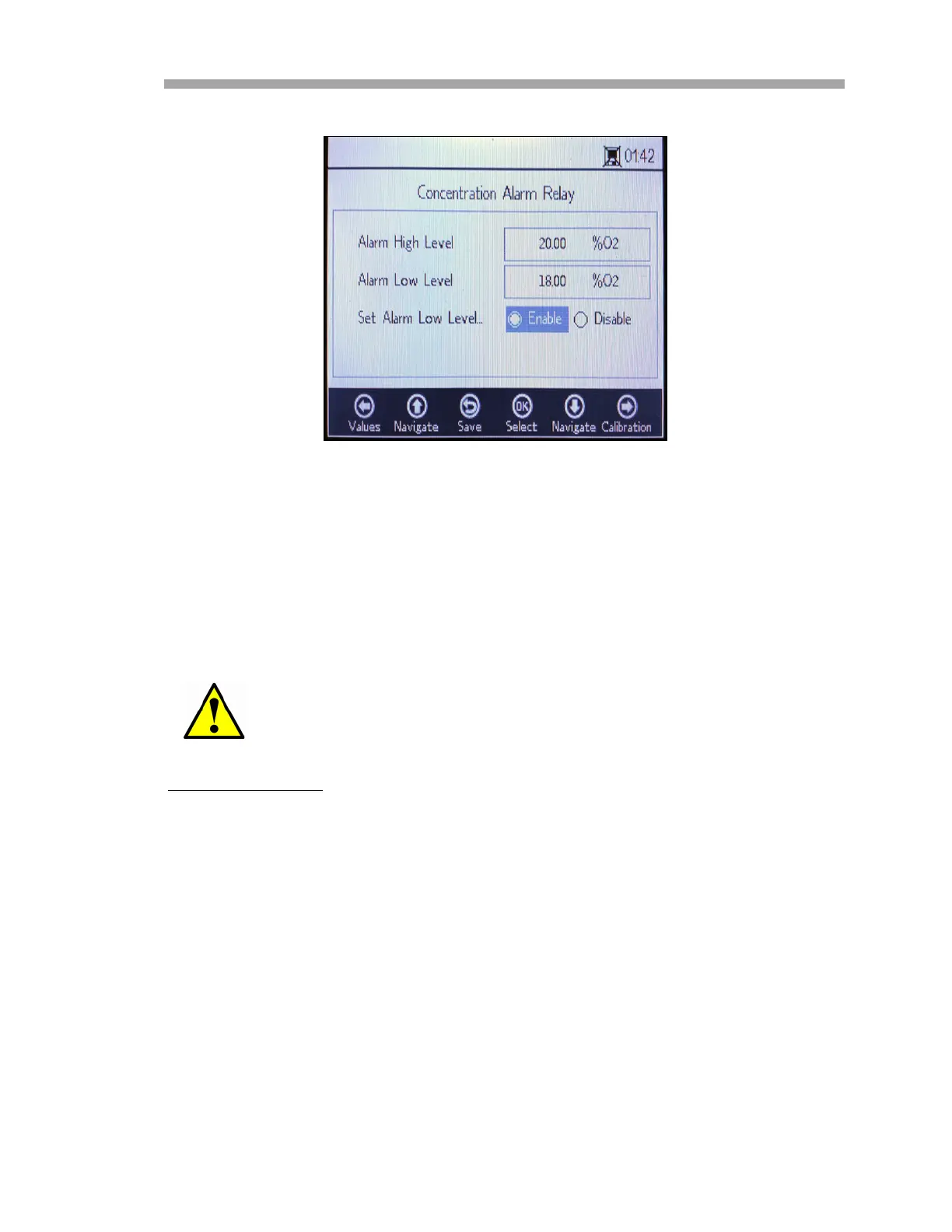
Figure 3–54 Analogues - Concentration alarm
relay


 To Next Page
 Loading...