4-2
17 364 02 0320
Operation
Read Chapter 1 general safety infOrMatiOn before beginning treatment.
4.1 Switching on
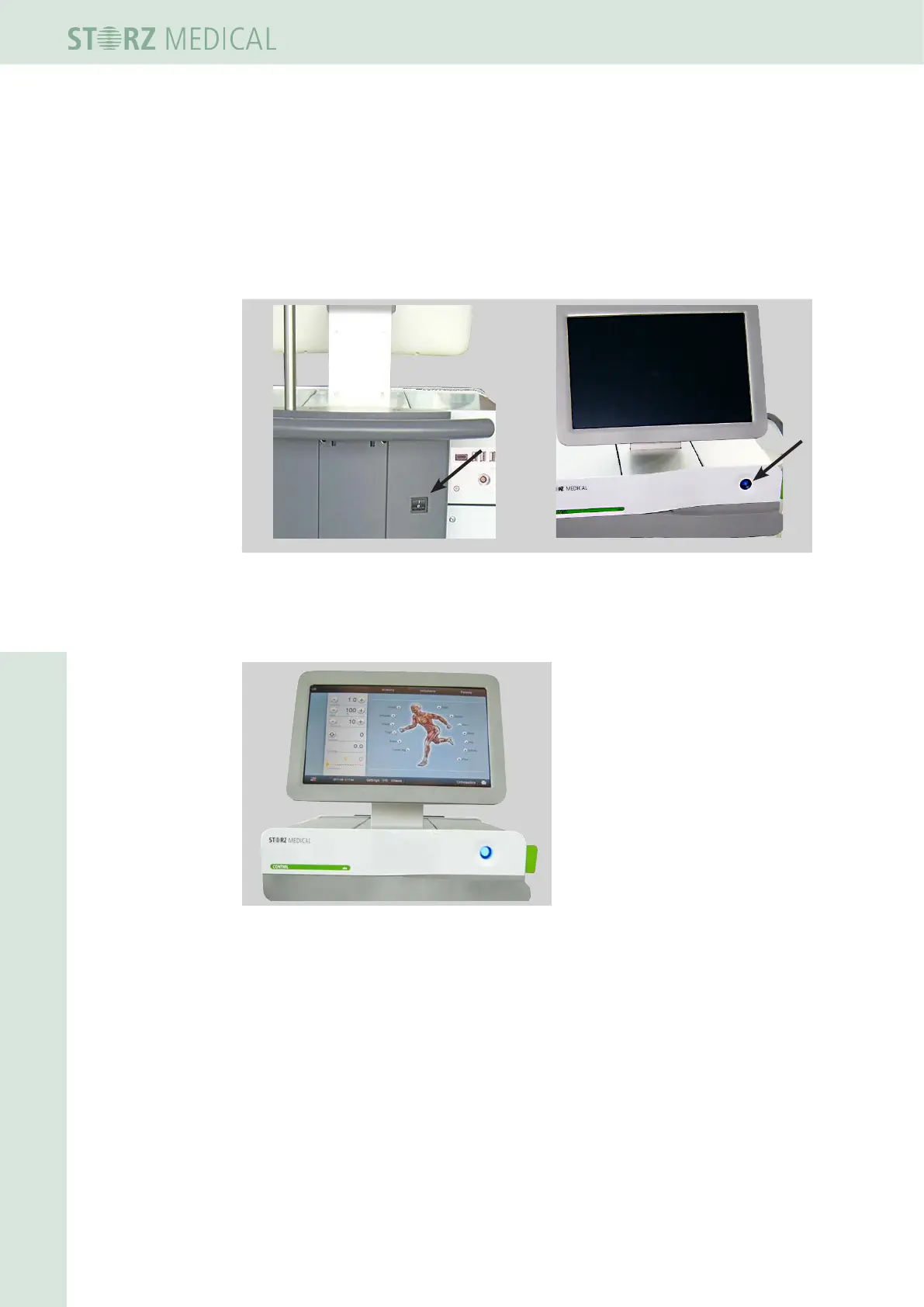
• Switch the device on using the main switch on the back of the column (Fig. 4-1).
• Press the Standby button on the CONTROL module.
Fig. 4-1 Mains switch Standby button
– The standby checklamp lights up.
– The start-up screen is shown on the display.
Fig. 4-2 Touch screen with graphical user interface
4.2 Operating the device using the CONTROL module
The individual modules of the device are operated using the CONTROL module by
means of a colour TFT LCD monitor with touch screen.
For more information about touch screen operation, refer to
4.5 tOuCh sCreen Operati-
On.














 To Next Page