4-28
17 364 02 0320
Operation
4.5.17 Changing software settings
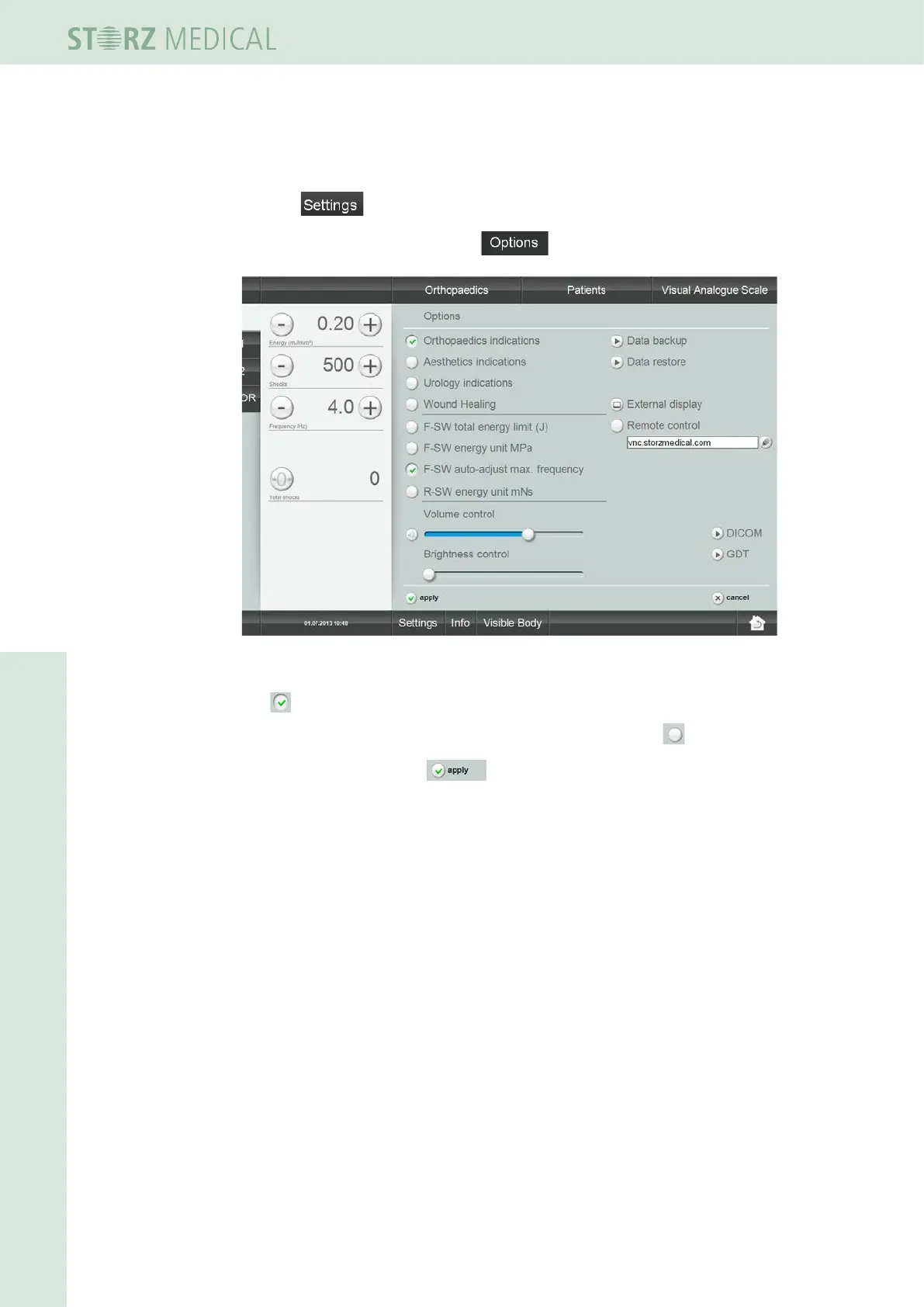
This function enables you to activate or deactivate indication groups.
• Press .
• In the open menu list, select the function.
Fig. 4-31 Options: Orthopaedics active
You see the list of possible indication groups.
The
symbol before an indication group indicates that it is activated.
• If you want to switch to another indication group, press the in front of it.
• Conrm by pressing the button.














 To Next Page