4-5
17 364 02 0320
Operation
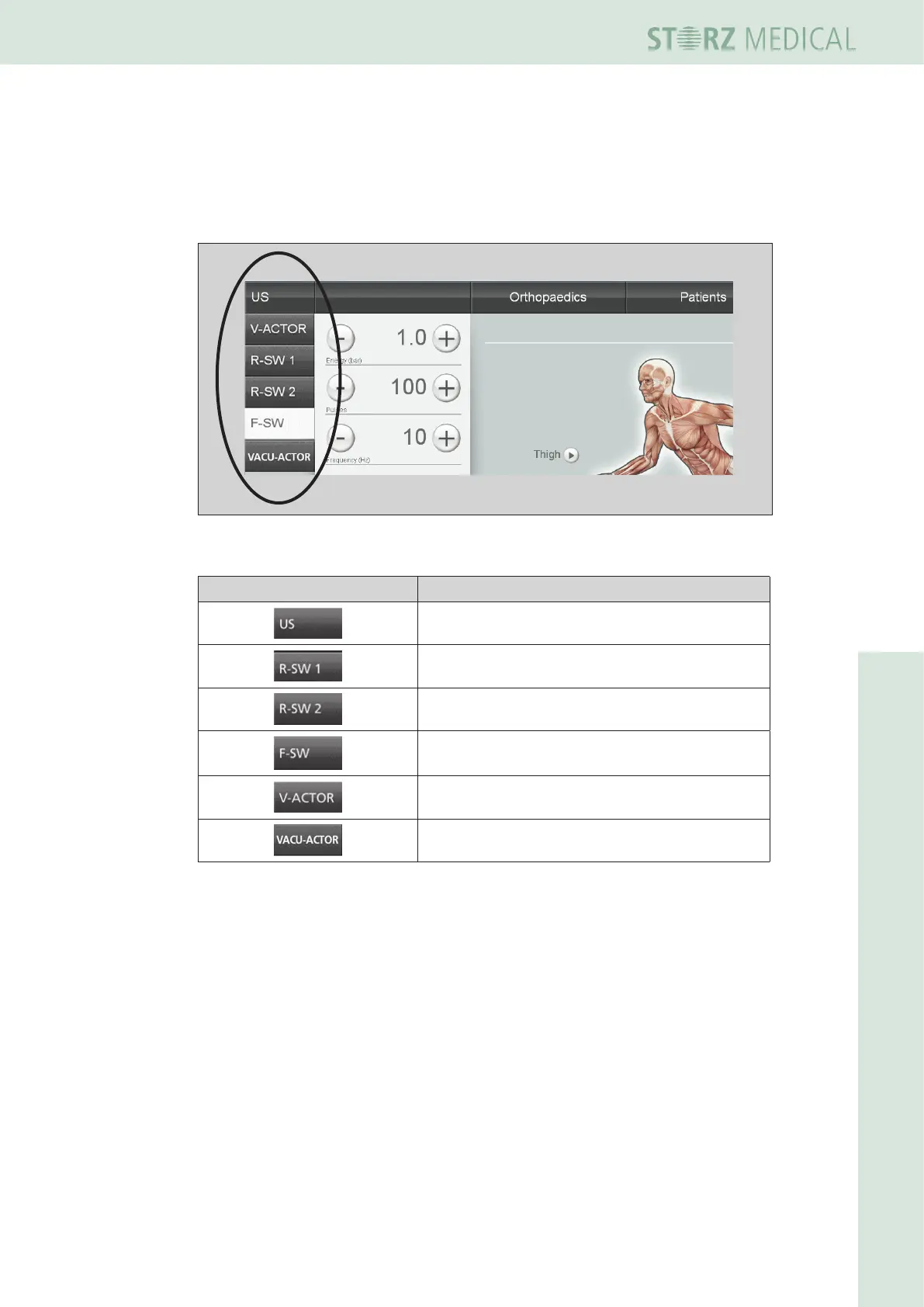
4.4.1 Module selection
The eld at the top left is used for displaying the operating modes that can be select-
ed. Once a module is connected, it is possible to activate the corresponding operating
mode in the module selection area. The active module button is highlighted.
Fig. 4-5 Module selection eld
Symbols Meaning
Select ultrasound
R-SW mode: Select handpiece 1
R-SW mode: Select handpiece 2
Select F-SW mode
Vibration therapy: Select V-ACTOR
Suction cup therapy: Select VACU-ACTOR
Table 4-1 List of symbols for module selection














 To Next Page