4-34
17 364 02 0320
Operation
• To get further regions slide your ngers across the touchscreen from bottom to
top or back. This is also valid for the other menu items.
Available menu items:
– Regions
– Systems
– Cross Sections
– Senses
– Muscle Actions
4.5.21.2 Submenu
• Select a region, while touching the desired image of the menu.
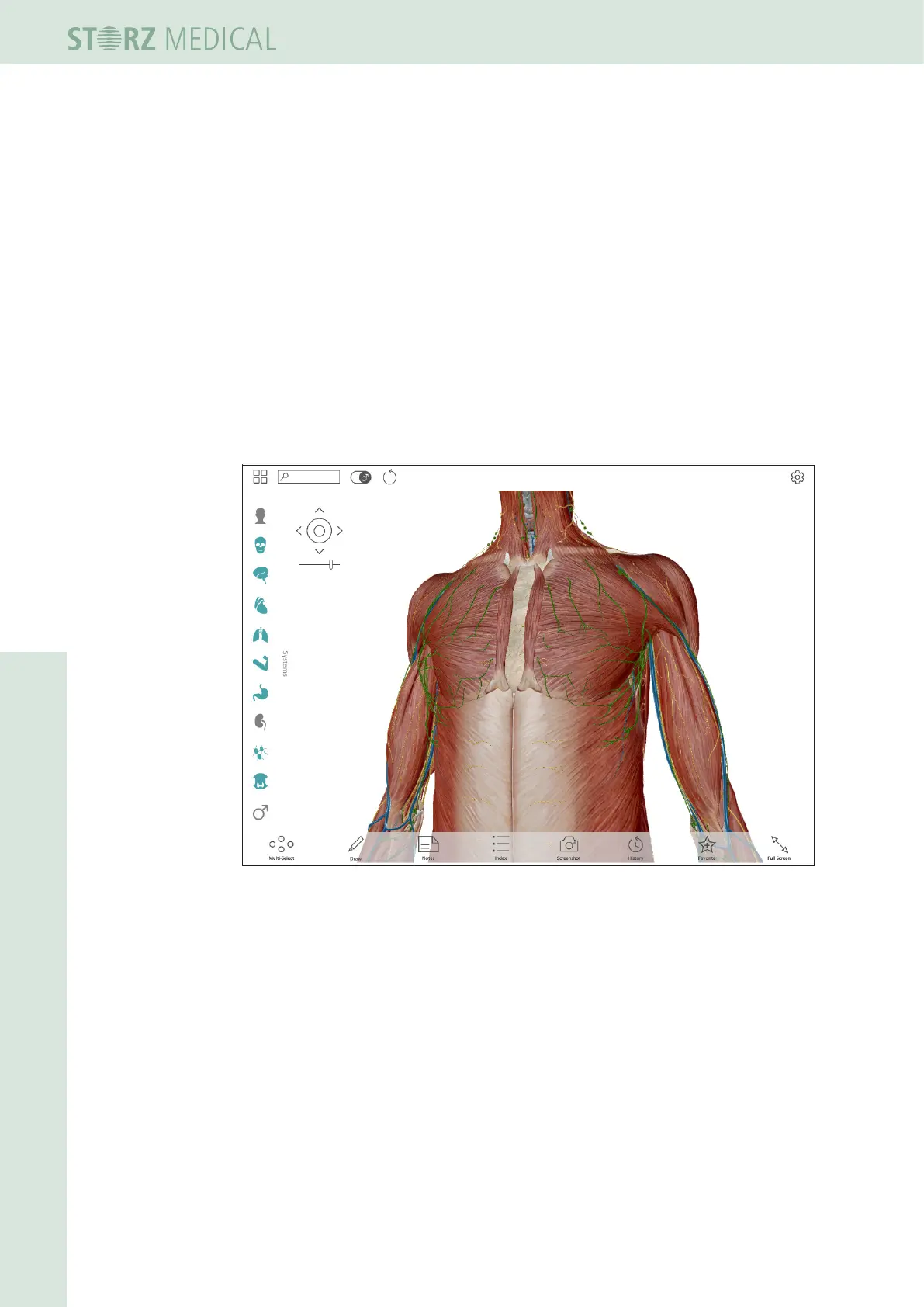
Fig. 4-39 Submenu
Now you can select or deselect body systems in the left column of the submenu
screen.
blue symbol - means selected
grey symbol - means deselected














 To Next Page