4-15
17 364 02 0320
Operation
4.5.4 Selecting treatment parameters
You can set the treatment parameters manually or load a predened indication.
For manual selection
• Set the energy level as well as the number and frequency of the pulses using the
or buttons in the PARAMETER SELECTION eld.
h The treatment is now carried out with the displayed values.
4.5.5 Loading indications
The device makes it possible to load the default settings dened by the manufacturer
for typical indications.
You can also add your specic settings for these indications if you wish. Read about
this in Chapter 4.5.6 saving indiCatiOns
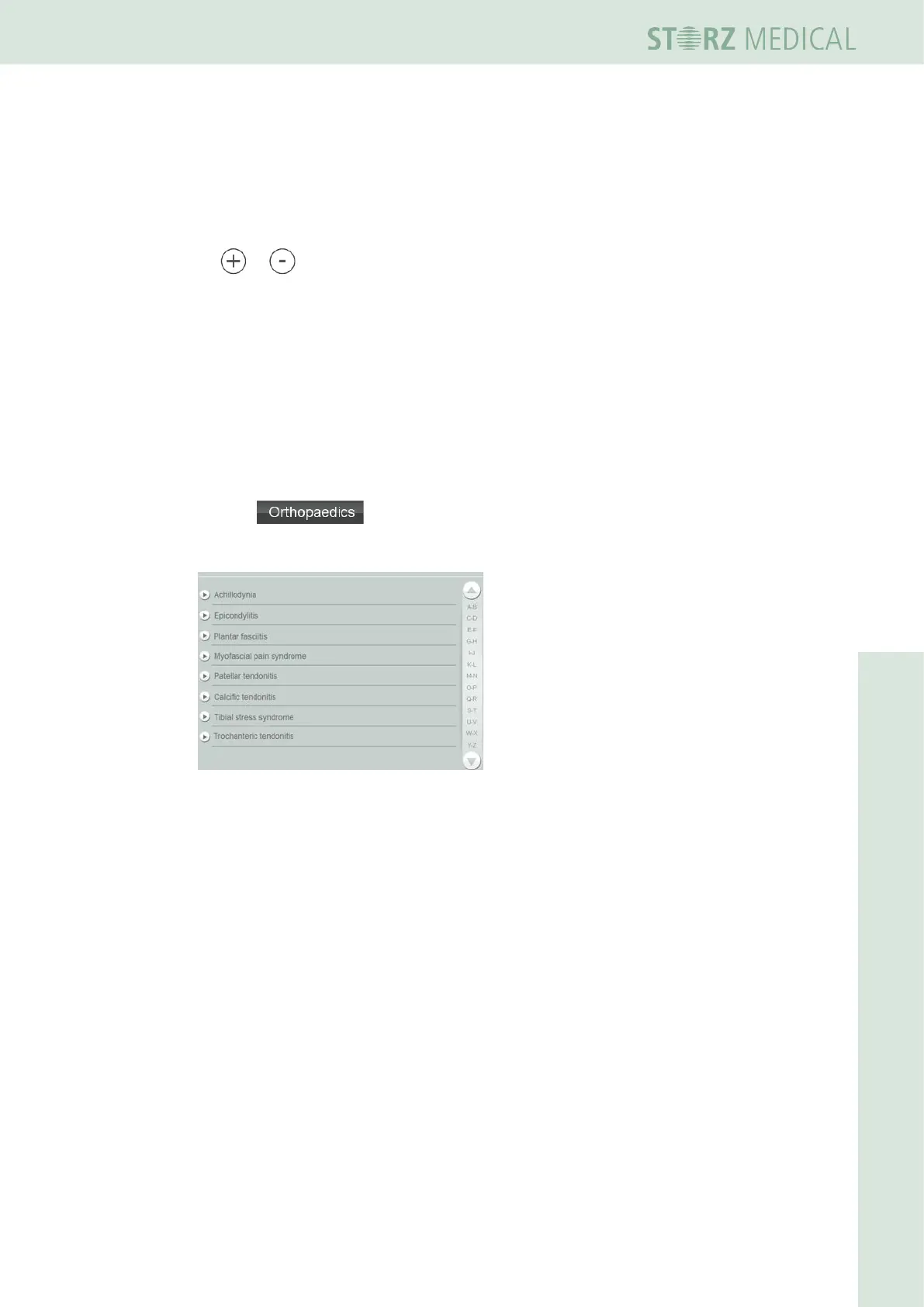
To load all indications
• Press in the top menu bar.
– The alphabetically sorted list of all indications is opened.
Fig. 4-15 List of stored indications














 To Next Page