4-38
17 364 02 0320
Operation
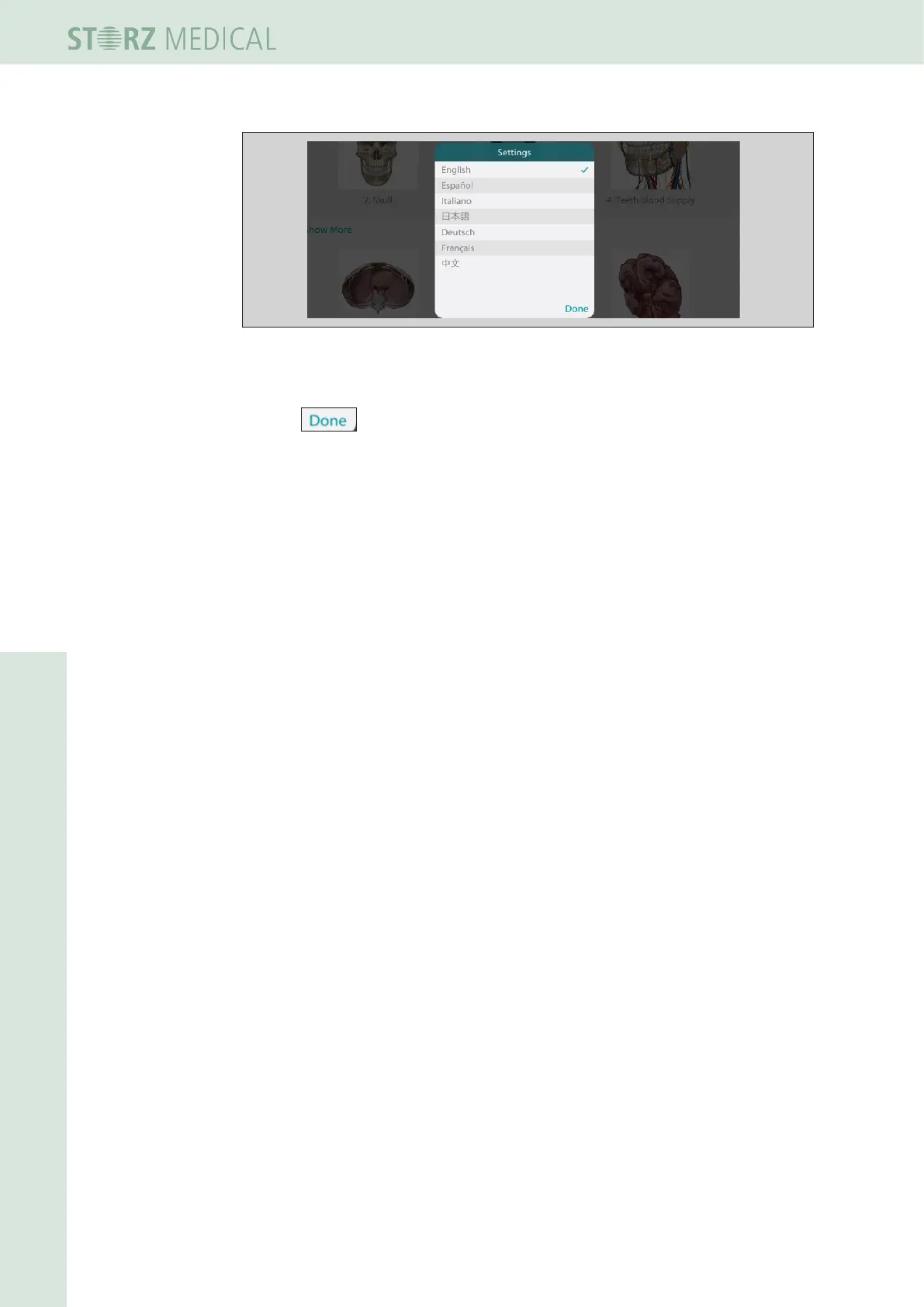
Fig. 4-43 Window - language selection
• Press the desired language.
• Press on the lower right corner of the language selection window.
• Now press at any area outside the settings area to switch back to menu.
4.5.21.5 Exiting Visible Body
• To exit the program, press on a module selection eld (D-ACTOR) or the empty
area located below on the left that is outside the Visible Body screen.














 To Next Page