4-11
17 364 02 0320
Operation
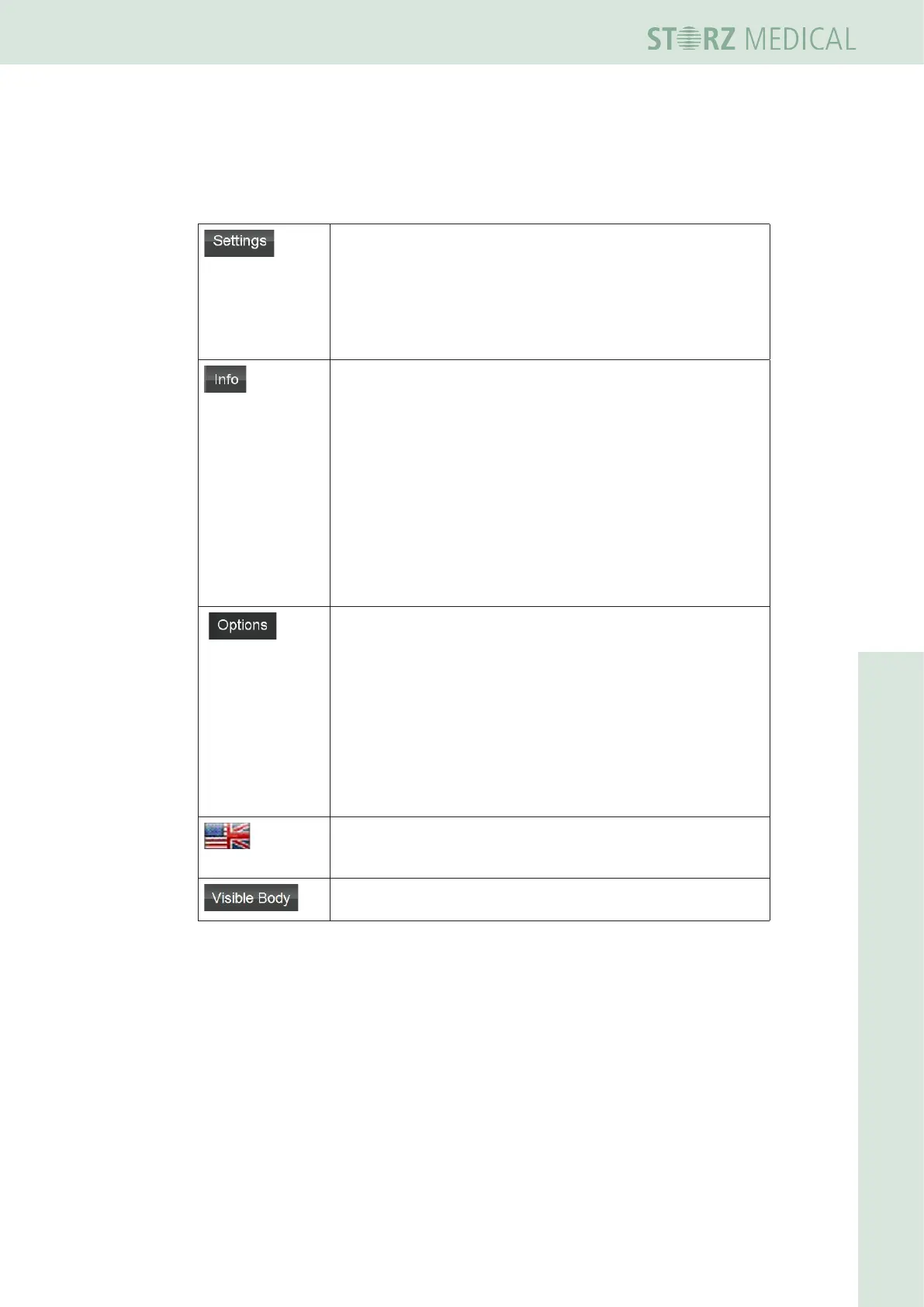
4.4.5 Device info and settings menu bar
The bottom navigation bar contains control buttons used for navigating through the
menus:
– Touch calibration
– Software update
– Options
– Service
– Filling the water circuit
– Draining the water circuit
– Bleeding the water circuit
VERSIONS
– Serial number and indices of the individual components
OPERATING DATA
– Total pulse count and device operating hours (depending on
operating mode selected)
– Total number of shocks delivered by the respective
handpiece, data on monitoring software, operating system,
hardware serial numbers and modication status
– Resetting coil and revision counter
INSTRUCTIONS
– Displays the operating manual
– Select indication groups
– Skin Touch change mode
– Select entity of the energy
– Adjust volume
– Adjust brightness
– Back up data
– Restore data
– Data export anonymous
– External display
– DICOM
– GDT
The ag on the right of the status bar displays the menu
language. Press the ag symbol to display the list of available
menu languages.
Anatomy Atlas
– Interactive 3D representation of the human body
Table 4-7 Treatment














 To Next Page