4-22
17 364 02 0320
Operation
Deleting a treatment step
• Open the treatment step by pressing .
• Press to activate editing mode.
• Press DELETE STEP.
• Conrm your input by pressing OK.
4.5.10 Patient treatment report
Each treatment of a patient can be recorded in a treatment report and stored.
4.5.10.1 Loading patient data
• Press in the top menu bar.
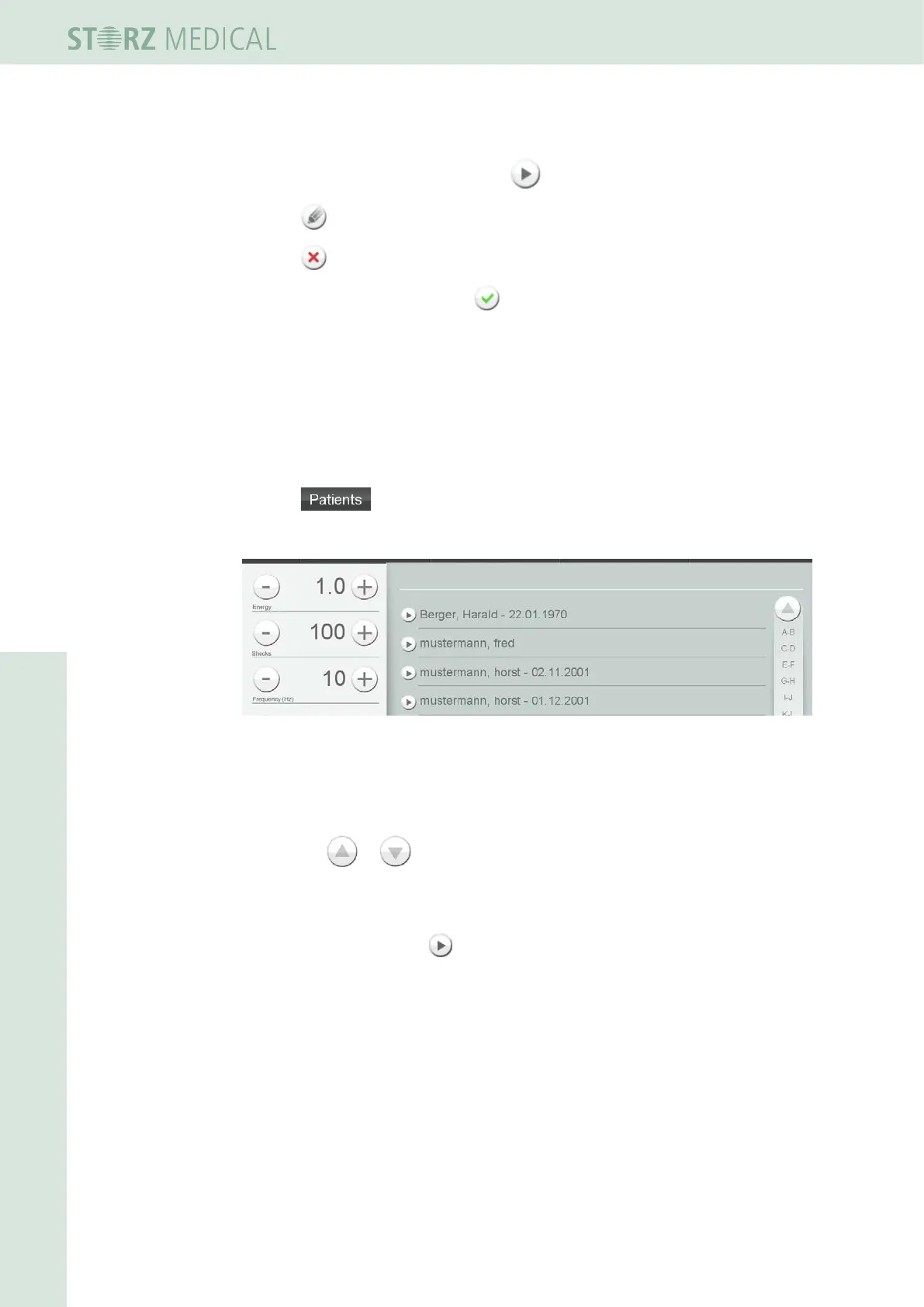
– The alphabetically sorted list of patient data is opened.
Fig. 4-25 List of stored patient data
Navigating in the list
Use the navigation bar on the right edge of the display to move within the list.
• Press the or button to scroll up or down.
or
• Call up a list ltered by initial letters by selecting the corresponding letter pairs.
• Load a patient using the button in front of the name.
The following information is displayed about this patient in the overview
– Name, date of birth and patient number
– Notes
– Pictures
– Treatments performed














 To Next Page