4-37
17 364 02 0320
Operation
1
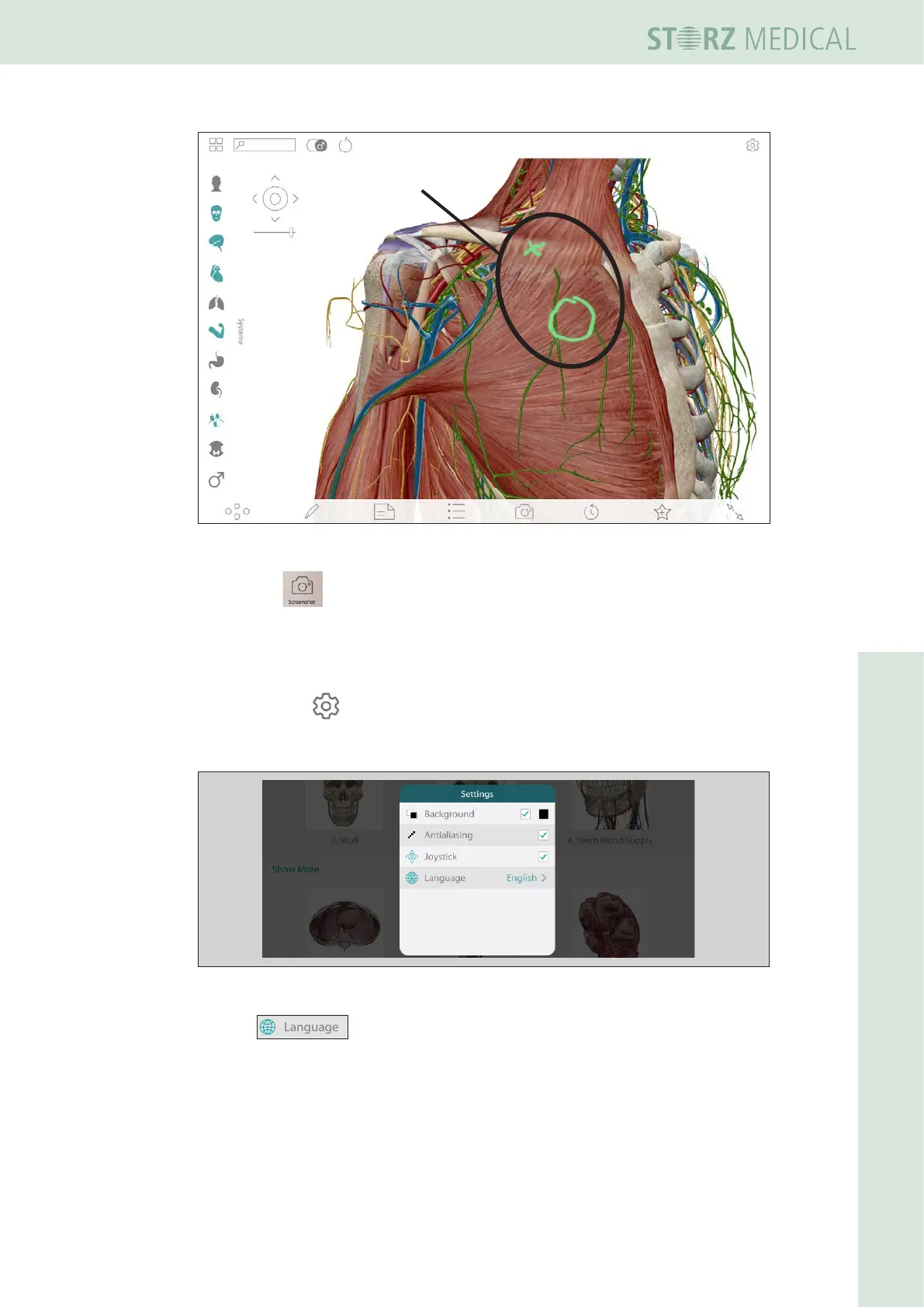
Fig. 4-41 Visible Body - with marked region
• Press the symbol to create a screenshot.
– It will be saved automatically under the currently opened patient data.
4.5.21.4 Settings
Press the symbol to open the settings.
The symbol can be found either in the lower right or the upper right corner of the
touch screen.
Fig. 4-42 Window - settings
• Press switch to the language selection window.














 To Next Page