4-36
17 364 02 0320
Operation
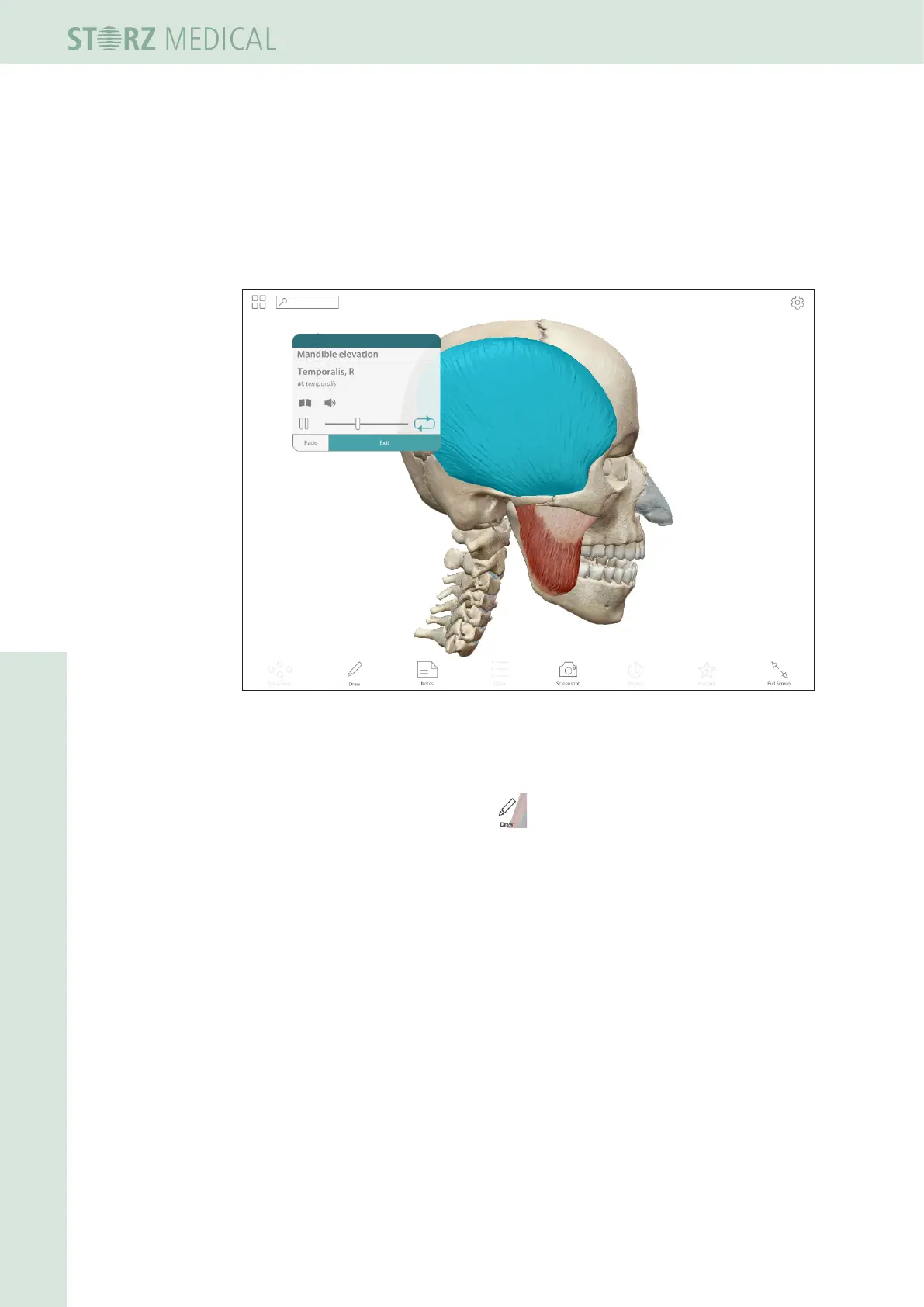
Detail view with info text
You can select individual skeletal, muscular, nervous and other body parts by touching
it in the detail view.
• Press the desired body part on the touch screen.
– The desired body part will be colored blue.
– An info box opens showing the name of the body part in Latin and the currently
set language.
Fig. 4-40 Detail view with info text
4.5.21.3 Marking treatment regions
• To load the marking pencil, press in the tool bar at the bottom row.
• Now draw your markings of the region on the control panel (see Fig. 4-41/1).














 To Next Page