4-12
17 364 02 0320
Operation
4.5 Touch Screen operation
4.5.1 Password protection
It is possible to protect your SMAG display with a password.
If starting the display anew or if it is in screen saver mode so the display is locked and
can only be unlocked by entering the password.
Activate password protection
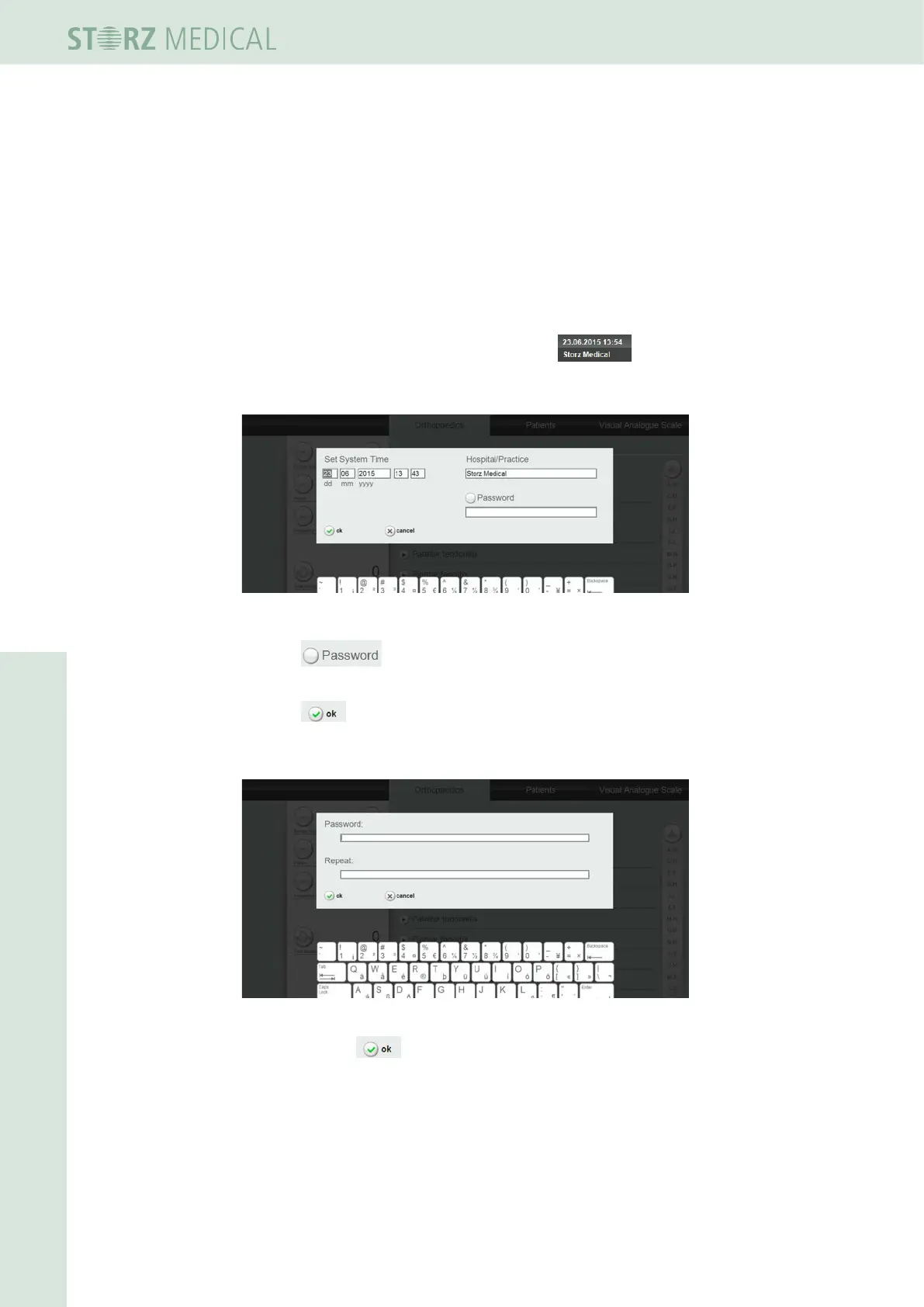
• Press several seconds on date and time eld .
– The following screen is shown.
Fig. 4-11 Activate password entry
• Press to activate password entry (the check mark needs to be set
after that).
• Press .
• Type now your password on the following screen and repeat it.
Fig. 4-12 Password entry
• Conrm with
h Your password is activated.














 To Next Page