4-20
17 364 02 0320
Operation
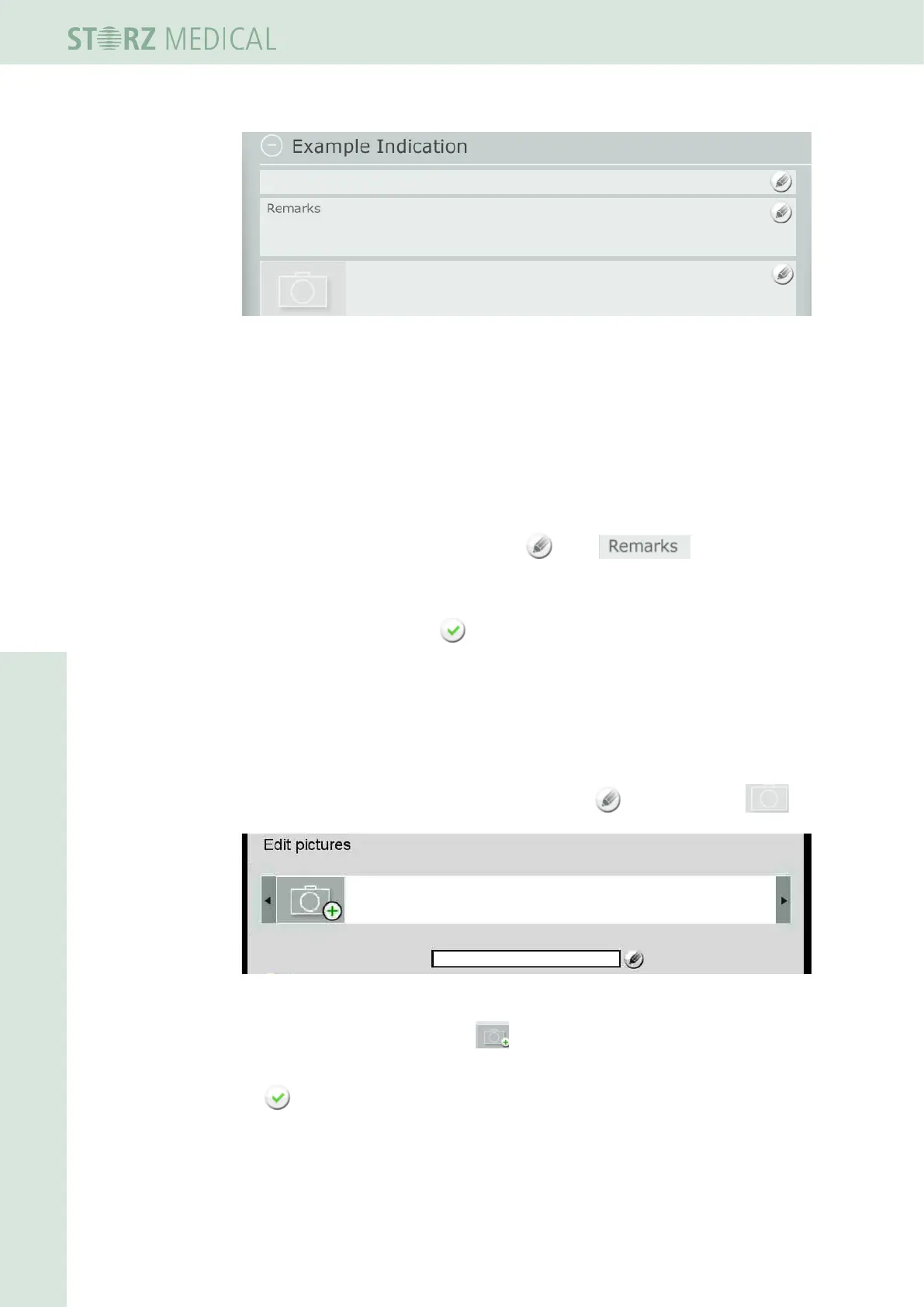
Fig. 4-21 New indication in editing mode
You can now:
– Store treatment notes
– Load treatment images
– Dene treatment steps
4.5.9.1 Storing treatment notes
• To add remarks to the indication, press in the line.
Using the onscreen keypad, you can now enter your remarks and notes in the text box.
• Save your text by pressing OK.
h The text appears in the overview window of the indication.
4.5.9.2 Loading images and/or videos
Not only images but also videos can be loaded in WMV format.
• To add treatment pictures to the indication, press in the picture line .
Fig. 4-22 Editing pictures
• To add a picture or video, press .
• Select the desired picture or video on the USB stick and conrm your selection with
OK.
– The picture or video is loaded and displayed in the picture line.














 To Next Page