4-30
17 364 02 0320
Operation
4.5.19.2 DICOM Worklist
If a Worklist server is congured on your DUOLITH SD1, then you can call up the
active entries via
.
4.5.19.3 Saving/printing DICOM
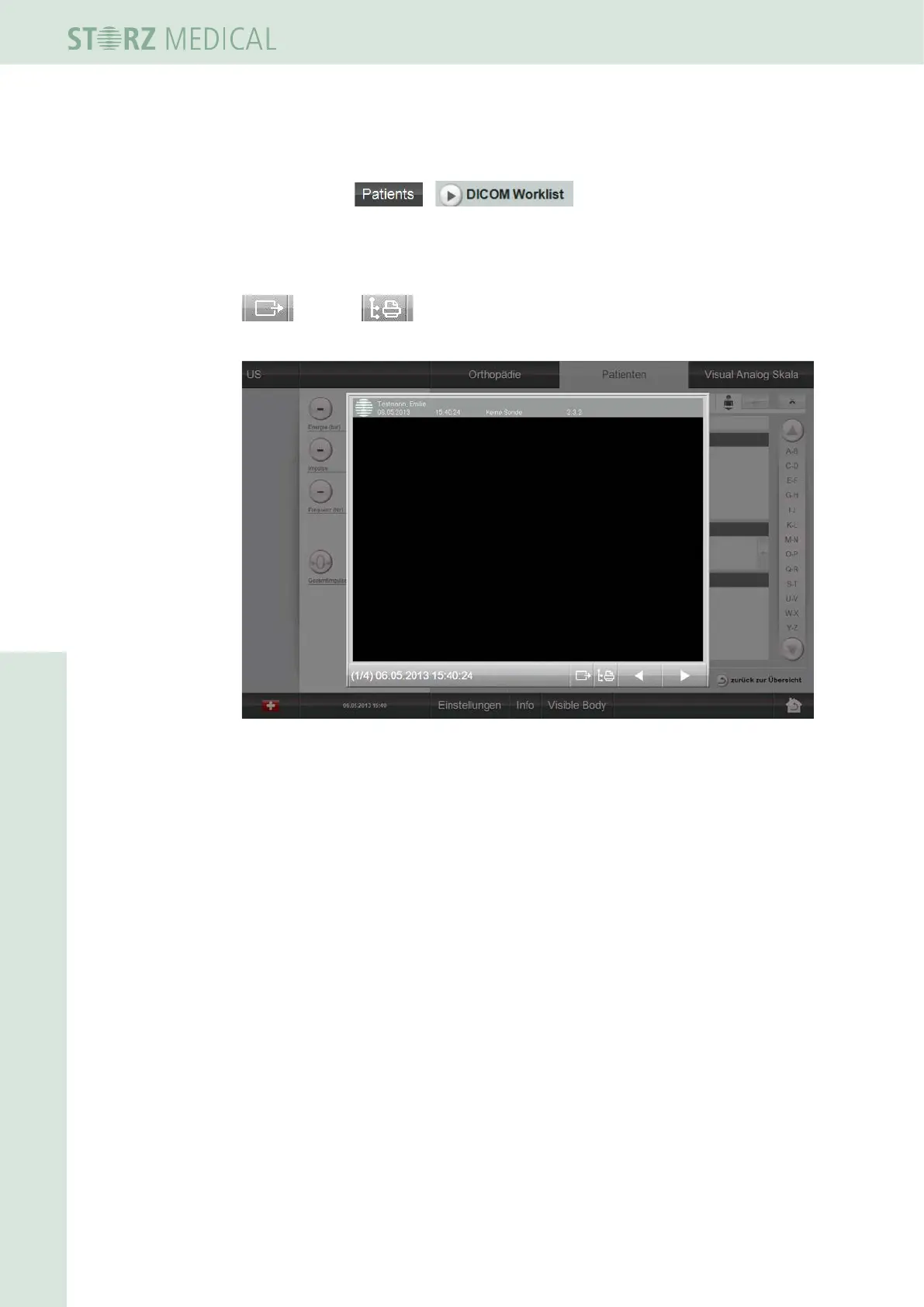
If a Store/Print server is congured on your DUOLITH SD1, then you can use the Store
and Print buttons in the Image Viewer to save or print individual
pictures.
Fig. 4-33 DICOM store / print
4.5.20 Data transfer via the GDT interface
The GDT interface (Devices - Data - Transfer) is used as a standardised interface for
data exchange between a technical medical device and a doctor’s surgery EDP system.
A le with the required patient master data will thereby be sent by the doctor’s
surgery program that is requesting the data. The DUOLITH SD1 ultra reads in this le,
thus eliminating the need of entering the patient data once again (errors are avoided).
After they have been edited, these data are sent back to the doctor’s surgery system.
4.5.20.1 GDT conguration
In order to be able to congure GDT, you will need a DICOM Upgrade Kit.
Please contact your dealer.
The GDT conguration of the DUOLITH SD1 is accomplished via
SETTINGS -> OPTIONS -> GDT.
Device ID: ID of the DUOLITH SD1 ultra (4 characters)
Server ID: ID of the doctor’s surgery EDP system (4 characters)
Transfer path: transfer path














 To Next Page