4-10
17 364 02 0320
Operation
4.4.4 Treatment menu bar
Use the TREATMENT menu bar to call up stored treatment parameters and treat-
ment reports as indications.
Fig. 4-10 Treatment menu bar
Buttons Meaning
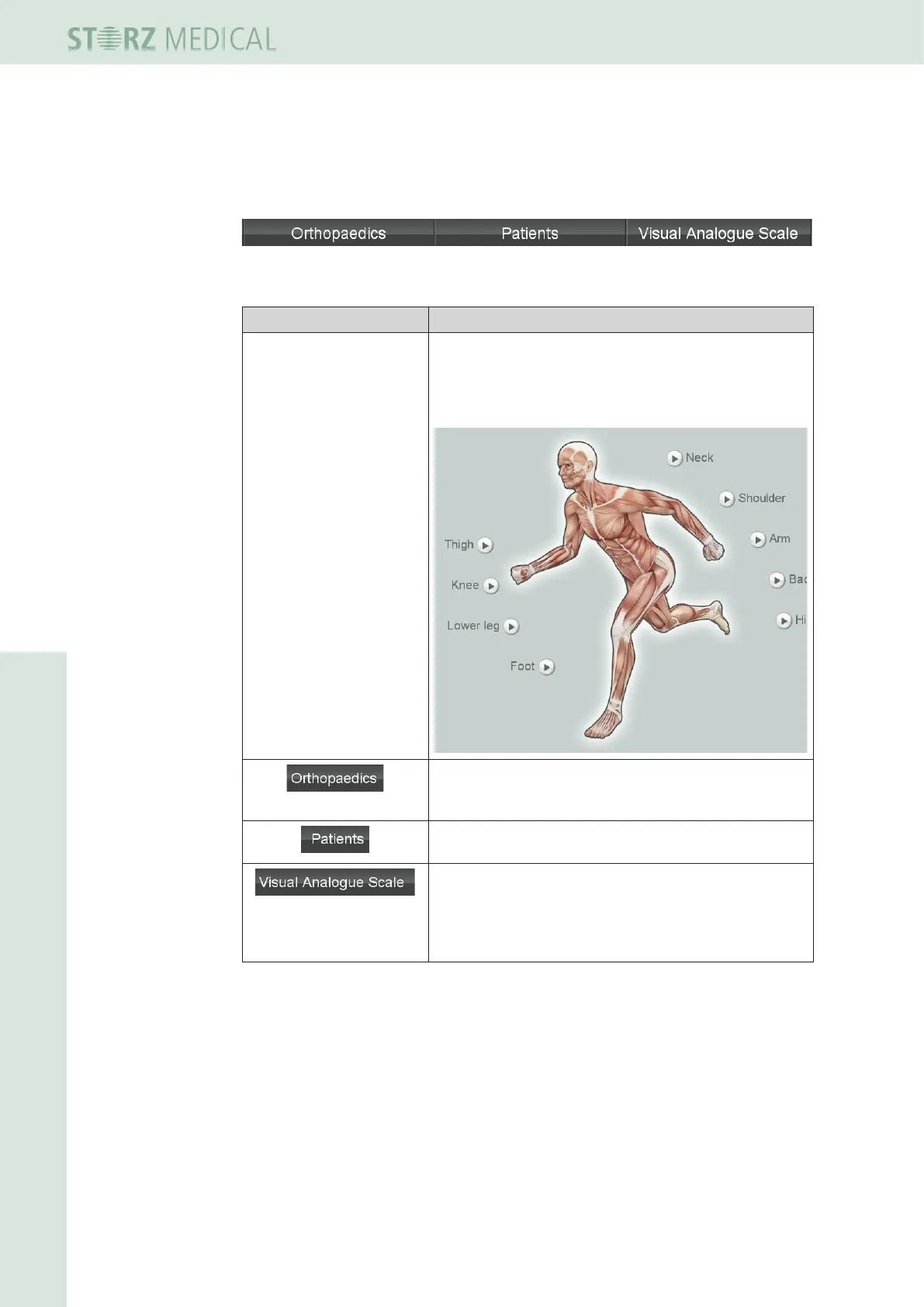
Markers for various
treatment zones
The ANATOMY view appears automatically when the
device is started. Press the corresponding markers to call
up factory-set or user-dened indications for the various
treatment zones.
The ORTHOPAEDICS menu contains an alphabetically
sorted list of factory-set or user-dened indications.
The PATIENTS menu contains an alphabetically sorted
list of stored patient records.
The VAS measures the patient's subjective pain
sensation on a scale within which the patient can
classify his or her pain intensity.
If you are in VAS mode, the Skin Touch button is
inactive.
Table 4-6 Treatment














 To Next Page