4-9
17 364 02 0320
Operation
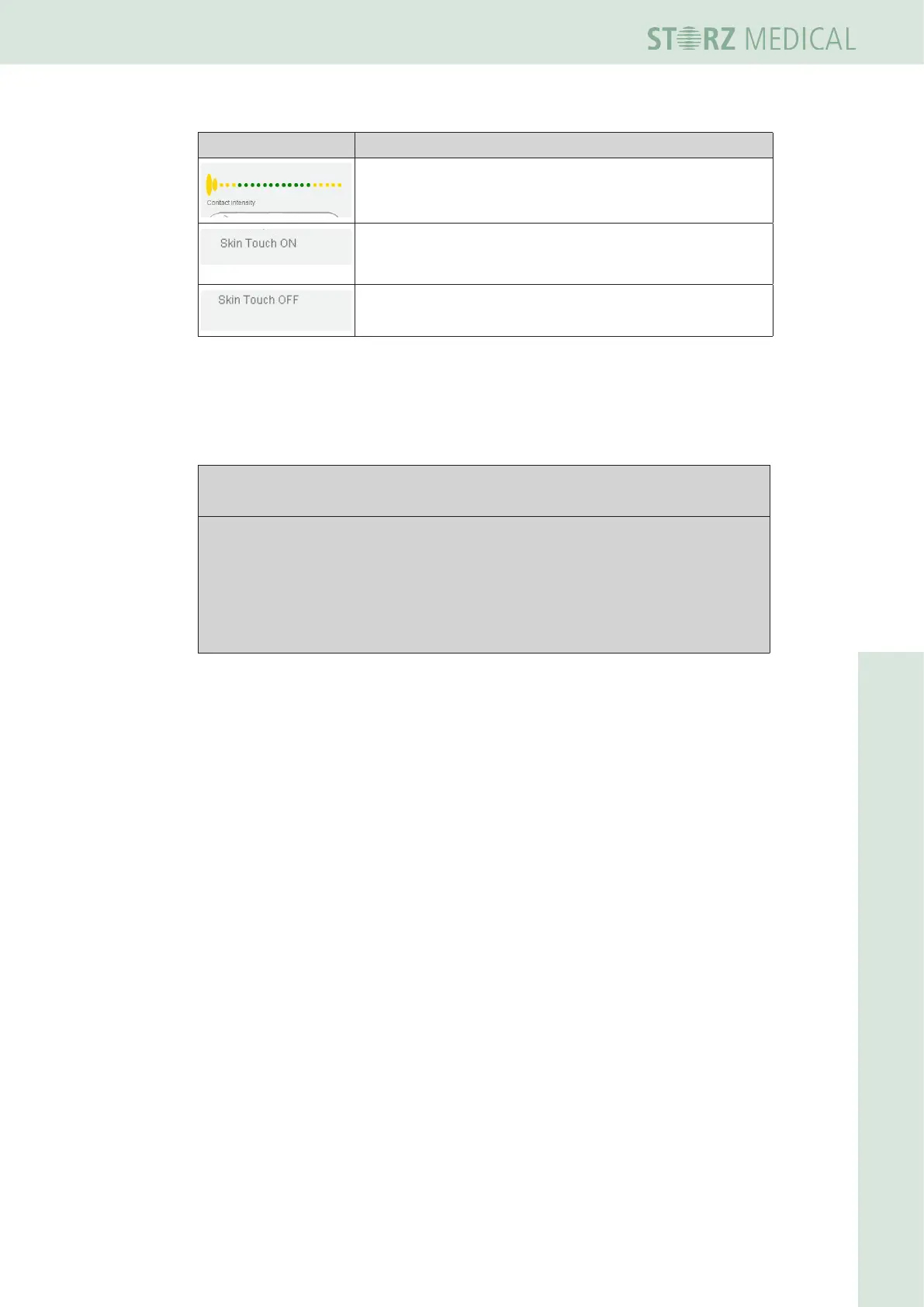
Symbols Meaning
Display of the contact intensity from yellow to green
(optimum pressure).
Skin Touch ON: the R-SW shocks are triggered without
activating the trigger button by simply pressing the shock
transmitter to the treatment zone.
Skin Touch OFF: the R-SW shocks are triggered only when
the trigger button is activated.
Table 4-5 Contact intensity and Skin Touch display
For operation with Skin Touch ON / OFF / AUTO please read the
Operating Manual Of
the r-sW handpieCe.
For this purpose consider the following notes:
ATTENTION!
Danger of inadvertent shock triggering
Trigger shocks only when the handpiece is in contact with the intended treat-
ment zone.
• Avoid accidental contact between the patient and the handpiece when the
Skin Touch function is activated.
• Avoid applying excessive contact pressure with the shock transmitter to the area to
be treated. Excessive pressure is not needed for the success of the treatment.
Do not apply more than 300-400 shocks to the same spot during treatment.
• Place the handpiece back in the handpiece holder after the treatment.
The Skin Touch option is switched off automatically after 10 minutes (with activation
of the screen saver) if no treatment has taken place during this time.














 To Next Page