4-16
17 364 02 0320
Operation
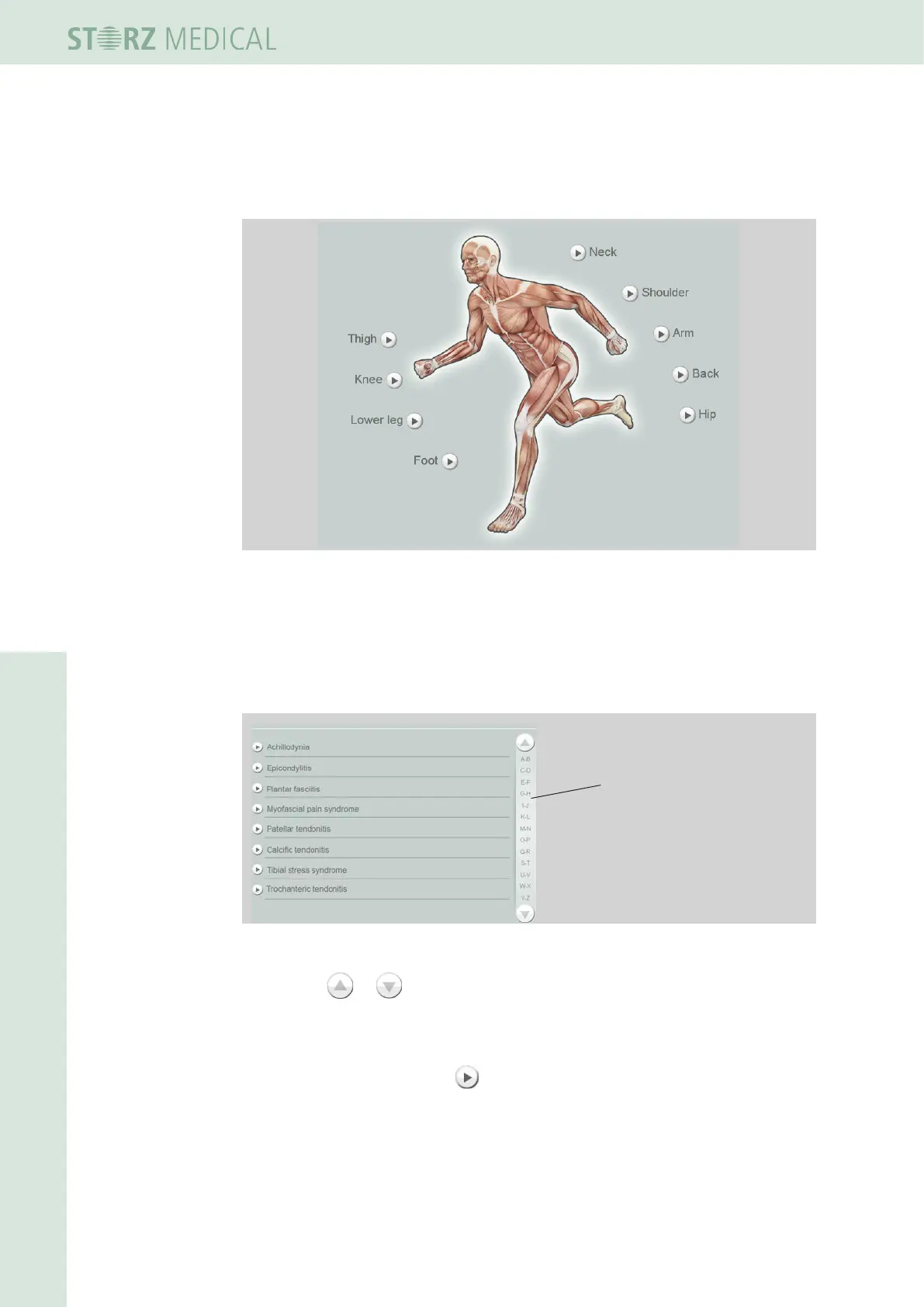
To load only the indications for a particular treatment zone
• Press the marker for the treatment zone.
Fig. 4-16 Selectable treatment zones
– The alphabetically sorted list of indications for this treatment zone is opened.
Navigating in the list
Use the navigation bar on the right edge of the display to move within the list.
1
1 Navigation bar
Fig. 4-17 List of stored indications
• Press the or button to scroll up or down.
or
• Call up a list ltered by initial letters by selecting the corresponding letter pairs.
• Load an indication using the button in front of it.
The following information is displayed about this indication in the overview
– Treatment steps
– Treatment notes (remarks)
– Treatment pictures














 To Next Page