4-17
17 364 02 0320
Operation
Calling up detailed views
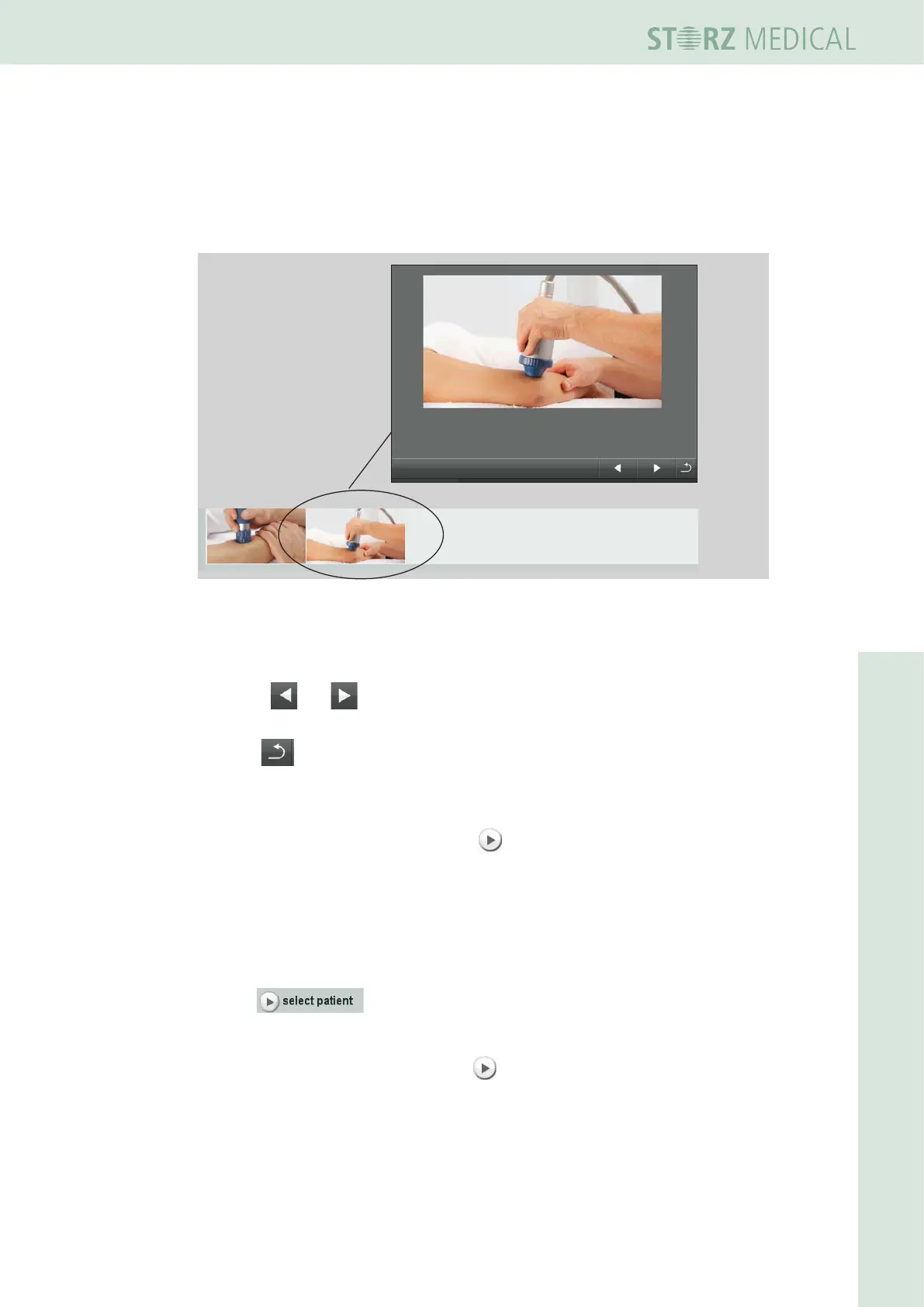
For increased clarity, you can call up magnied views of the treatment photos as well
as the recommended shock transmitters and stand-off devices.
• Press the corresponding treatment photo.
– The display shows a magnied view of the picture.
Fig. 4-18 Treatment photo detailed view
• Press the underlined shock transmitter or stand-off device name.
– The display shows an image of the shock transmitter or stand-off device.
Use the and buttons to switch to the display of the previous or next
element.
• Press to switch to the treatment step overview.
Loading treatment steps
• Load the rst treatment step using the button in front of it.
– The treatment parameters are accepted and displayed in the PARAMETER SE-
LECTION eld of the display.
Loading a patient dataset
You can now call up a patient record directly from the loaded indication.
• Press .
– The list of stored patient data is opened.
• Load the required dataset by pressing .
– The name of the patient is displayed in the status bar with the loaded
indication.














 To Next Page