Black plate (243,1)
一般Model "A2470GE-B" EDITED: 2010/ 9/ 24
4. Press the “TUNE/TRACK” dial.
5. “Stored” is displayed.
6. Select “Speed Dial” by operating the
“TUNE/TRACK” dial.
7. Select the phone number to be regis-
tered.
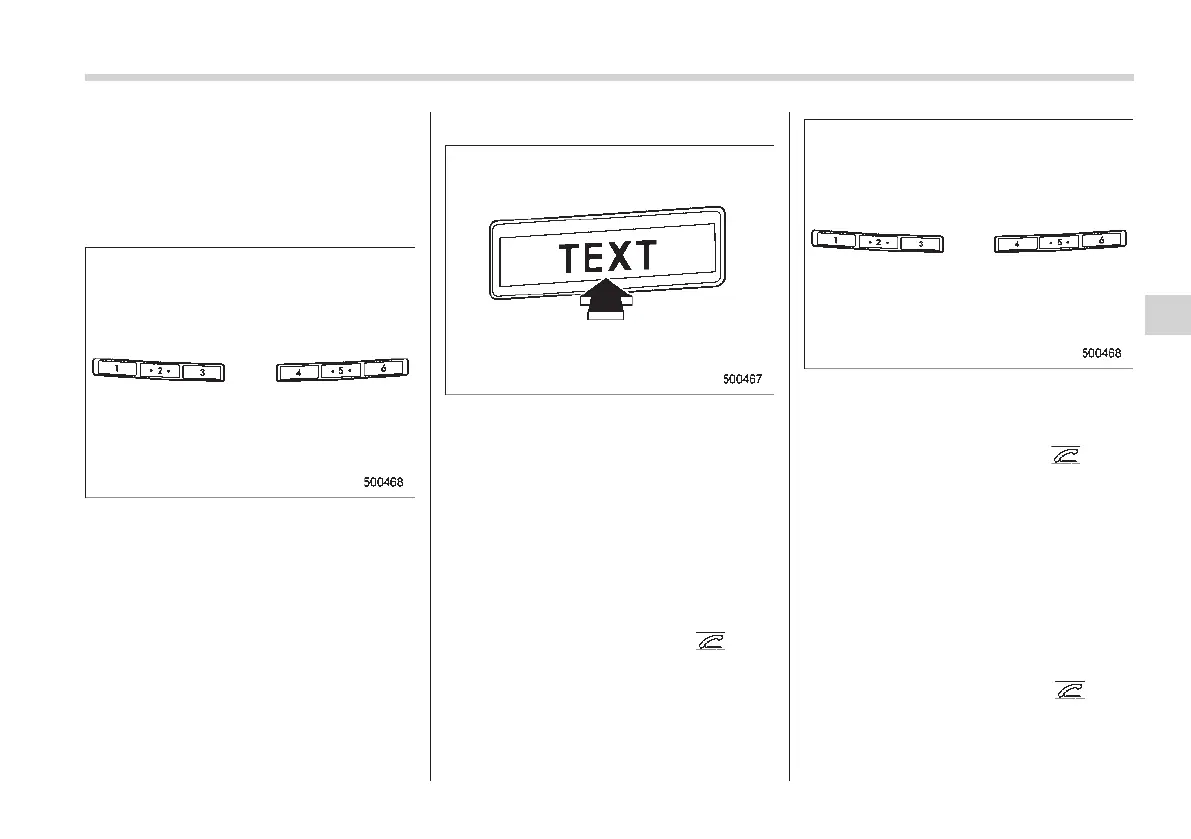
Preset buttons
8. Press the preset button in which you
want to register the number. The number
is then registered.
! Page scroll
If the registered name or phone number
has more than 12 characters, press the
“TEXT” button for more than 1.5 seconds
to scroll the name or phone number.
! Making a phone call
! Making a phone call from the phone
book
It is possible to select a phone number
from the phonebook registered with the in-
vehicle equipment to make a phone call.
1. Press the OFF hook switch
.
Preset buttons
2. Press the preset button in which the
desired number is registered.
3. Press the OFF hook switch
again.
NOTE
When a preset button for which num-
bers are not registered is pressed, an
error message is indicated on the audio
screen.
! Redial
1. Select “Redial” by operati ng t he
“TUNE/TRACK” dial.
2. Press the OFF hook switch
.
Audio 5-33
– CONTINUED –
5














 To Next Page