Black plate (244,1)
一般Model "A2470GE-B" EDITED: 2010/ 9/ 24
5-34 Audio
! Callback
1. S elect “ Cal lback” by operating the
“TUNE/TRACK” dial.
2. Press the OFF hook switch
.
! Taking a phone call and declining
an incoming call
To take a phone call: Press the OFF
hook switch
.
To put an incoming call on hold: Press
the ON hook switch
briefly.
To decline an incoming call: Press the
ON hook switch
for more than 1.5
seconds.
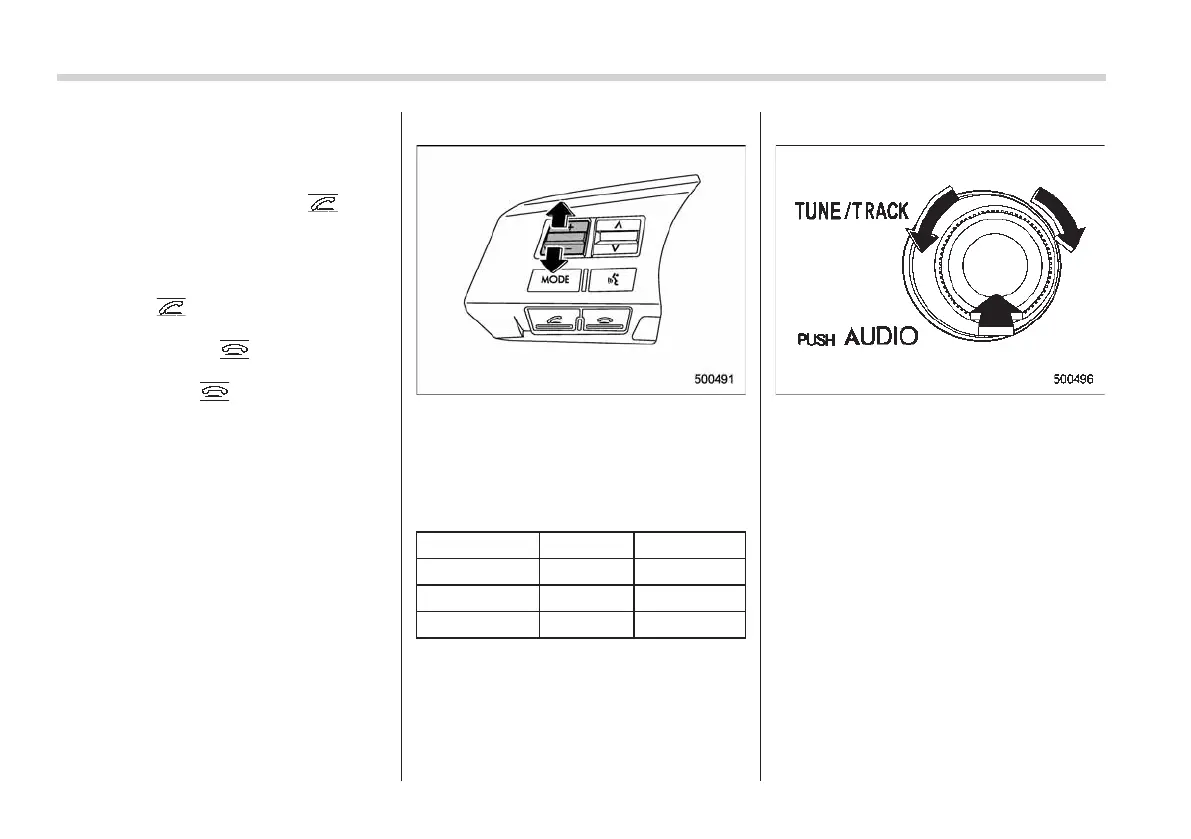
! Volume control
You can adjust the phone call volume, the
voice volume and the voice guidance
volume. Refer to “Volume control switch”
F5-28.
! Adjustable level of each volume
Volume Range Initial setting
Phone call 0 to 14 7
Voice 0 to 14 7
Voice guidance 1 to 7
4
! Menu list of the Hands-free system
Turn the “TUNE/TRACK” dial to select a
menu, and then press the dial to enter the
selected menu.
NOTE
For details about the operation, follow
the voice guidance.














 To Next Page