Chapter 6 First-Time Configuration 6-33
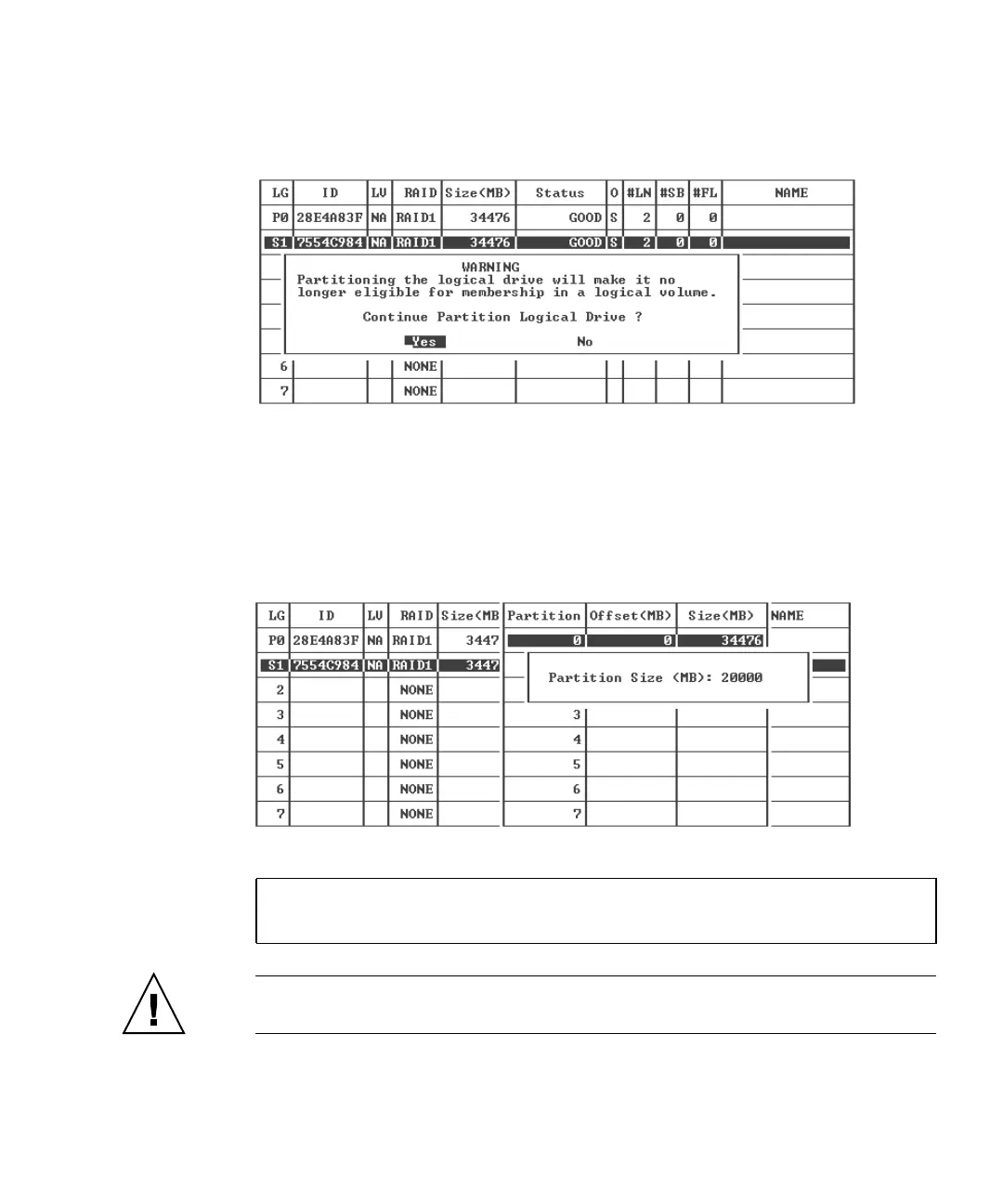
4. Choose Yes to confirm that you want to partition the logical drive if you do not
want to include it in a logical volume.
A list of the partitions on this logical drive is displayed. If the logical drive has not
yet been partitioned, all the logical drive capacity is listed as “partition 0.”
5. Select a partition and press Return.
A partition Size dialog is displayed.
6. Type the desired size of the selected partition and press Return.
A warning prompt is displayed:
Caution – Make sure any data that you want to save on this partition has been
backed up before you partition the logical drive.
This operation will result in the LOSS OF ALL DATA on the partition.
Partition Logical Drive?


 To Next Page
 Loading...



