4-8 Sun StorEdge 3000 Family Installation, Operation, and Service Manual • May 2004
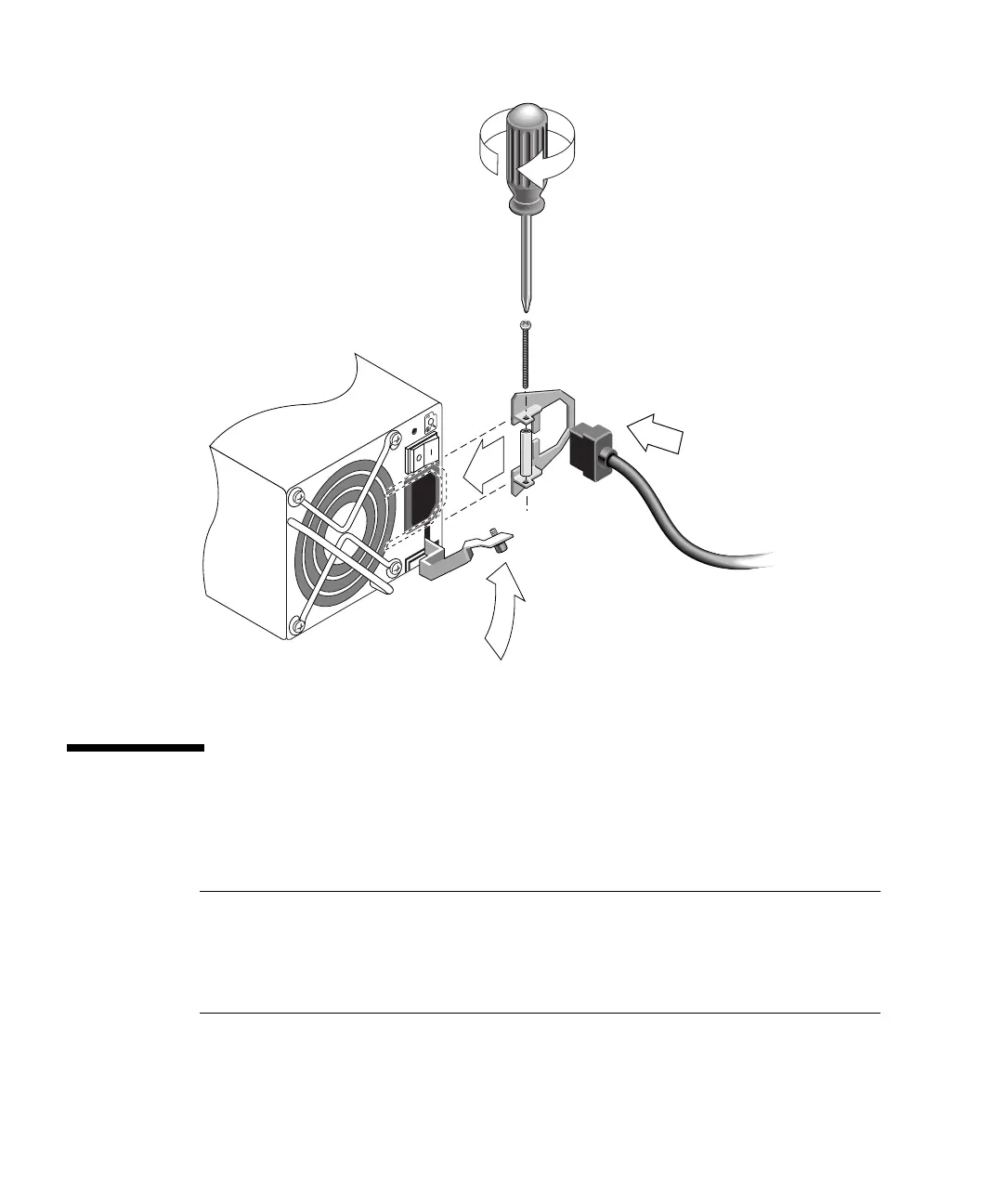
FIGURE 4-5 Installing a Cord Lock
4.4 Connecting the Chassis to DC Power
Outlets
Note – The Sun StorEdge 3511 FC Array can only be ordered in an AC
configuration. However, DC power supplies can be ordered in an x-option kit, and a
Sun StorEdge 3511 FC Array can be reconfigured using the DC power supplies. Refer
to the Sun StorEdge 3000 Family FRU Installation Guide for a procedure for removing
and replacing power supplies.
Two DC power cords are packaged with each DC array. To connect the DC power
cords, perform the following procedure.
1
3
2
4



 To Next Page
 Loading...



