9-8 Sun StorEdge 3000 Family Installation, Operation, and Service Manual • May 2004
9.4 Identifying a Failed Drive for
Replacement
If there is a failed drive in a RAID 5 logical drive, replace the failed drive with a new
drive to keep the logical drive working.
Caution – When trying to remove a failed drive, if you mistakenly remove the
wrong drive in the same logical drive, you will no longer be able to access the logical
drive. By incorrectly failing a second drive, you cause a critical failure of the logical
drive.
Note – The following procedure works only if there is no I/O activity.
To find a failed drive, identify a single drive, or test all drive activity LEDs, you can
flash the LEDs of any or all drives in an array. A defective drive does not flash, so
this provides a good way to visually identify a failed drive before replacing it.
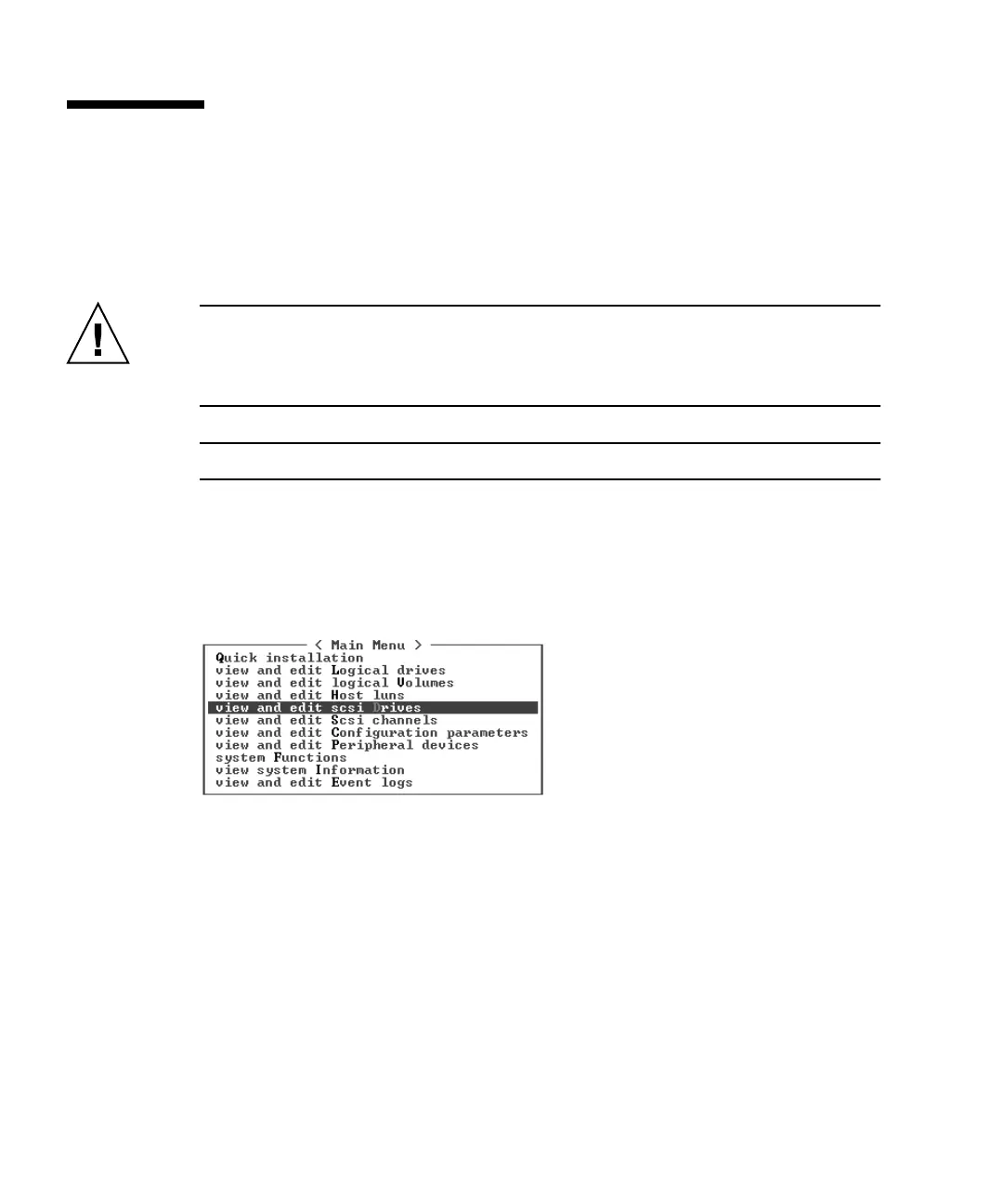
1. In the Main Menu, choose “view and edit scsi Drives.”
2. Select any drive and press Return.



 To Next Page
 Loading...



