Chapter 6 First-Time Configuration 6-45
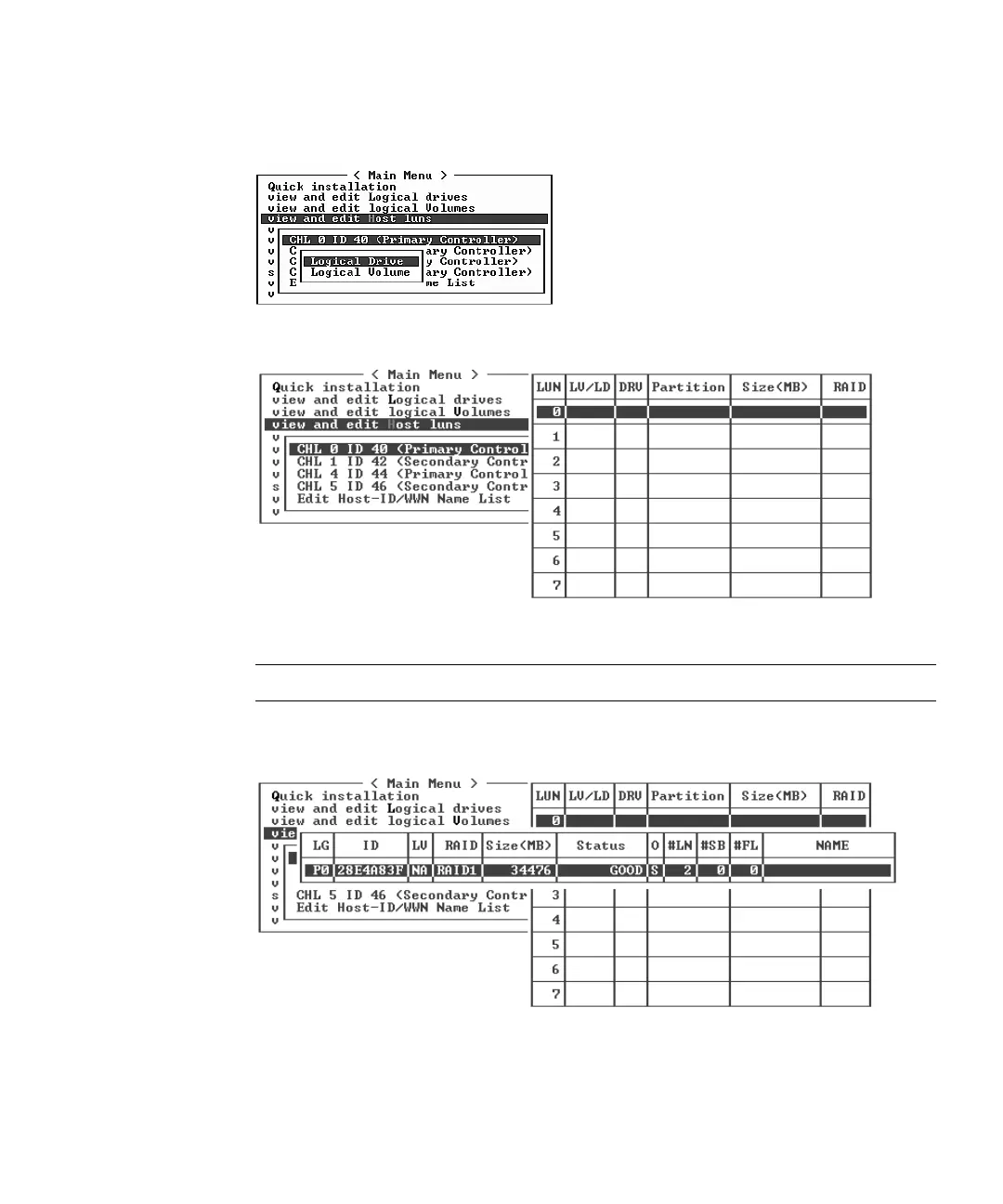
3. If the Logical Drive and Logical Volume menu options are displayed, choose
Logical Drive.
The LUN table is displayed.
4. Use the arrow keys to highlight the desired LUN and press Return to select it.
Note – A device must be mapped to LUN 0 as a minimum.
A list of available logical drives is displayed.



 To Next Page
 Loading...



