Chapter 9 Troubleshooting Your Array 9-21
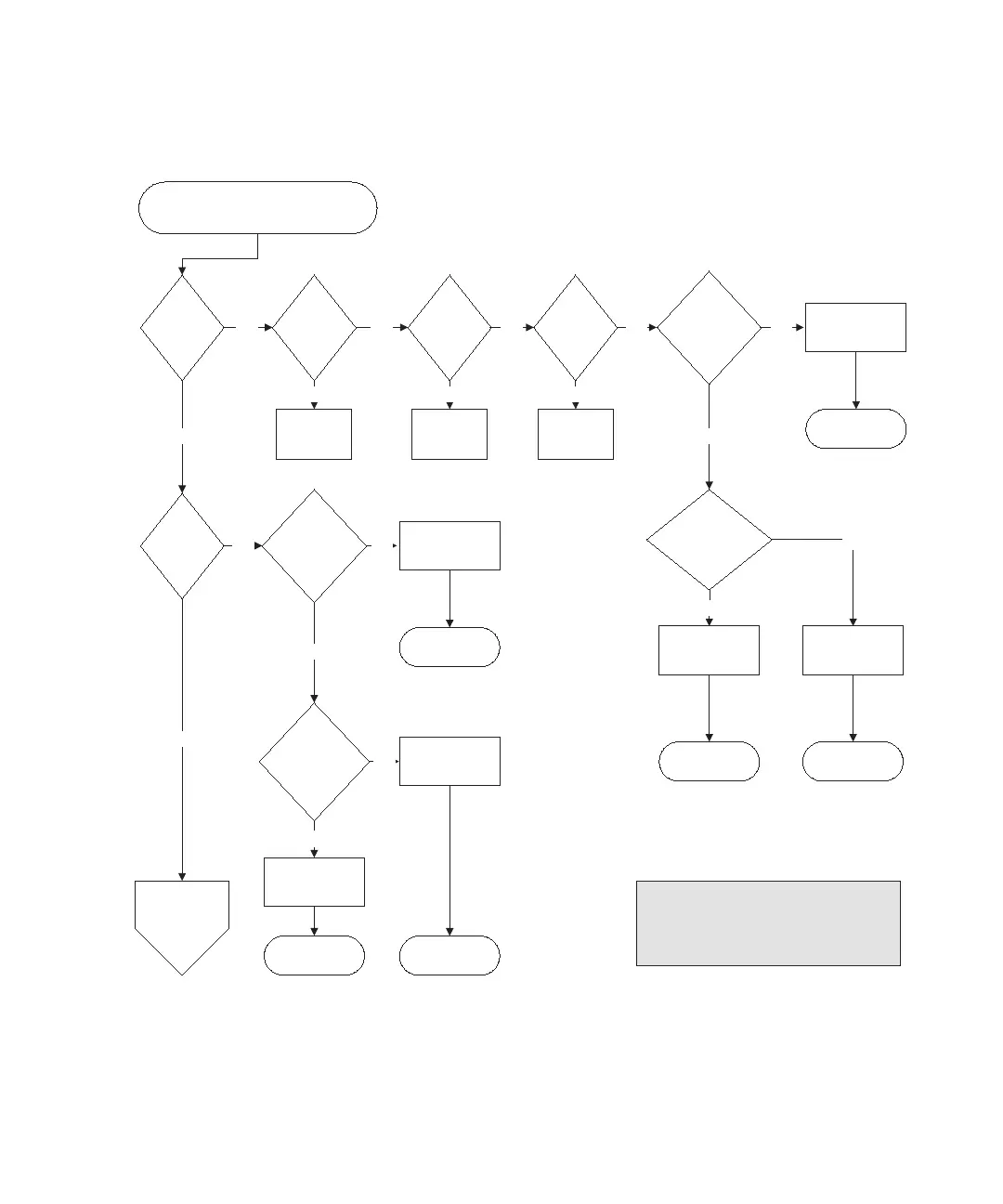
FIGURE 9-6 Front Panel LEDs Flowchart, 2 of 4
3B
Front panel LEDs problem (FC)
Are both
power
switches
on?
Ye s
Turn them
on.
Connect
them.
Seat them.
No No
Continue with
3C.
Ye s
No
Is the LED
ribbon cable on the
right ear loose?
Replace chassis.
Ye s
Is either
power/cooling
FRU LED
amber?
Replace FRU.
Replace chassis.
Replace FRU.Ye s
No
No
Secure the
ribbon cable.
Is the power
connected?
Are the
power cords
well
seated?
Front
panel
power
LED
amber?
Ye s Ye s Ye s Ye s
No
Secure the ribbon
cable.
No
Front
panel fan
LED
amber?
Is the LED
ribbon cable on
the right ear
loose?
No
No
End
EndEnd
EndEnd
End
Is either
power/cooling
FRU LED
amber?
Ye s
Ye s
--Reseat the FRU that is not operating correctly.
--Swap the questionable FRU with a known-good
FRU from the same array.
Notes
Prior to replacing a chassis, try the following:



 To Next Page
 Loading...



