SWDM40 OPERATION & MAINTENANCE MANUAL
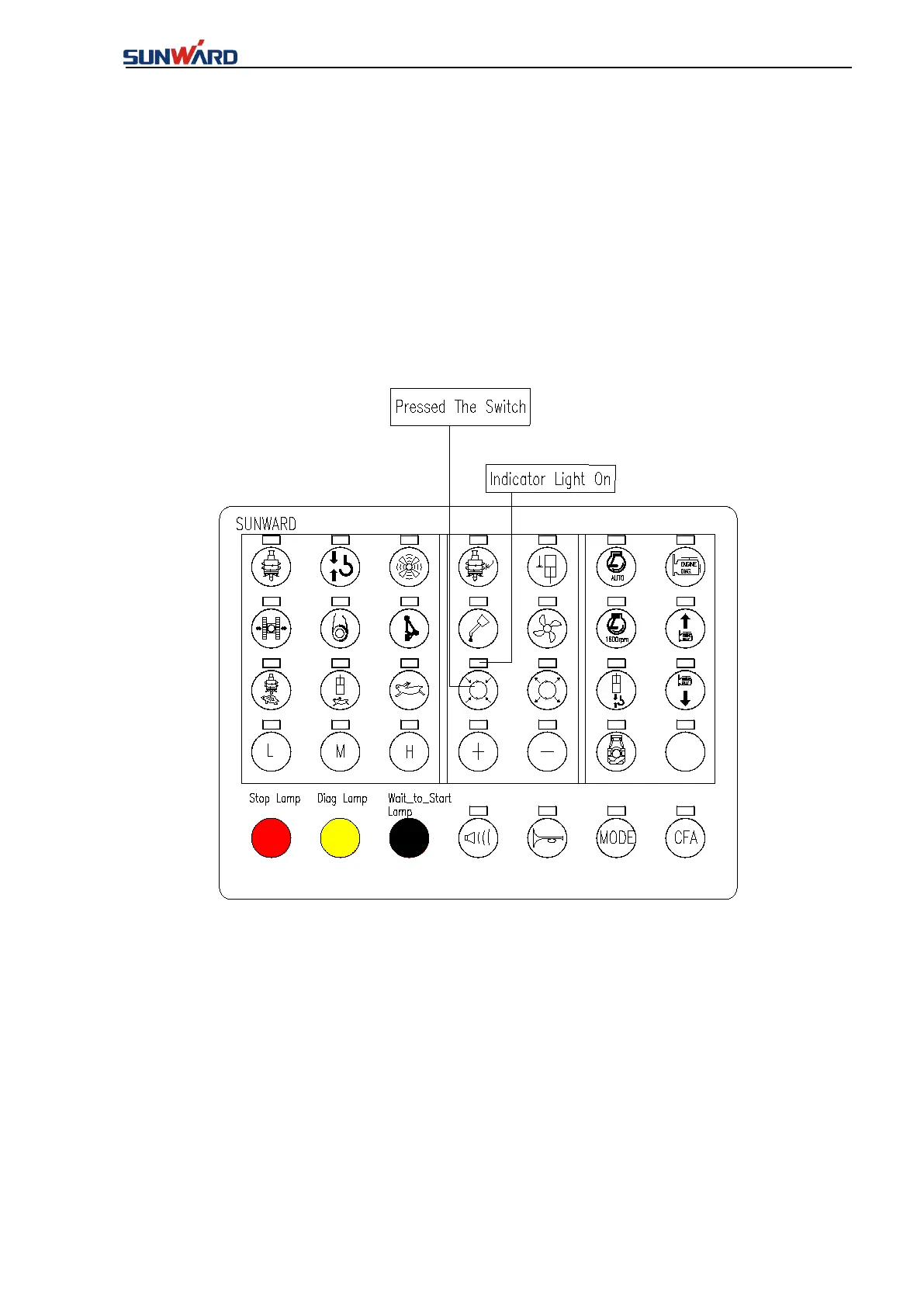
4.13 MOVEMENTS OF ROTARY BRAKE CYLINDER
★Note: This model doesn’t support this function.
● “Button 17- Rotary brake cylinder” in the membrane key panel is connected (The light
above the key is on). Press and hold the button to connect, release it to disconnect;
★Note: This function is only available for large machines(SWDM520/600W),which is not
available now.
●
“Button 18- Rotary brake cylinder retraction switch” in the membrane key panel is
connected(The light above the key is on). Press and hold the button to connect, release it to
disconnect;
★
Note: Rotary brake cylinder action function is only available for large models
(SWDM520/600W).



 To Next Page