SWDM40 OPERATION & MAINTENANCE MANUAL
3.2.1.4 Space Setting
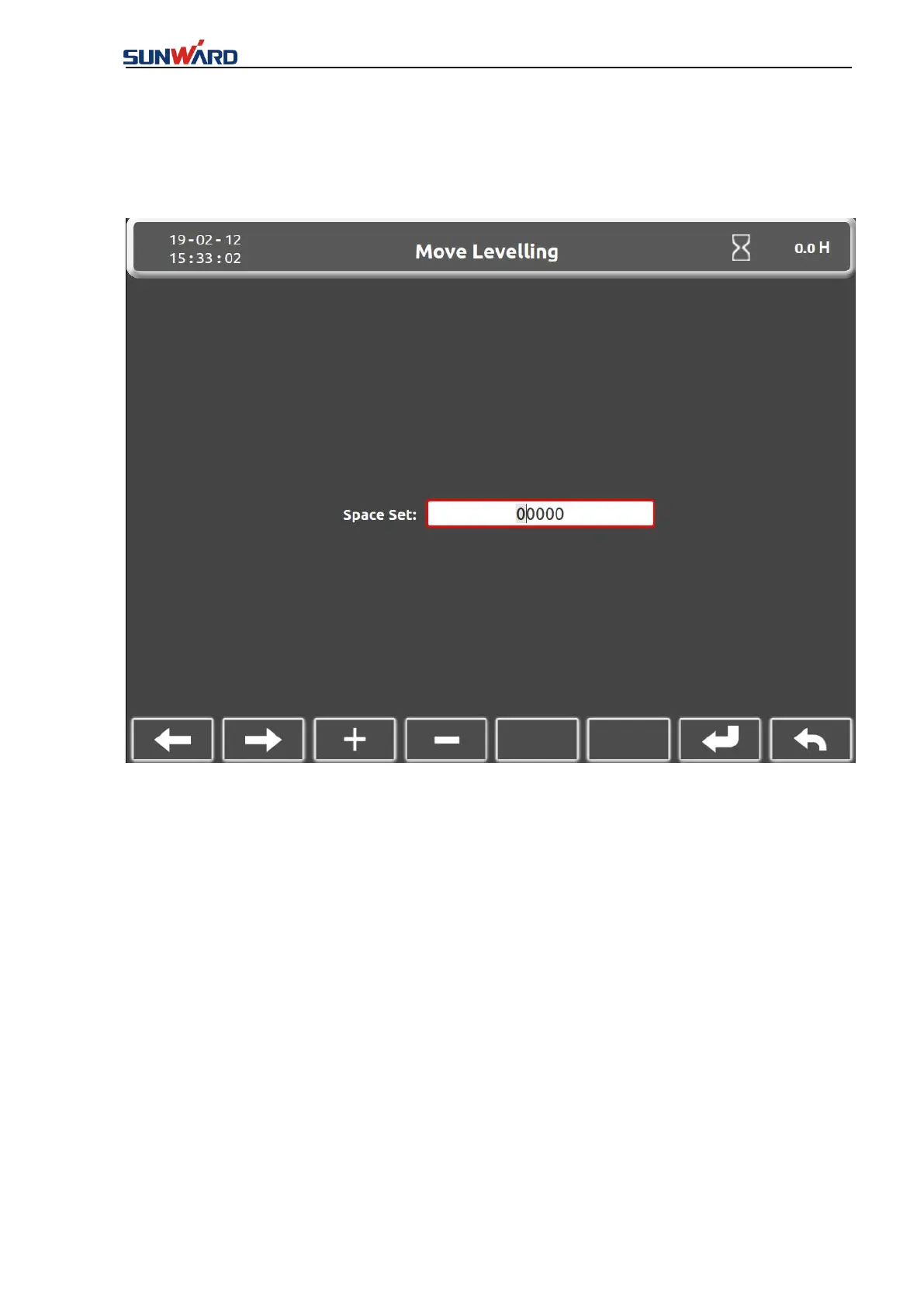
Click “Space setting” (key 1) in the “Debugging interface” to enter “Space setting interface”.
Figure 3.2.1-4
Move the cursor by the right/left key (1/2 button), press “+” “-” (3/4 button) to adjust the
numerable value, then input “9999” and confirm by the button 7 so that to release the limit
mode of the mast.
Click “Return” (key 8) to back to the “Debugging Interface” (Figure 3.2.1-3).
3.2.1.5 Main Parameters Setting Interface
Click the “Setting” (key 6) in the “Main Interface” (figure 3.2.1-1) to enter the “Setting of Page
Password” interface.



 To Next Page