SWDM40 OPERATION & MAINTENANCE MANUAL
3.2.1.3 Debugging Interface
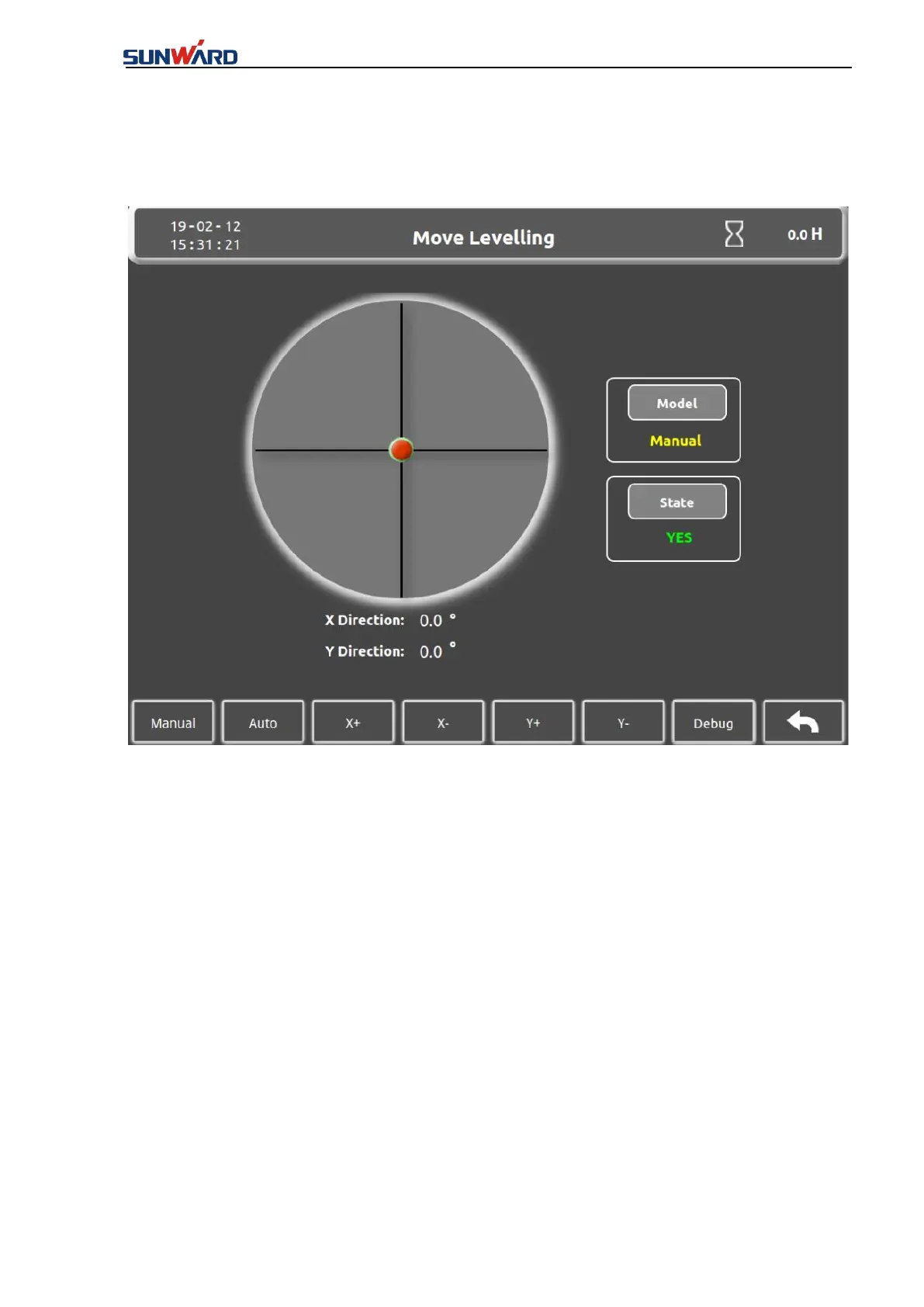
Click “Debugging” (key 7) to enter the “Debugging interface” in the “Move Leveling” interface
(figure 3.2.1-2).
Figure 3.2.1-3
The interface is used to debug the mast, whether it's normal.
Click the key 1 "Step length" to enter the interface of "Setting of Step Length" (Figure 3.2.1-4).
Click the key 2 "Left Cylinder Extend" to stretch the left cylinder which is vertical with the
Kelly bar.
Click the key 3 "Left Cylinder Retract" to retract the left cylinder which is vertical with the
Kelly bar.
Click the key 4 "Right Cylinder Extend" to stretch the right cylinder which is vertical with the
Kelly bar.
Click the key 5 "Right Cylinder Retract" to retract the right cylinder which is vertical with the
Kelly bar.
Click the Key 8 "Return" to back to the "Move Leveling" interface(Figure 3.2.1-2).



 To Next Page