15. STEERING / SUSPENSION
15-3
Steering Handle
Removal
Remove the handle cover, handle protect cover
and front fender. (Refer to chapter 13)
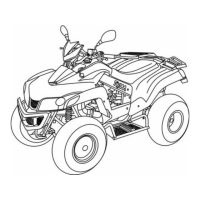
Remove meter set and main switch couplers.
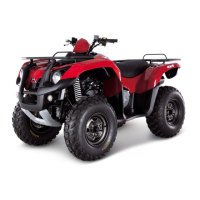
Remove speedometer cable.
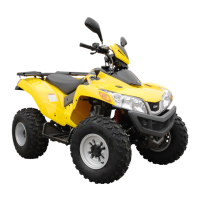
Loosen 2 bolts to remove handle cover stay.
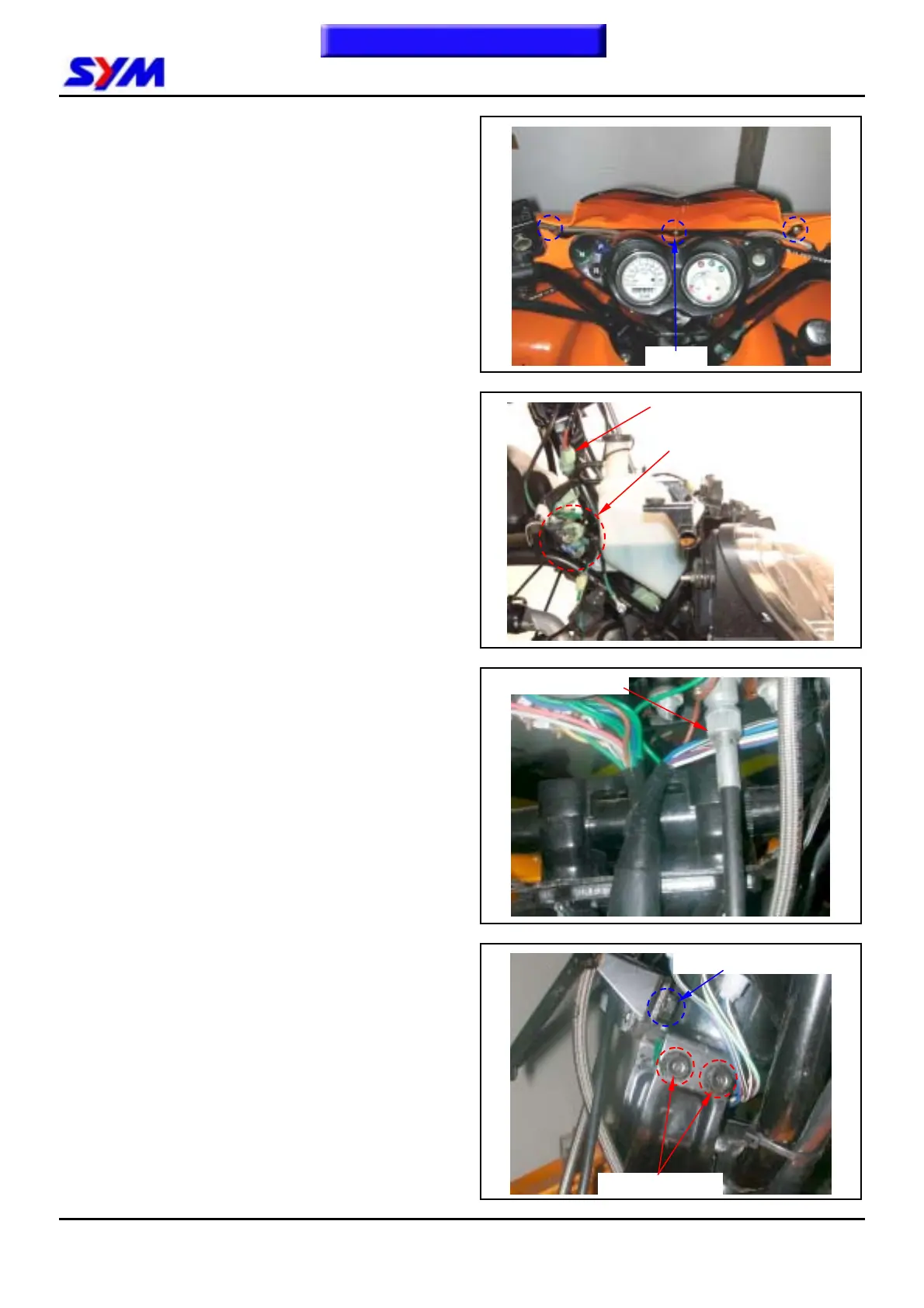
Loosen 4 bolts of the meter stay, and then remove
meter set and main switch.
To this chapter contents
3 Screws
4 bolts (meter stay)
Speedometer cable
2 bolts (handle cover stay)
Main switch coupler
Meter set couplers


 To Next Page