3. LUBRICATION SYSTEM
3-4
Oil Pump
Oil Pump Removal
Remove generator and starting gear. (Refer to
chapter 10) 。
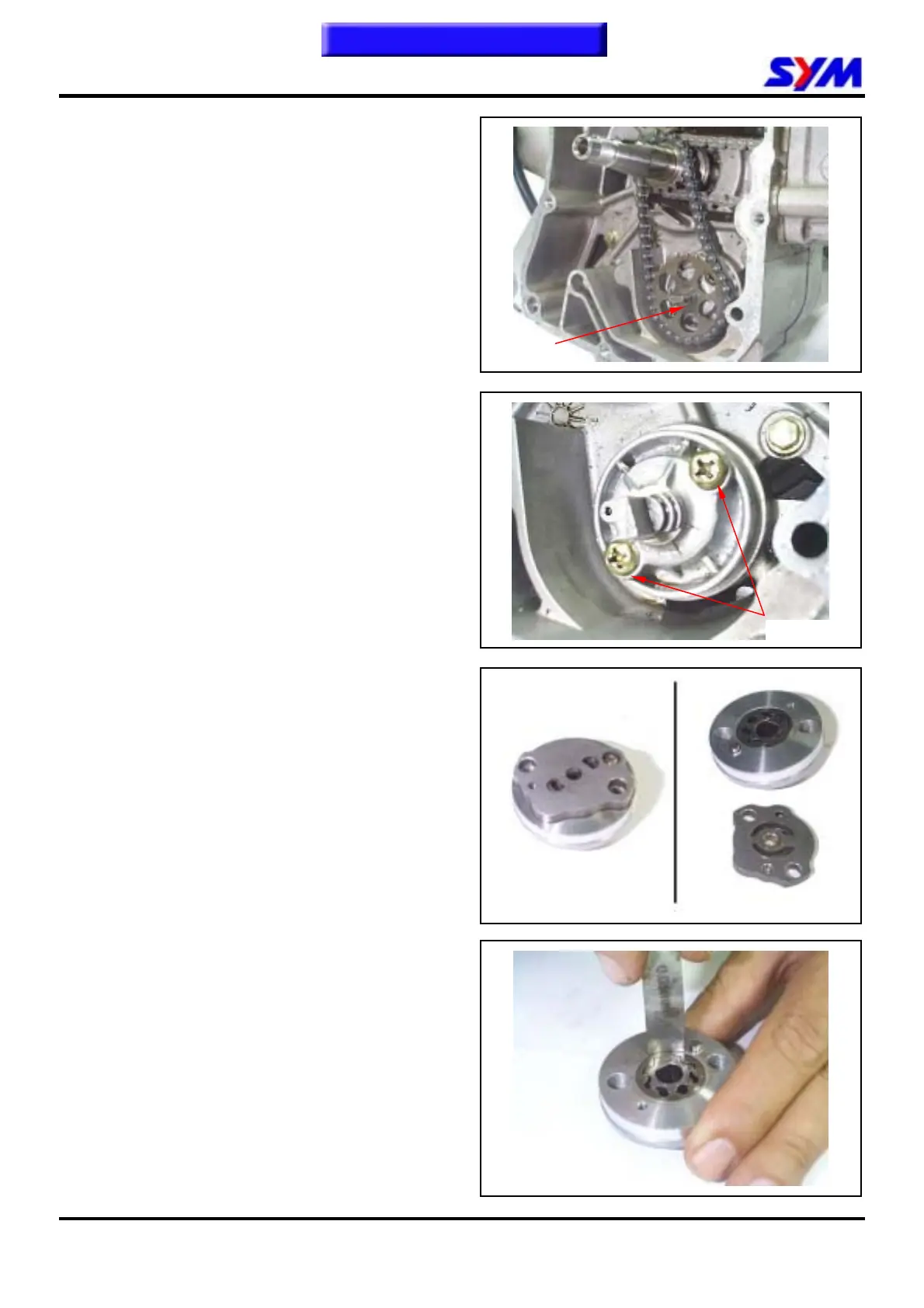
Remove snap ring and take out oil pump driving
chain and sprocket.
Make sure that pump shaft can be rotated freely.
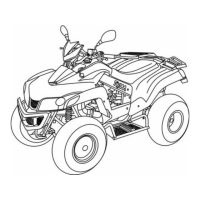
Remove 2 screws on the oil pump, and then
remove oil pump.
Oil Pump Disassembly
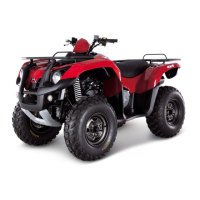
Remove the screws on oil pump cover and
disassemble the pump as illustration shown.
Oil Pump Inspection
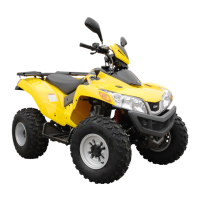
Check the clearance between oil pump body and
outer rotor.
Limit: 0.25 mm
Clip
2 screws
To this chapter contents


 To Next Page