ES3000 User Guide
3-46
To set the GARP VLAN registration protocol (GVRP) message status (GARP refers to General Attribute
Registration Protocol):
1. Select Set GVRP Status.
2. Choose E to enable and D to disable.
To set Management Status:
1. Select Set Management Status.
2. Choose E to enable and D to disable.
Adding a VLAN
To create a VLAN:
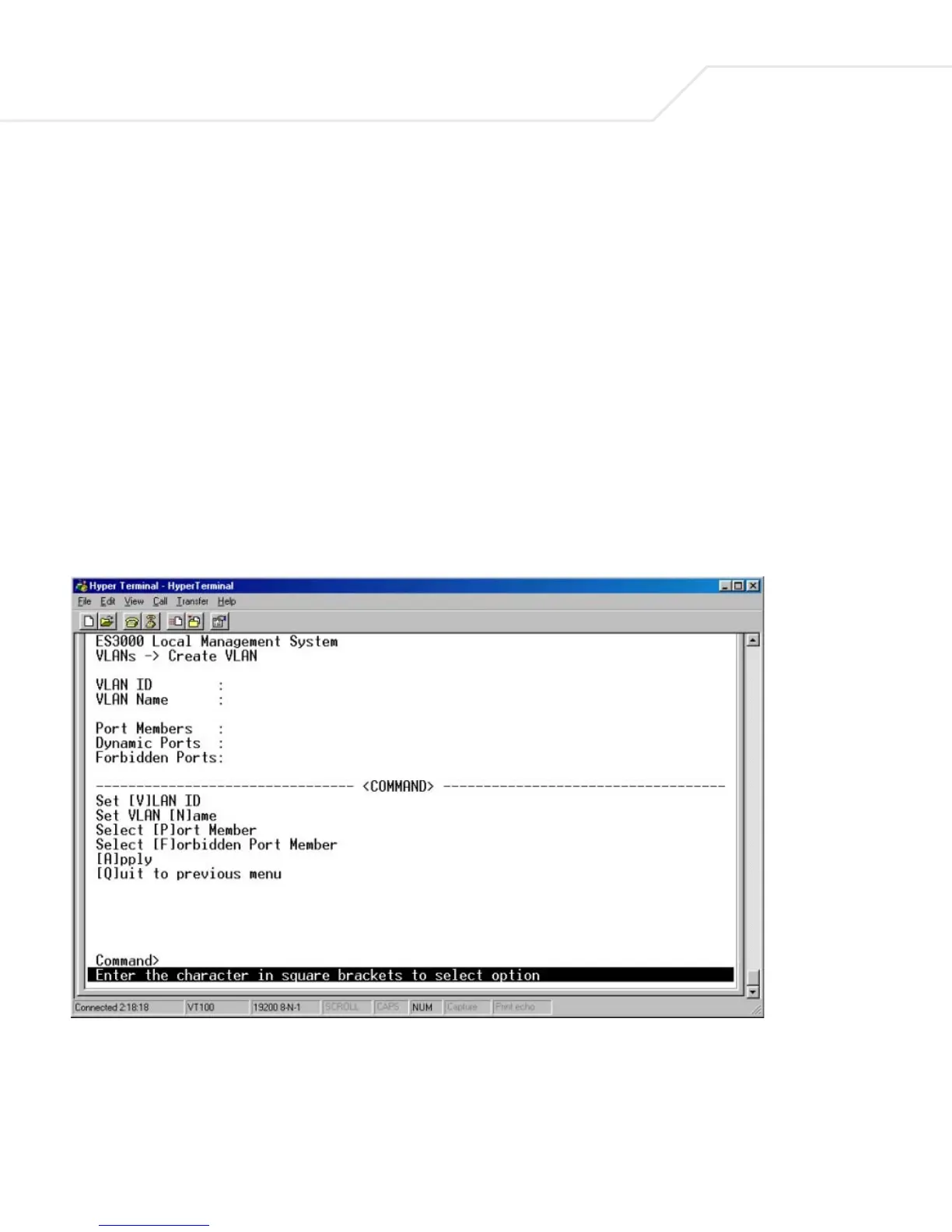
1. Select Create VLAN.
The Create VLAN screen displays.
2. Create the VLAN and set the VLAN ID.
3. Enter the egress port of members by typing p.
Instead of typing 3 to 12 individually, a (-) can be used to indicate contiguous numbers. Use
a comma to separate the members.



 To Next Page