7.1.2 Logging in
Each user is assigned to a user role. Each user role has specific privileges. Some
functions of the software are not available for each user role and availability depends on
the assigned privileges. For more information, please refer to chapter 13.1 User
Management.
Requirements
• The login dialogue is displayed.
• User access must be set up.
• Login and password must be known to log into the software.
Procedure
1. Select your name.
2. Enter your password.
3. Click [Login] or press [Enter].
7.1.3 Priming the device
Prime mode is available as a start-up process for the device. Prime mode includes
cleaning and filling the tubes with Sheath Fluid.
Priming should be performed in the following cases:
• As a Start-up procedure
• As a troubleshooting procedure (no/bad signals, high background, etc.)
• As a maintenance procedure (after the Sheath Fluid bottle has been refilled or
after the Waste bottle has been emptied)
If a CyFlow™ Robby 6 is connected and should be primed the measure
settings for Settings - Measure Mode must be changed to Autoloader.
• See Operating Manual CyFlow Ploidy Analyser with Robby 6 (CyView
1.6 SW) IFU GB EN
Requirements
• Sample tube with 2 ml Decontamination Solution
• Sample tube with 2 ml Sheath Fluid
• “Sample Port” in Settings - Measure Mode - Sample Source is selected.
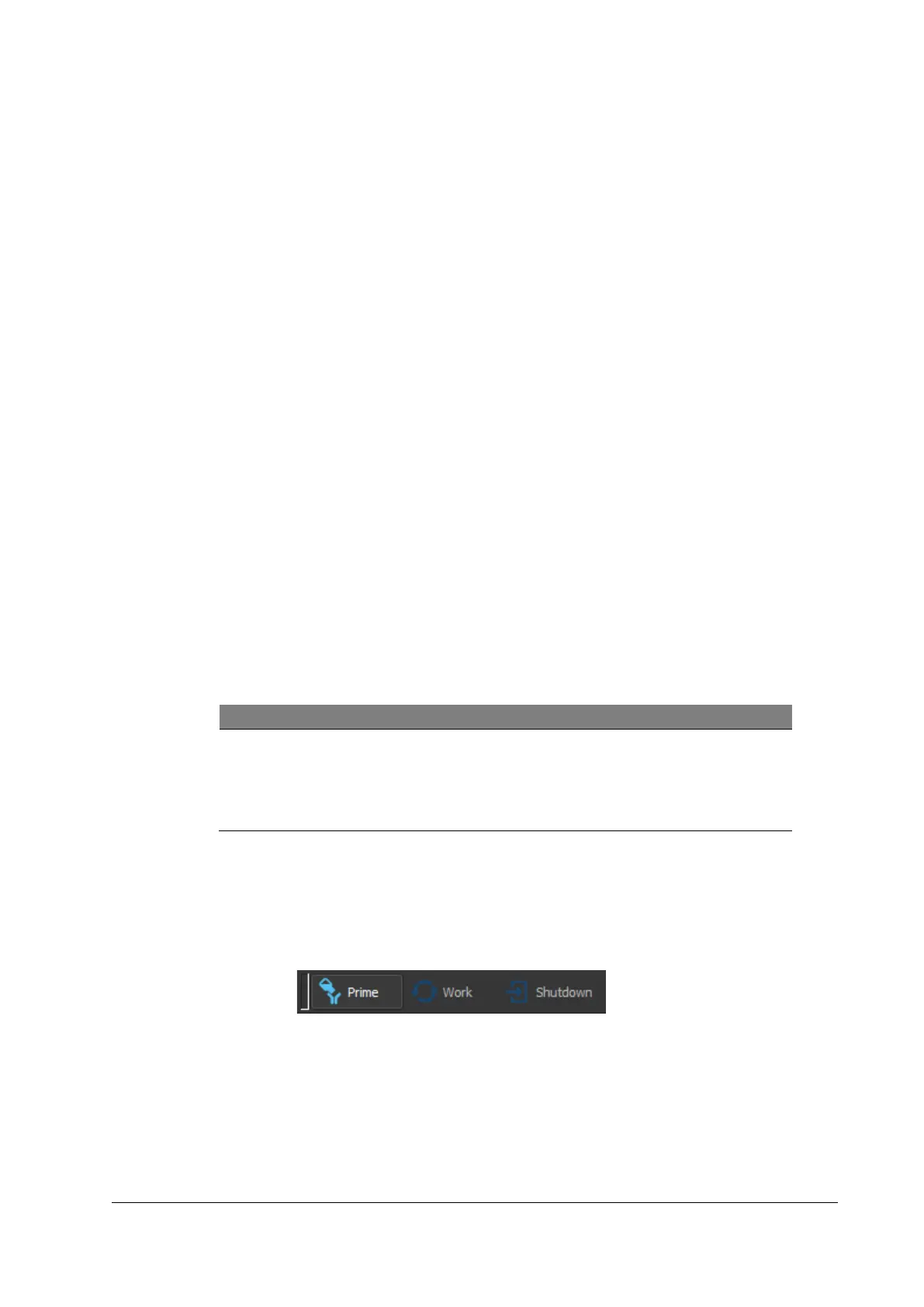
Figure 6: Selecting Prime Mode
Procedure
1. Open a configuration file and select the [Prime mode].
2. Press [Start].
3. Follow the instructions until priming is completed.
4. Click [Continue].



 To Next Page