CyFlow™ Ploidy Analyser | Operating Manual | October 2021
13.4 Data acquisition controls
13.4.1 Acquisition controls
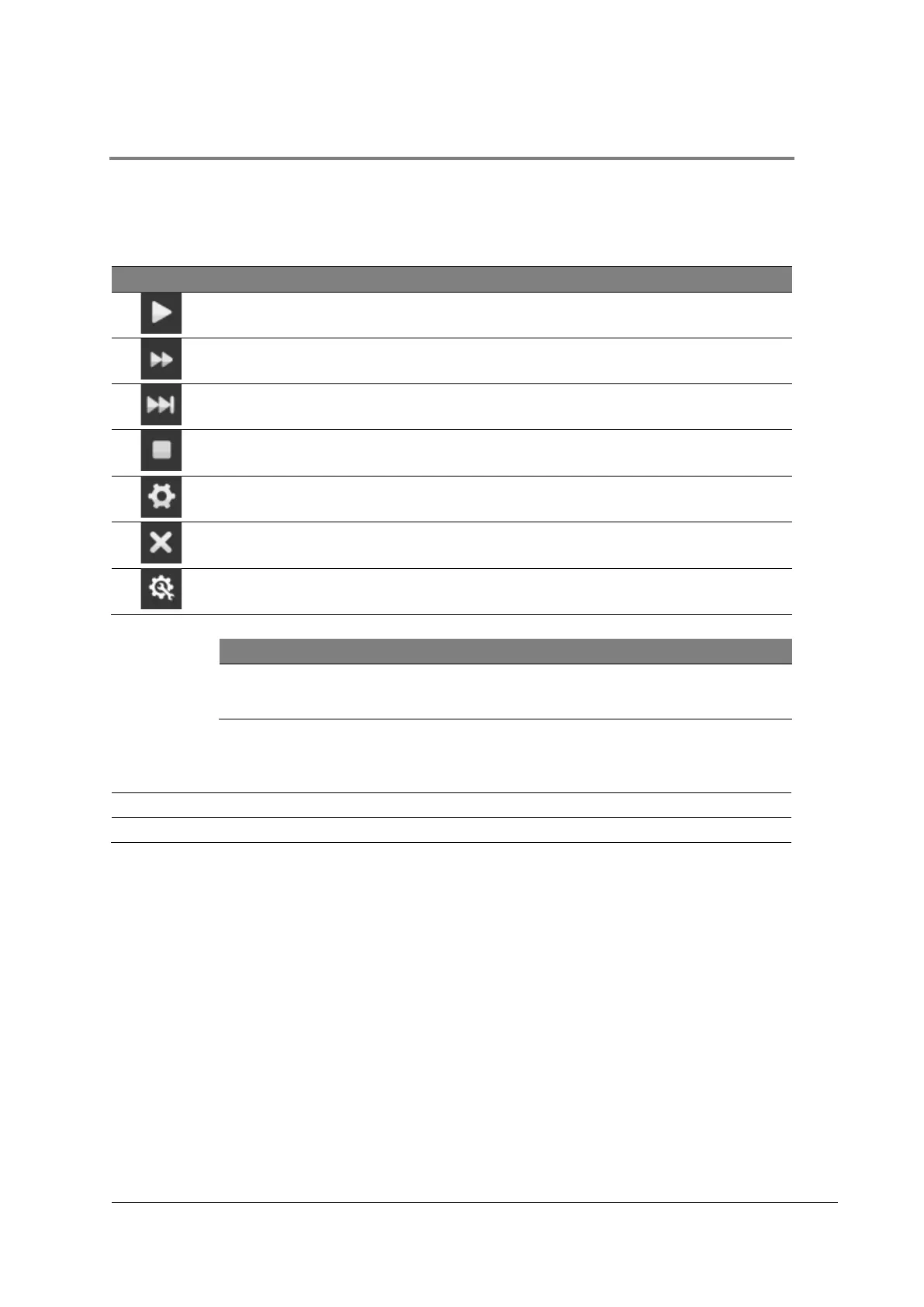
The Acquistion controls allow the user to operate the device during data acquisition.
Table 16: Acquisition controls
Starts the selected procedure
If paused, the procedure will be continued.
During a procedure, the current step will be
skipped.
Stops the selected procedure
Opens the “Acquisition” tab
Clears the displayed data
Clear data
Alternatively press the space bar on the keyboard to clear displayed data.
Depending on the selected role, different controls are enabled:
[Start], [Continue], [Skip], [Stop], [Acquisition], [Clear data], [Settings]
[Start], [Continue], [Skip], [Stop], [Acquisition], [Clear data], [Settings]
[Start], [Continue], [Skip], [Stop], [Clear data]



 To Next Page