CyFlow™ Ploidy Analyser | Operating Manual | October 2021
13.4.2 Device realtime display
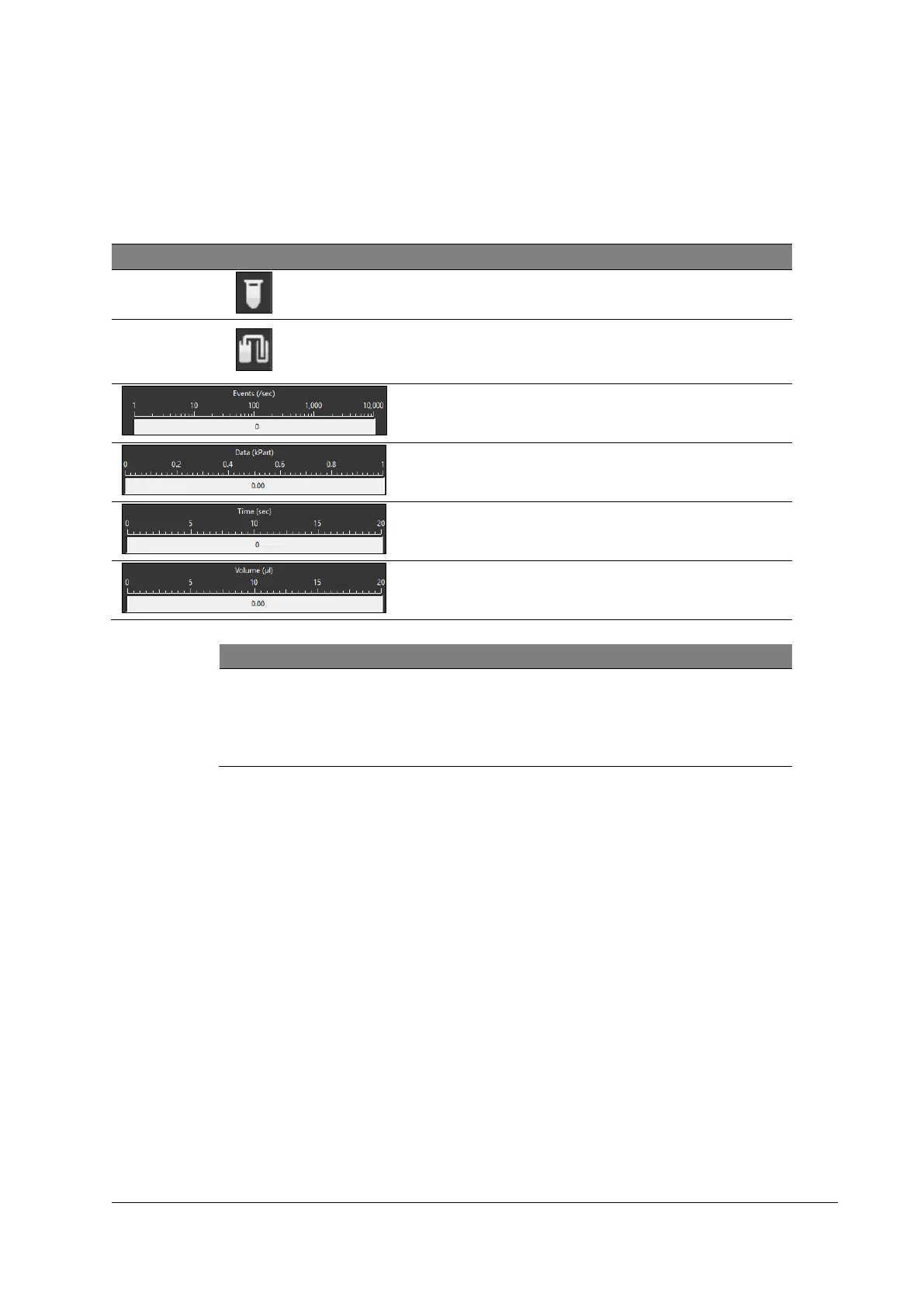
The device real time display allows to monitor data during data acquisition.
Table 17: Device realtime display elements
Indicates if sample is present
or empty
Shows a warning when Sheath
Fluid or waste levels become
critical
Displays the flow rate in events
per second
Shows total number of
acquired events in kiloparticles
Shows elapsed time in
seconds
Shows measured volume in
microliters
During automated measure modes, the displayed color in “Volume (µl)”
switches to red as soon as the counting phase begins. For more
information, please refer to chapter 7.3 Performing a measurement
(Sample Port).



 To Next Page