Procedure
1. Enter Name of new user.
2. Enter Password.
3. Repeat Password.
4. Choose Administrator or Main User role (if none is selected, the User role is
applied).
5. Click [Create Account].
Delete an account (Administrator / Main User)
Procedure
1. Enter Name.
2. Click [Delete Account].
Changing password (Administrator / Main User)
Procedure
1. Enter Name.
2. Enter new Password.
3. Repeat new Password.
4. Click [Change Password].
13.2 Overview
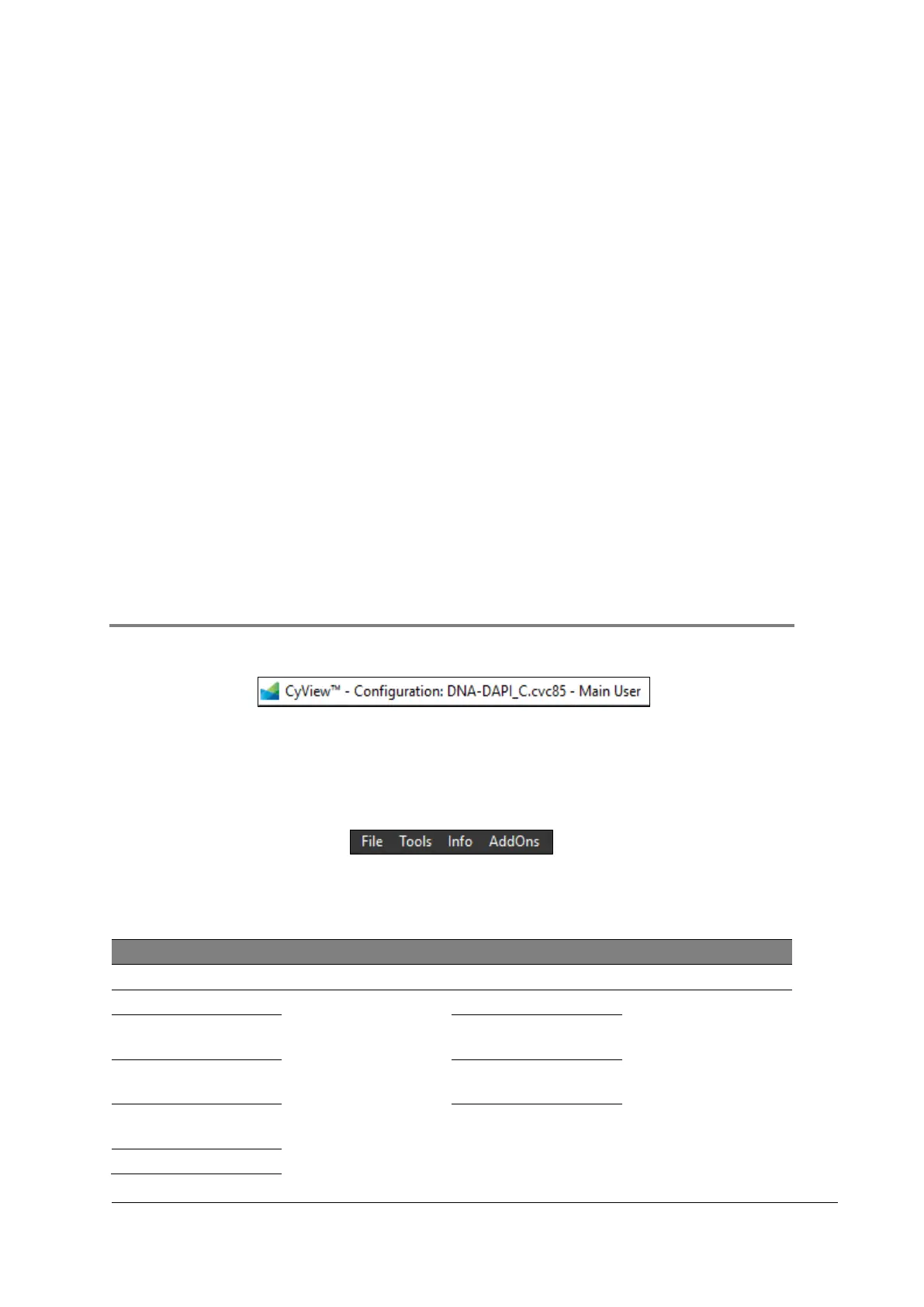
13.2.1 Title bar
Active Configuration: Configuration: DNA-DAPI_C.cvc85
Active Role: Main User
13.2.2 Drop down menu
The drop down menu structure depends on the active role. For further information, please
refer to chapter 13.1.2 User Administration.
Table 14: Drop down menu structure for each configuration (Main U ser)



 To Next Page