CyFlow™ Ploidy Analyser | Operating Manual | October 2021
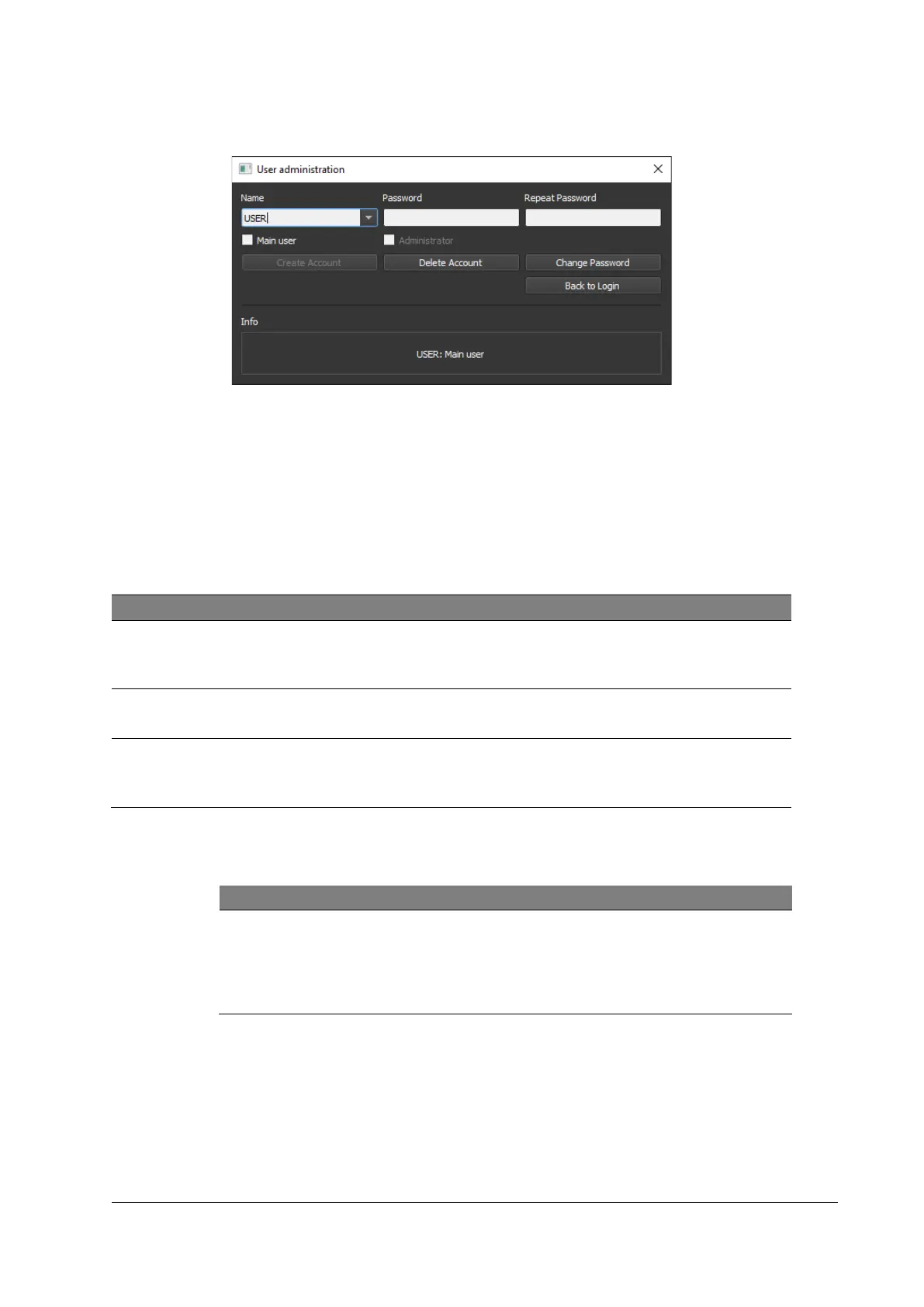
Figure 12: User administration window (exemplary)
Procedure
1. Enter Login.
2. Enter Password.
3. Click [User Administration].
Table 13: Roles and privileges
Restricted to Authorised service personnel.
Administrators can create Administrator, Main User and User
logins.
Full functionality of the software, method development.
Main Users can create Main User and User logins.
Load and save data as well as starting measurements. It is not
possible to change any acquisition settings.
Users cannot create accounts.
Build new account (Administrator / Main User)
Passwords for Administrators and Main Users must have at least 4
characters and must contain at least one number as well as a special or
capital character.
Passwords for Users must have at least 4 characters.



 To Next Page