CyFlow™ Ploidy Analyser | Operating Manual | October 2021
13 Software
The Ploidy Analyser is equipped with the CyView™ software for operation of the device.
This chapter describes the software functions. Performing routine tasks using the
software is described in chapter 7 Operation.
13.1 User Management
13.1.1 Login
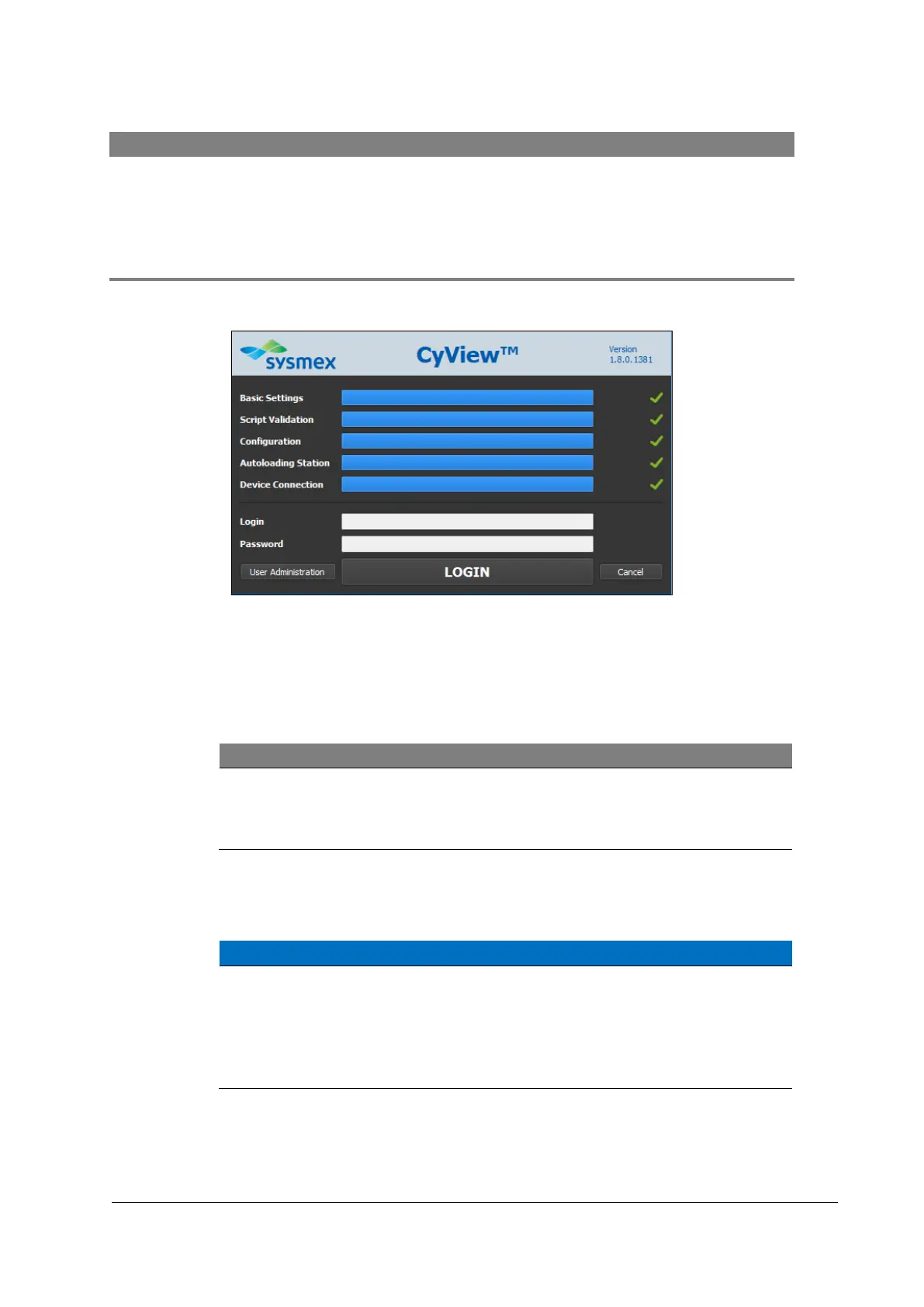
Figure 11: Login and system check window
A login and a password will be given to you by a Main User or during the installation of the
device by an Administrator. A Main User builds and deletes user logins. There is no
specific logout function in the software but it is always required to login when starting
CyView™.
On each new device a Main User login is already established.
Login: USER (case sensitive)
Password: Cube1 (case sensitive)
13.1.2 User Administration
User deletion
All logins are deletable. This includes the default login provided during
the installation process.
• Please make sure at least one Main User remains in the user list in
order to guarantee complete functionality of the software.
Enter the User administration window by following these steps at the login and system
check window:



 To Next Page