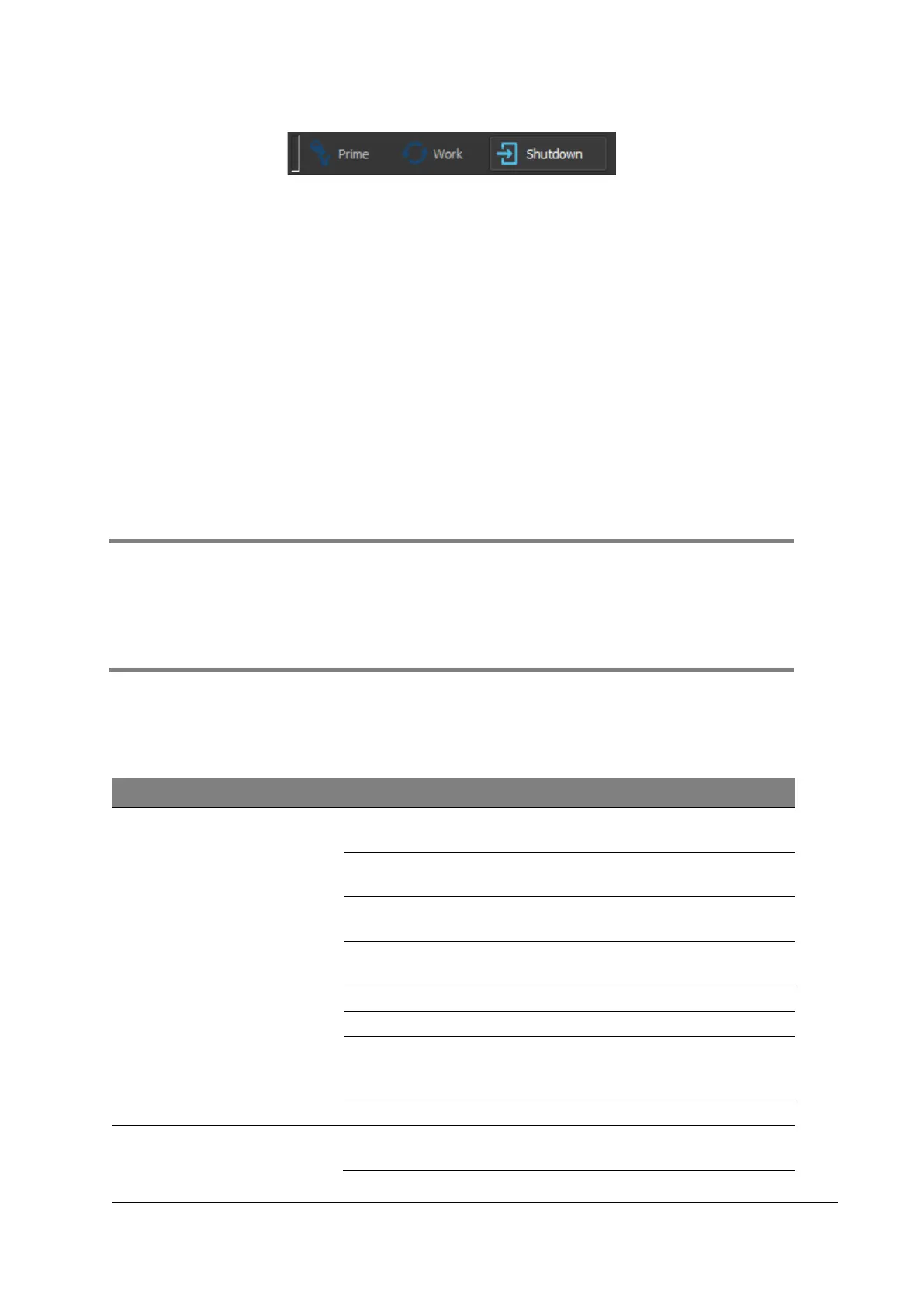
Figure 10: Selecting Shutdown
Procedure
1. Select the [Shutdown].
2. Press [Start].
3. Follow the instructions displaed on the screen.
4. The software will shut down automatically once the procedure is finished.
7.6.2 Switching off the device
Procedure
1. In the Windows menu, click [Shutdown].
2. Close the display of the device.
3. Switch off the device using the Power switch on the rear side of the device.
7.7 Software operation
CyView™ is a preinstalled application software.
CyView™ is used for control of the device, data acquisition, data analysis and storage.
For more information, please refer to chapter 13 Troubleshooting
7.8 Fault, cause and remedy
If the fault you are experiencing is not described or the remedy could not solve your
problem, please contact your local Sysmex representative.
7.8.1 Sheath Fluid, waste and other fluids
Check the connection of the Sample tube to the Sample
port. Decant sample to another tube and measure again.
Shut down the device, including the Power switch on the
back side of the device. Wait 3–5 minutes and re-start
the system.



 To Next Page